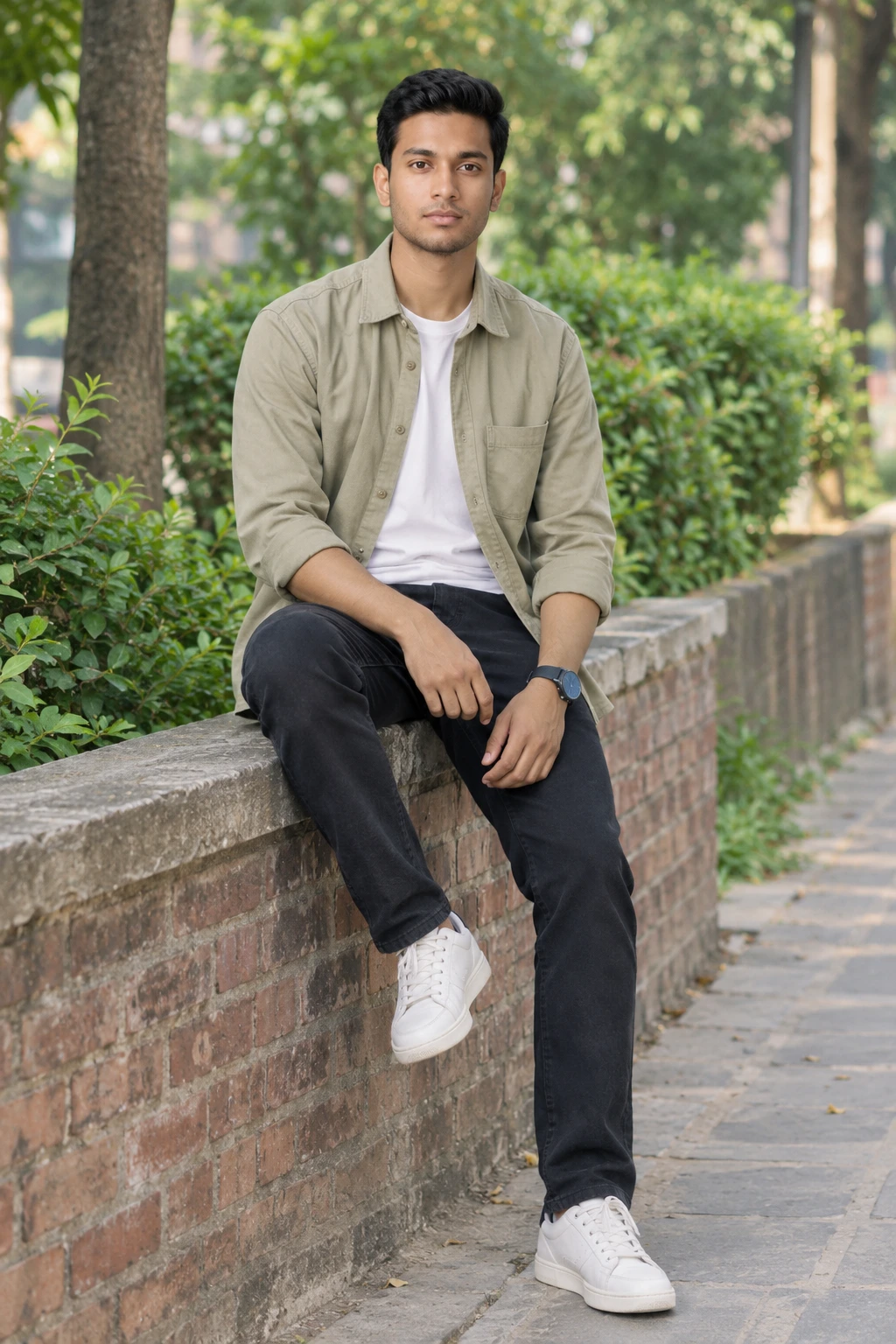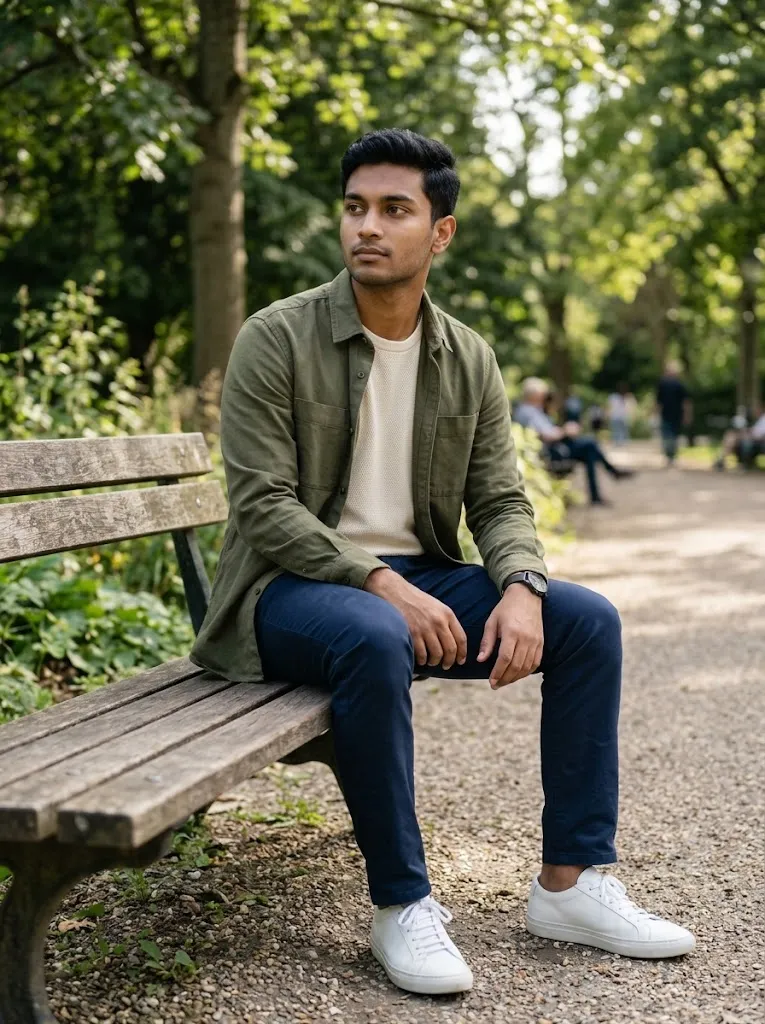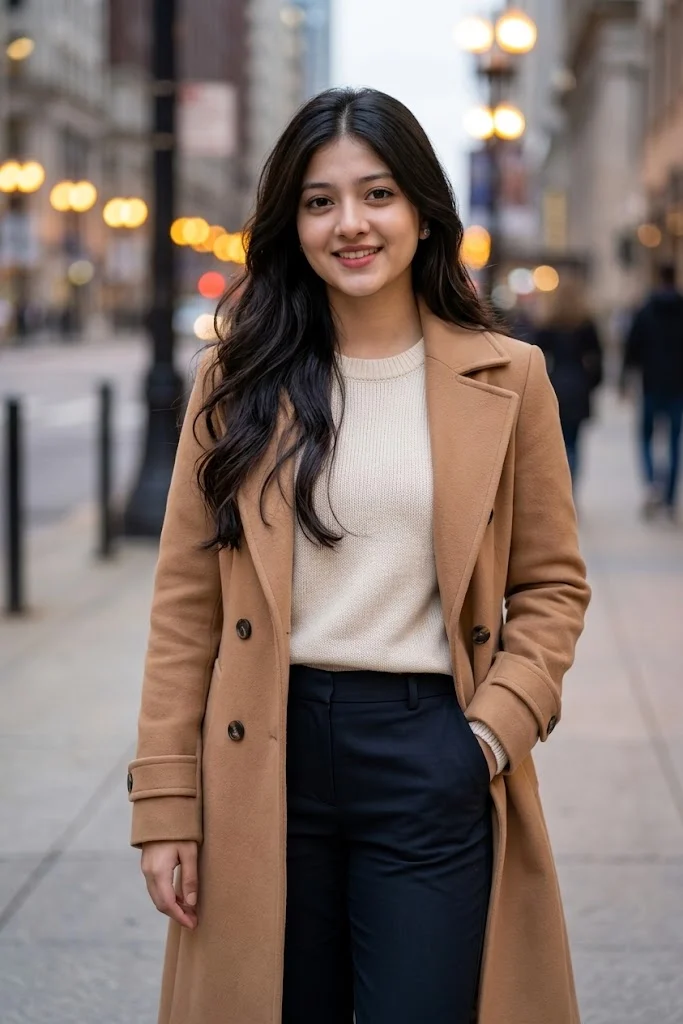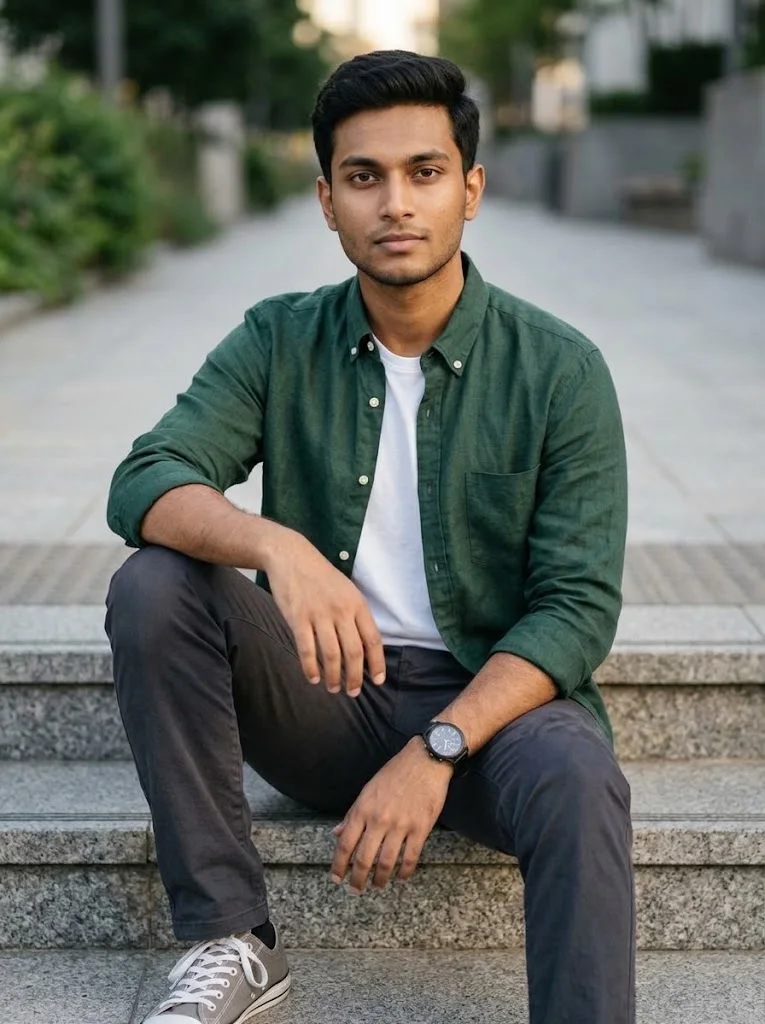
ChatGPT Rainy Window Portrait Photo Editing Prompt
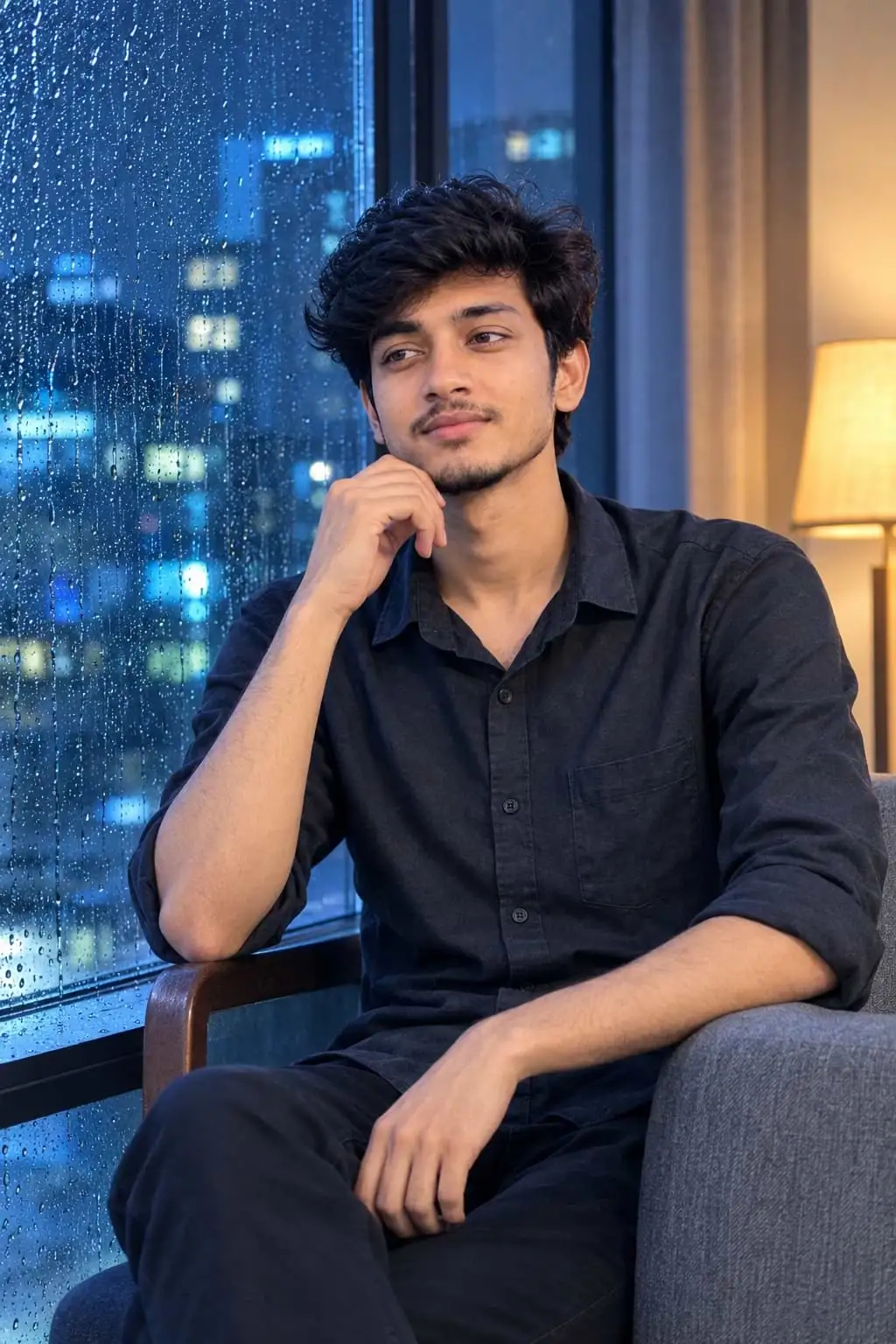
Create a cinematic rainy-night portrait from an ordinary uploaded photo using this ChatGPT image generation prompt. The generated scene features the same recognizable person sitting sideways on a modern chair beside a large rain-covered window, with one forearm resting on the chair arm and the other hand gently touching the chin.
Outside the window, blurred blue city lights and distant buildings establish a quiet nighttime apartment atmosphere. Cool blue light falls across the subject, balanced by a subtle warm interior lamp. A charcoal-grey casual shirt and dark trousers complete the understated styling.
The composition follows a vertical 9:16 waist-up format with a side-angle view, an 85mm-inspired perspective, and shallow depth of field. Realistic raindrops, midnight-blue tones, muted silver reflections, and cinematic shadows give the final image its distinctive visual character.
Available on voizet, this ChatGPT portrait prompt includes detailed identity-lock instructions to help preserve the uploaded person's original facial features, apparent age, hairstyle, facial hair, skin tone, and natural body proportions while generating an entirely new cinematic setting.
Outside the window, blurred blue city lights and distant buildings establish a quiet nighttime apartment atmosphere. Cool blue light falls across the subject, balanced by a subtle warm interior lamp. A charcoal-grey casual shirt and dark trousers complete the understated styling.
The composition follows a vertical 9:16 waist-up format with a side-angle view, an 85mm-inspired perspective, and shallow depth of field. Realistic raindrops, midnight-blue tones, muted silver reflections, and cinematic shadows give the final image its distinctive visual character.
Available on voizet, this ChatGPT portrait prompt includes detailed identity-lock instructions to help preserve the uploaded person's original facial features, apparent age, hairstyle, facial hair, skin tone, and natural body proportions while generating an entirely new cinematic setting.
📝 Prompt 1
MIDNIGHT BLUE — RAINY WINDOW CINEMATIC PORTRAIT (STABLE)

ULTRA-PHOTOREALISTIC | MOODY CINEMATIC | DARK BLUE AESTHETIC | ABSOLUTE IDENTITY LOCK

0. STABILITY RULE (READ FIRST)

Generate the same intended composition every time:

- same identity
- same seated pose
- same camera angle and framing
- same rainy window + night apartment mood
- same lighting direction

Do not invent a new face, new age, new body, or random pose variation between runs.
No beautification. No idealized model look.
If style conflicts with the real person in the reference, keep the real person unchanged.

1. ABSOLUTE IDENTITY LOCK — HIGHEST PRIORITY

EXACT ORIGINAL AGE | FACE | BODY | EVERY PHYSICAL DETAIL

Use the uploaded reference photo as the exclusive identity source.
Before generating, examine every visible facial feature and body part individually.
Reproduce the exact same recognizable real person.
Never create an approximate, beautified, idealized, or redesigned version.

1. FACE & FACIAL STRUCTURE

Preserve exact original face shape, forehead, eyes, eyebrows, eyelids, nose, cheeks, lips, jawline, chin, ears, neck, facial proportions, and natural asymmetry.
Slender face stays slender. Broad face stays broad.
Never reshape, widen, narrow, enlarge, slim, smooth, or “perfect” any facial feature.
Do not shift the face toward a generic handsome/pretty model.

2. ORIGINAL AGE — ABSOLUTE AGE LOCK

Preserve the exact apparent age in the reference photo (15, 18, 25, 40, 60, or any age).
Never make the person older, younger, more mature, or artificially youthful.

3. HAIR & HAIRLINE

Preserve original hairline, hairstyle, hair length, density, volume, texture, direction, and color.
No new haircut. No extra volume. No changed hairline.

4. MUSTACHE & BEARD — EXACT ORIGINAL AMOUNT

For male subjects only, copy facial hair exactly:

- no mustache = no mustache
- light/thin mustache = same light/thin mustache
- thick mustache = same thickness
- no beard = no beard / no fake stubble
- light beard = same light beard
- full beard = same fullness and coverage
  Keep original sideburns and boundaries.
  Never add, darken, thicken, extend, or fill facial hair.
  Light stays light. Heavy stays heavy. None stays none.

5. BODY SHAPE & EVERY BODY PART

Preserve exact natural body structure, height impression, and proportions.
Match: shoulders, chest, torso, waist, hips, upper arms, forearms, wrists, hands, fingers.

ARMS & LIMBS (CRITICAL):
If arms are thin in the reference, keep them equally thin.
Do not add even slight extra thickness, flesh, muscle, or bulk.
If limbs are full, keep the same fullness.
Thin stays thin. Full stays full.

Do not assume males must look muscular or females must look slim/curvy.

6. MALE & FEMALE NATURAL APPEARANCE

Female: no beauty enhancement, no model face/body.
Male: no extra muscle, no broader shoulders, no heavier jaw, no extra masculinity.

7. HANDS, FEET, TEETH & ACCESSORIES

Keep original hand size, finger length/thickness, and anatomy.
If teeth are visible, keep original teeth only — no extra teeth, no fake perfect smile.
Keep original watch, bangles, rings, earrings if visible.
Do not invent new accessories.

8. WHAT MAY CHANGE VS WHAT MUST NOT

MAY CHANGE: background, lighting mood, clothing (as specified below).
MUST NOT CHANGE: identity, age, face, hair, facial hair amount, body proportions, arm thickness, natural appearance.

9. FORBIDDEN

Face replacement, identity drift, lookalike face, age change, facial reshaping, beautification, thicker thin arms, added muscle, extra mustache/beard, altered hairline, invented teeth, glam makeup not in reference, plastic skin.

FINAL IDENTITY CHECK

Same person? Same age? Same face? Same hair? Same mustache/beard level? Same arm thickness?
If any answer is no, do not finalize.

CORE RULE: Reference photo is the only truth. Preserve the real person — not a prettier AI version.

2. SCENE — RAINY NIGHT WINDOW

Modern luxury apartment at night.
Subject sits beside a large glass window covered with realistic raindrops.
Outside: blurred blue city lights, distant buildings, subtle reflections on the glass.
Moody, quiet, cinematic atmosphere.
No crowded room, no extra people, no messy distractions.

3. FIXED POSE — DO NOT VARY

Every generation must use this pose:

- Subject sits sideways on a modern chair beside the window
- One forearm rests naturally on the chair arm
- The other hand gently touches the chin
- Head slightly turned toward the rainy window
- Thoughtful, calm expression — not smiling for camera, not dramatic sadness
- Shoulders relaxed
- Natural side-seated posture (not stiff, not twisted)

Hands and fingers anatomically correct.
Do not change to a front-facing studio pose.

4. CLOTHING — MAY CHANGE

Preferred outfit:

- premium charcoal-grey casual shirt
- dark trousers
- minimal, elegant, simple styling

If needed for the scene, clothing may change from the reference.
Clothing change must NOT change body shape, arm thickness, shoulders, or identity.
Keep natural fabric folds and realistic fit.
No flashy logos, no heavy accessories added.

5. LIGHTING

Soft cool-blue light from the rainy window onto the face/body.
Subtle warm interior lamp on the opposite side for gentle contrast.
Realistic window reflections and soft shadows.
Preserve original skin tone character — no beauty glow, no plastic skin.

6. CAMERA — FIXED

- Vertical 9:16
- Waist-up portrait
- Side-angle view
- Approx. 85mm look
- Shallow depth of field
- Face readable; raindrops and city lights softly visible behind
- Same framing intent every run

Do not switch to full-body or extreme close-up unless required by error recovery — default is waist-up side portrait.

7. COLOR GRADING

Midnight blue, charcoal grey, muted silver reflections, subtle warm highlights, cinematic contrast.
Keep skin natural inside this grade.
No neon overload, no heavy teal-orange Hollywood extreme.

8. NEGATIVE PROMPT

different person, face drift, beautified model face, age change, plastic skin, heavy makeup, thicker thin arms, extra muscle, extra beard, extra mustache, perfect fake smile, extra teeth, front-facing studio pose, standing pose, bright daylight, sunny window, crowded room, text, watermark, logo, cartoon, CGI look

9. FINAL PRIORITY ORDER

1. Exact original person (face, age, body, arms, hair, facial hair)
2. Fixed side-seated pose (forearm on chair arm, hand near chin, looking toward rainy window)
3. Waist-up 9:16 side-angle cinematic frame
4. Rainy window + blue city bokeh + apartment night mood
5. Charcoal-grey casual shirt + dark trousers (clothing may adapt, body must not)
6. Cool blue window light + subtle warm interior contrast

FINAL LINE:
Original identity first. No beautification. Then rainy-window cinematic mood.
Never replace the real face with a prettier cinematic model face.
Use this prompt :
ChatGPT
How to Use This Prompt
1. Upload a clear photo to ChatGPT.
2. Copy and paste the prompt into ChatGPT to generate your image.
2. Copy and paste the prompt into ChatGPT to generate your image.