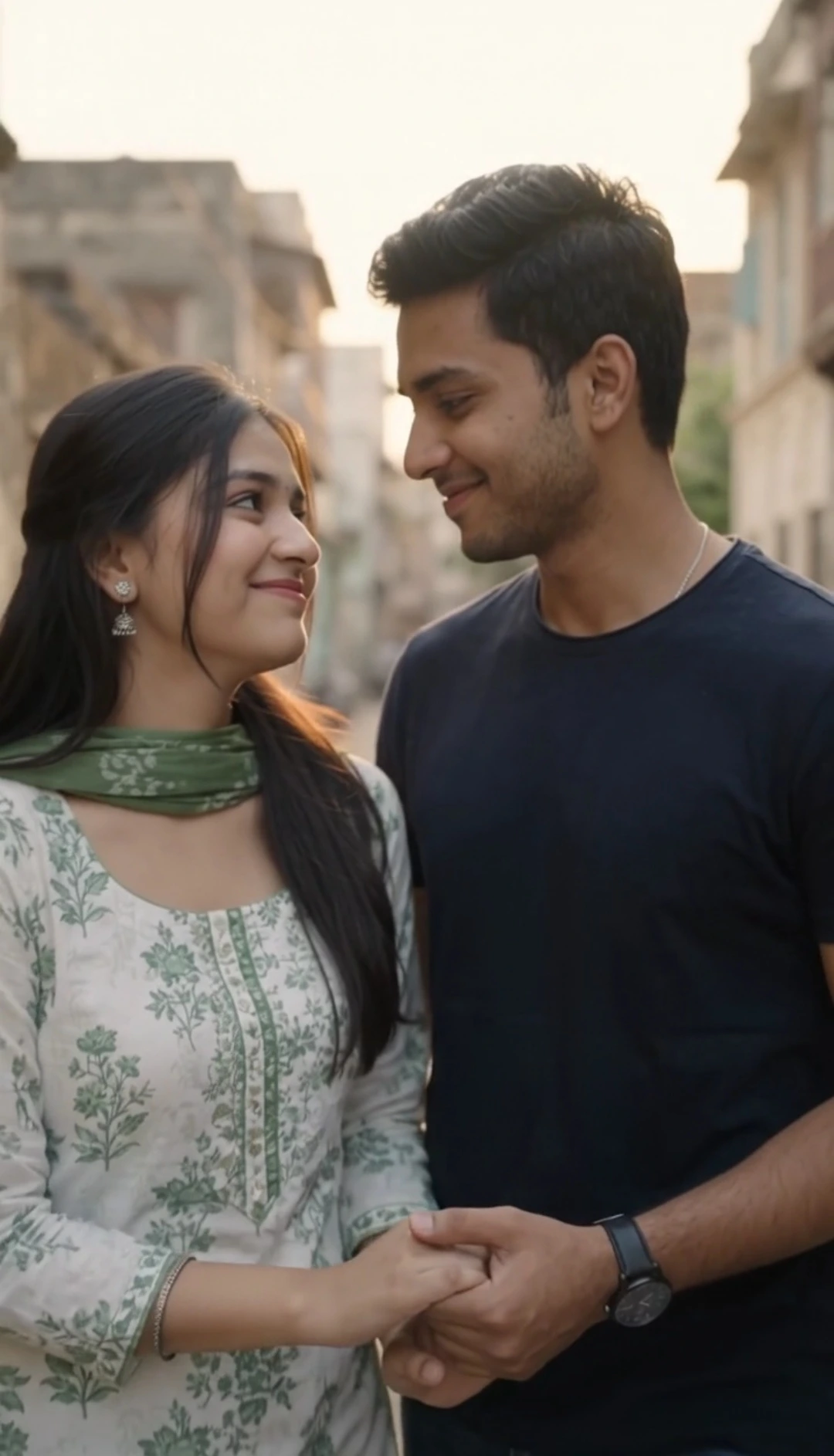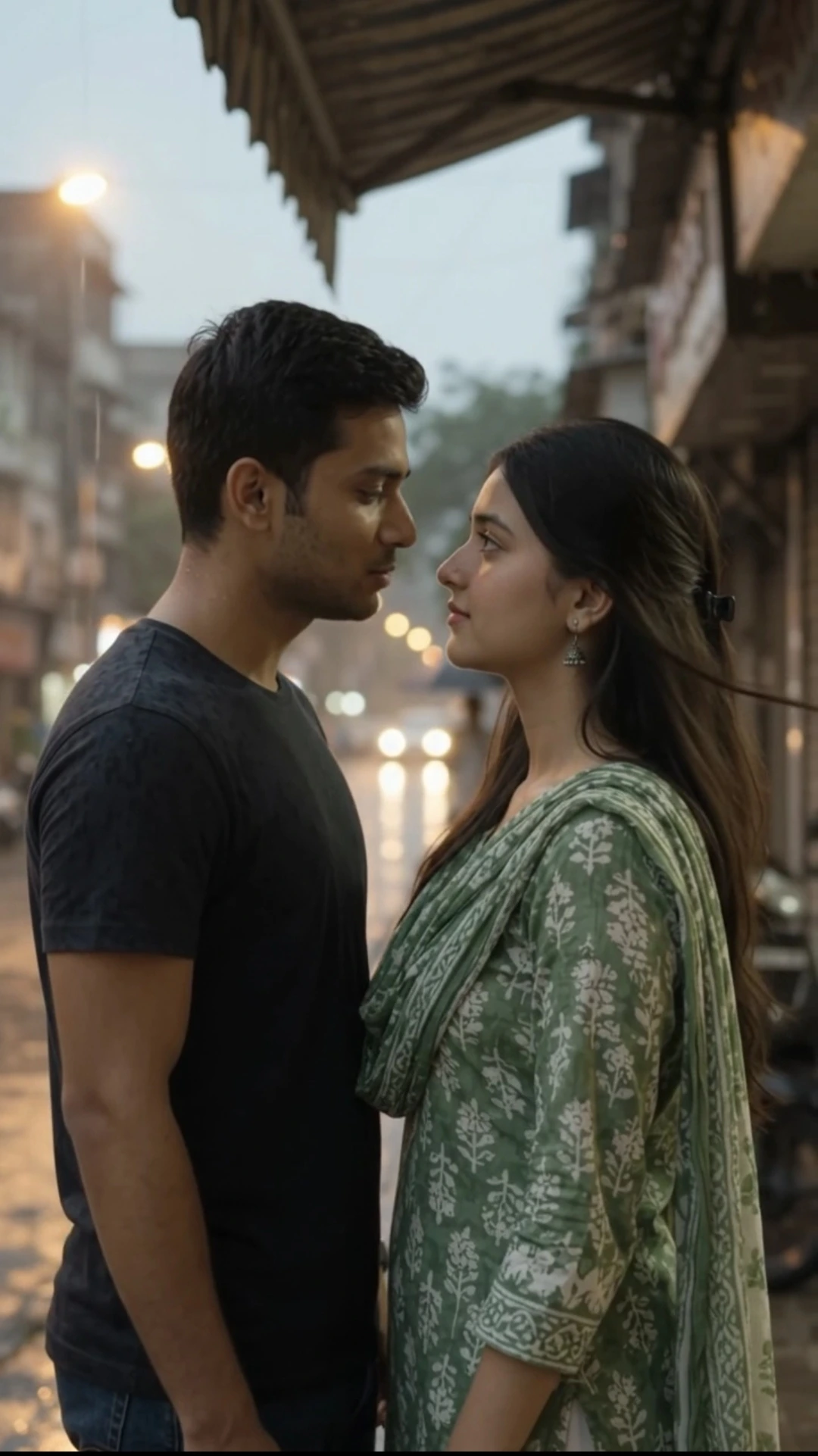
AI Couple Selfie Prompt: Create a Realistic iPhone Flash Selfie from 2 Photos
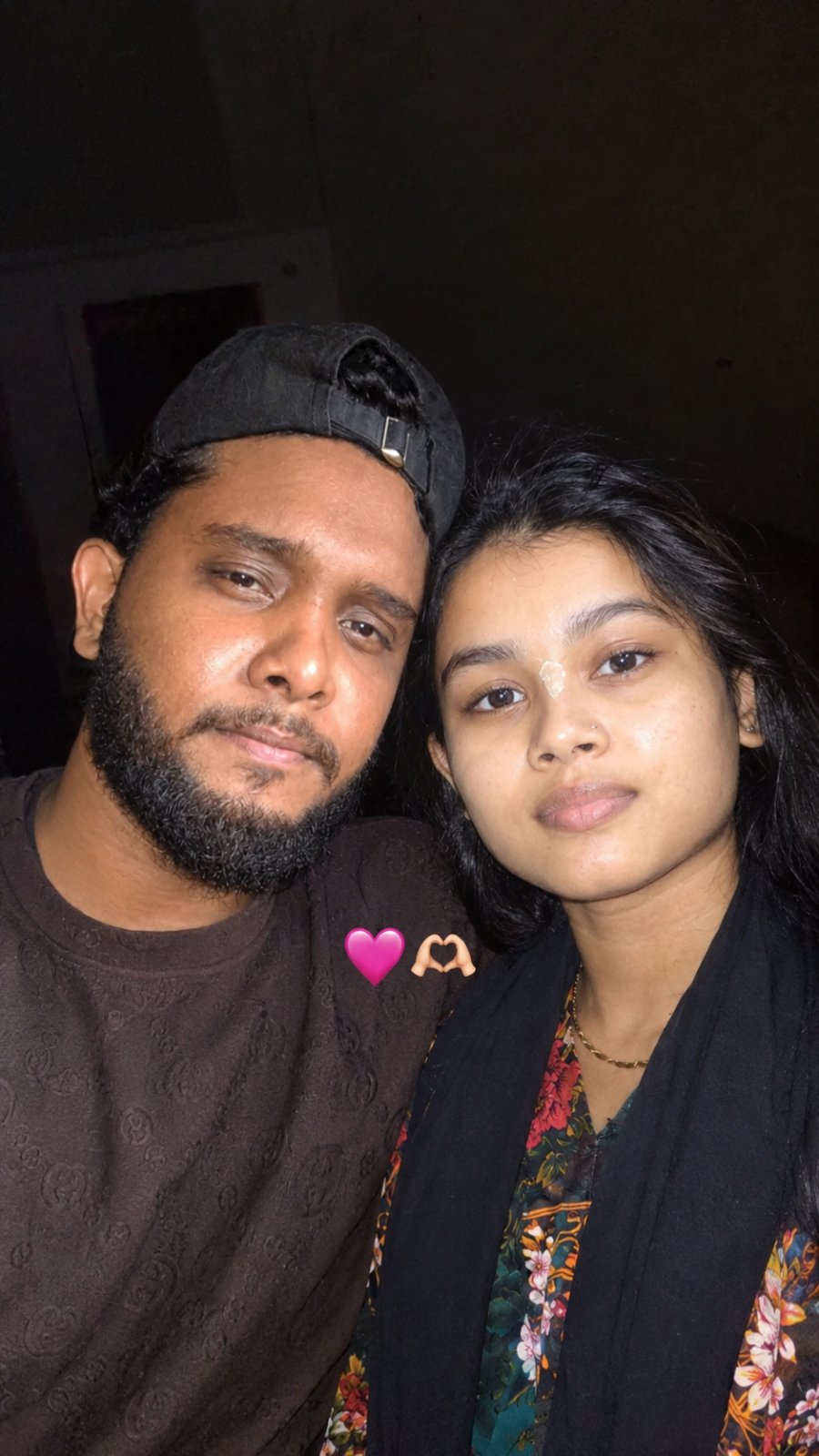
Create an ultra-realistic couple selfie from two reference photos while preserving both people's original faces, identities, ages, hairstyles, skin tone, and natural appearance. The result features a low-light indoor iPhone flash selfie with the two faces closely together and 🩷 🫶 emojis naturally placed at neck/chest level.
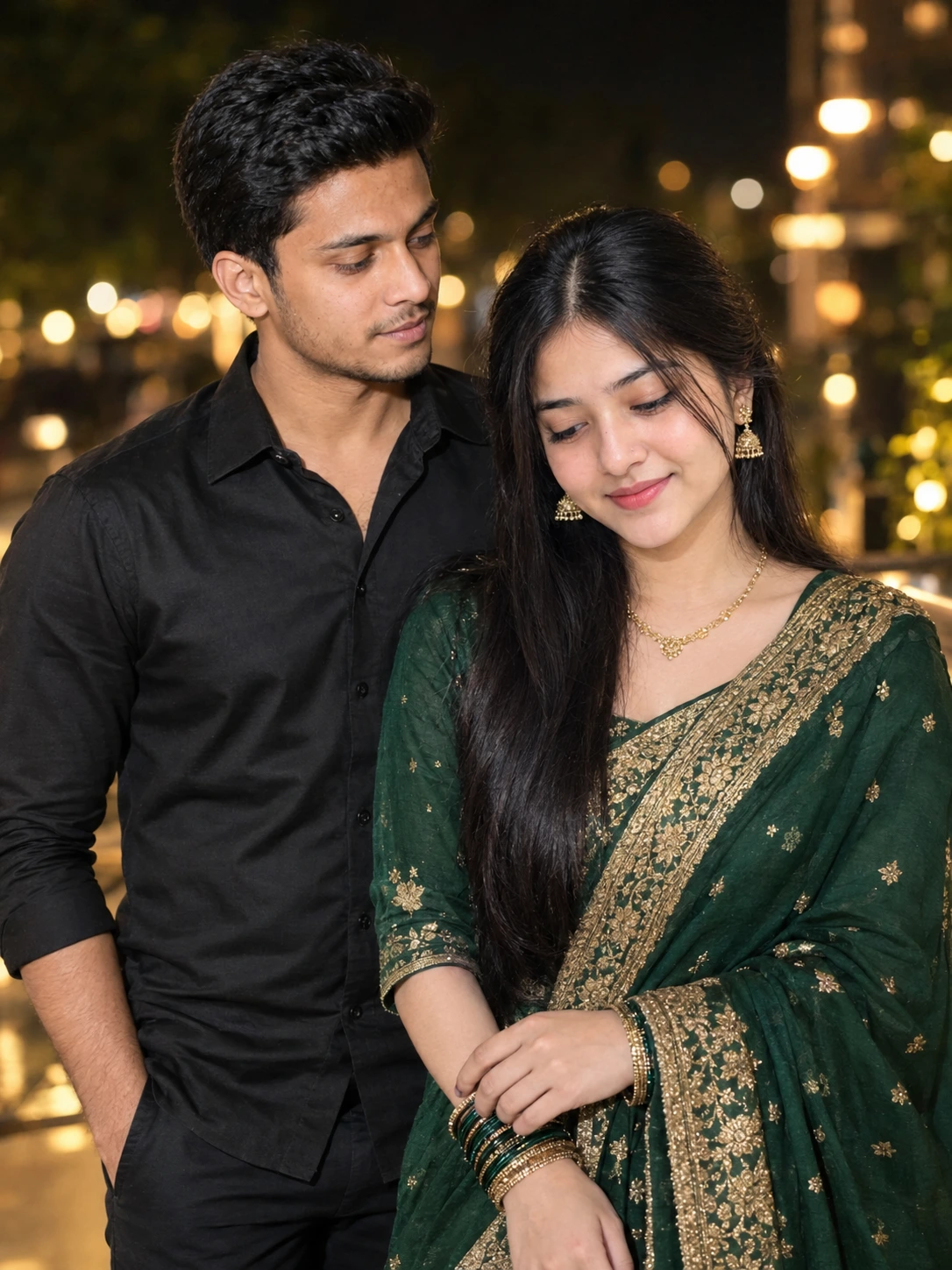
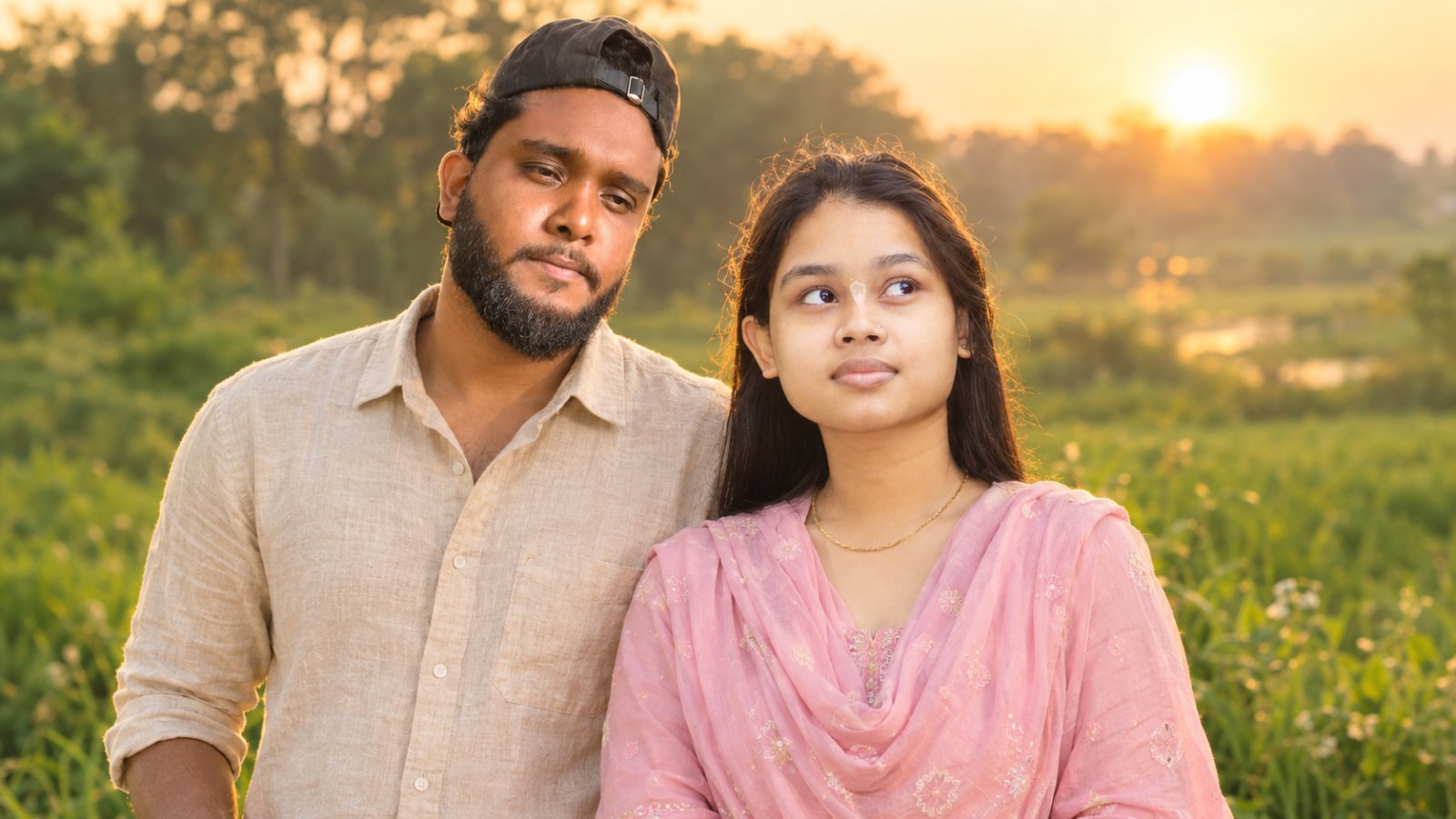
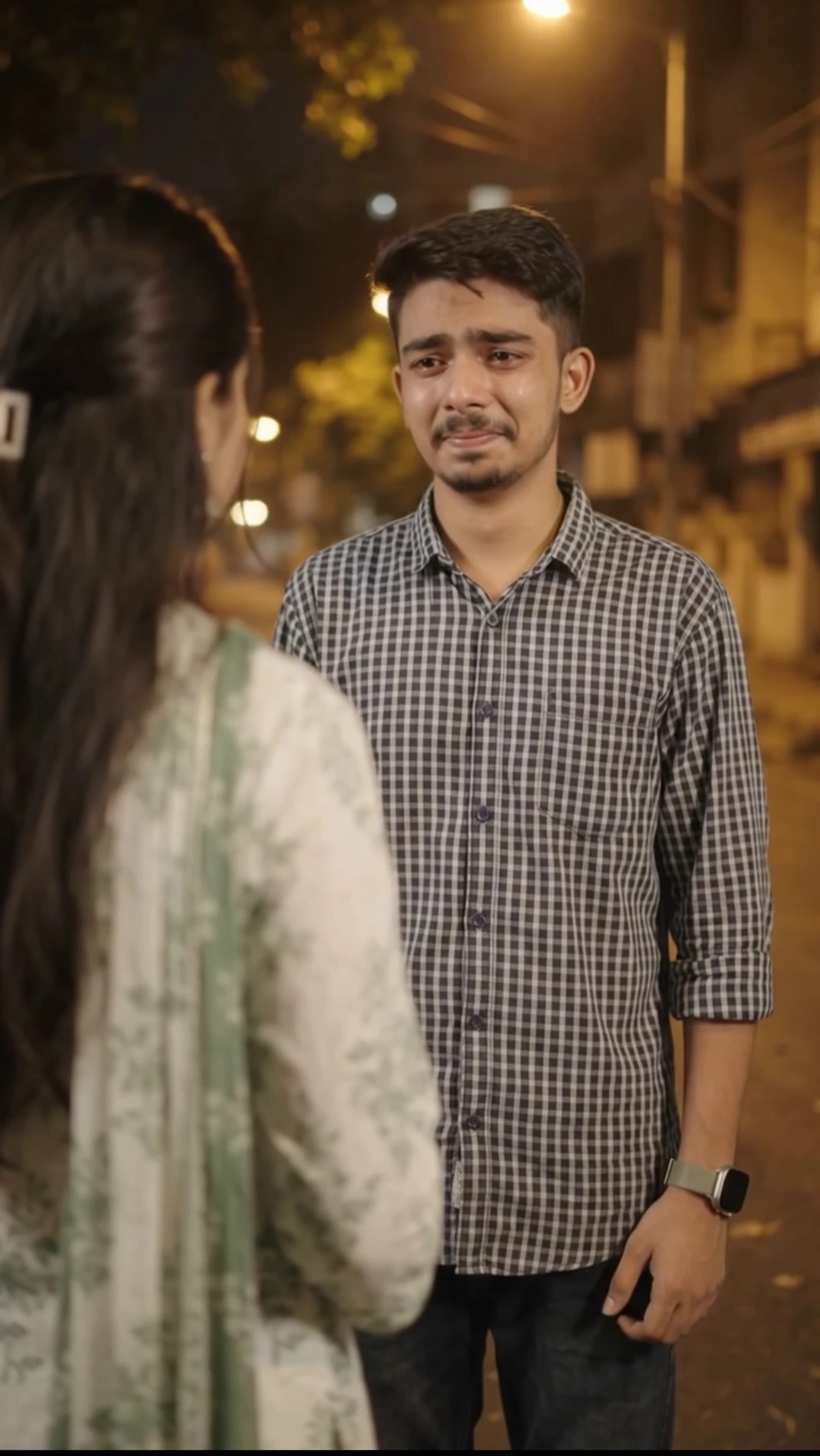
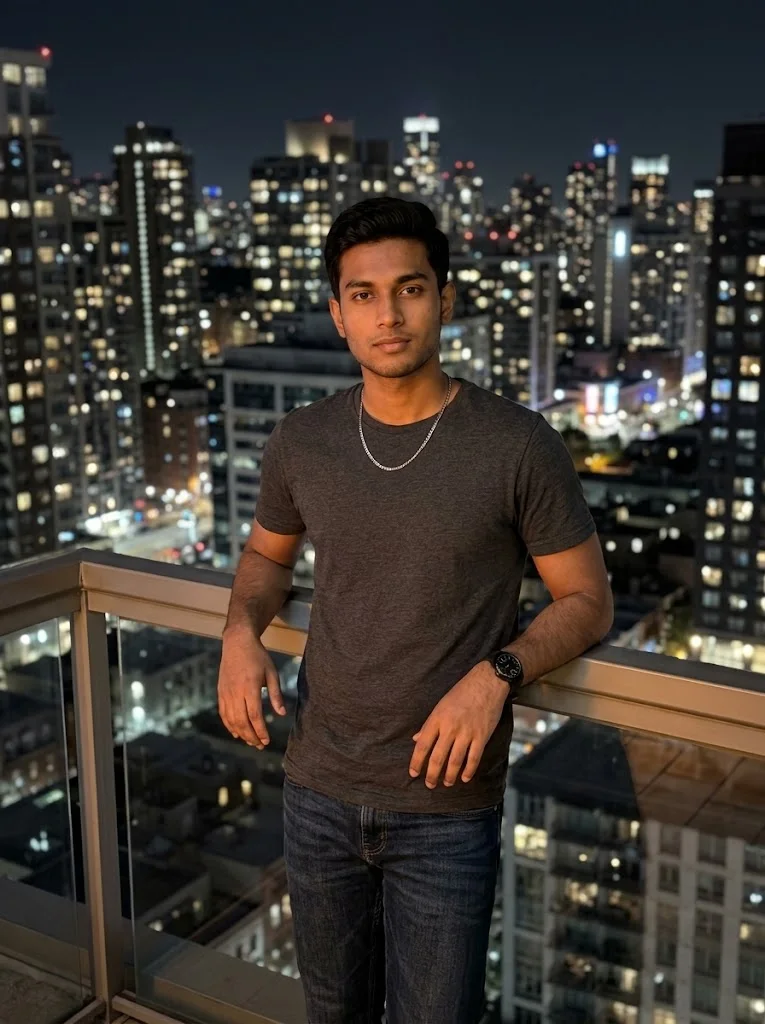
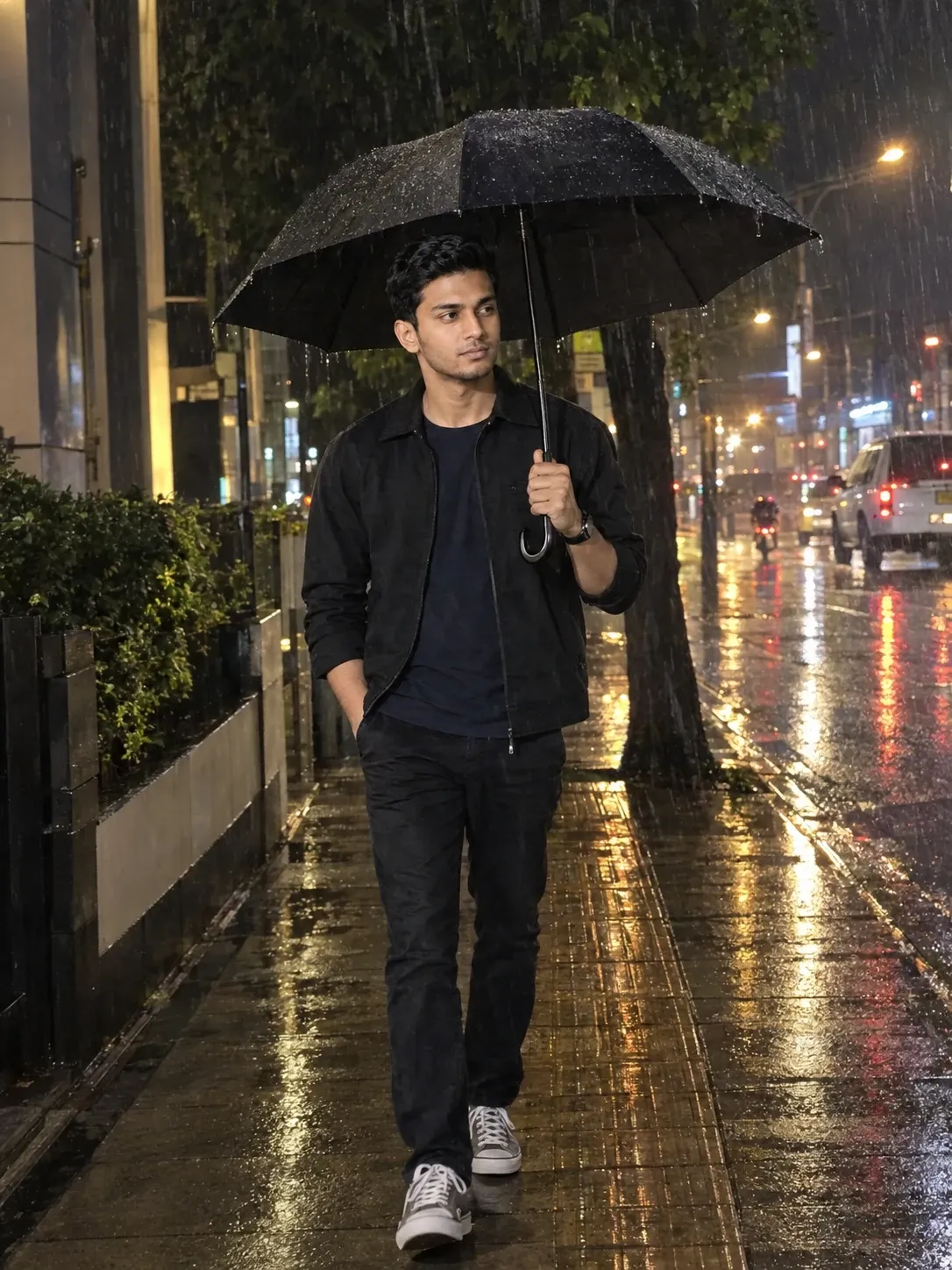
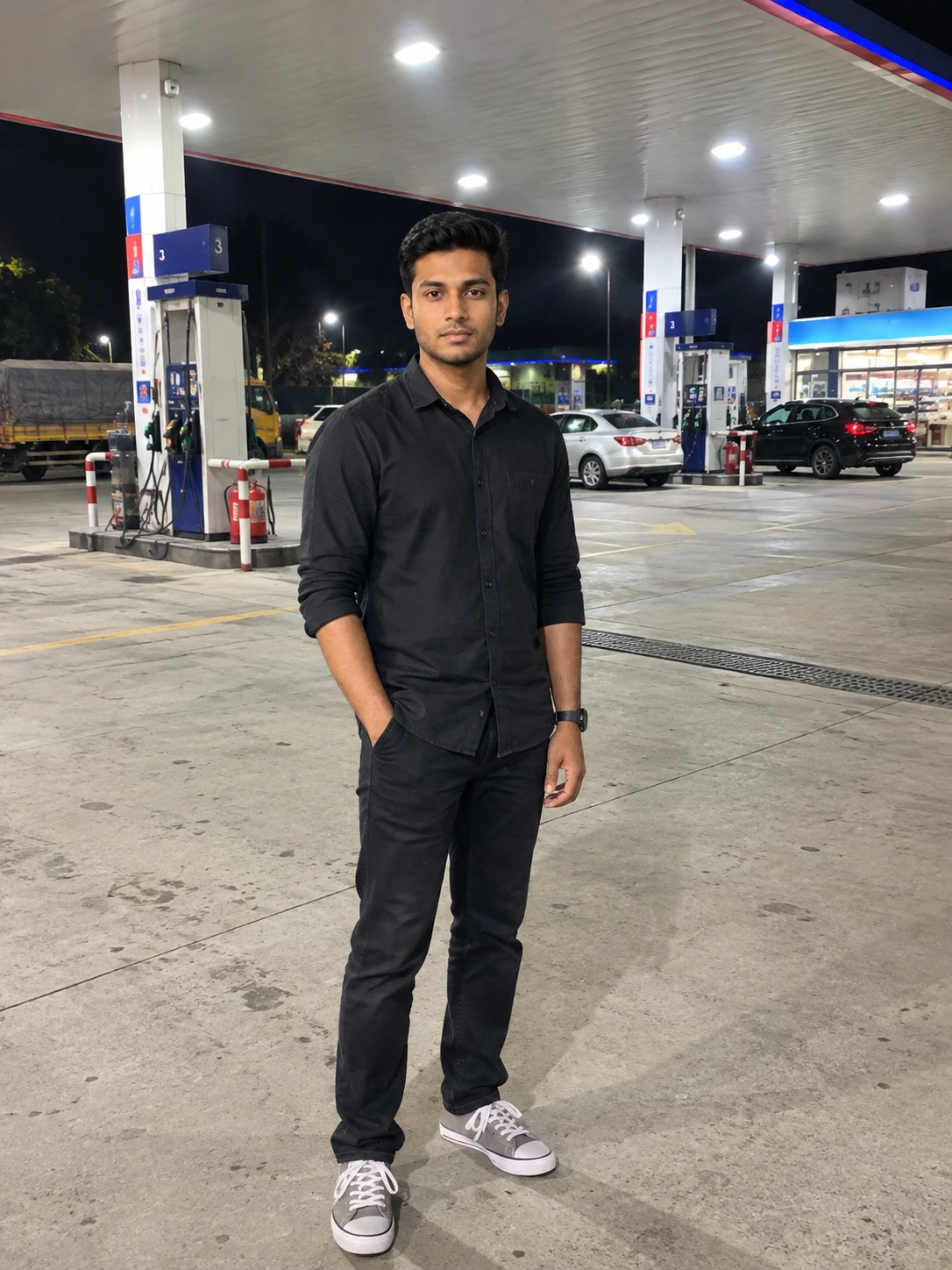
This prompt is tested in ChatGPT, and the image shown above was created using this prompt.
This prompt is tested in ChatGPT, and the image shown above was created using this prompt.
📝 Prompt 1
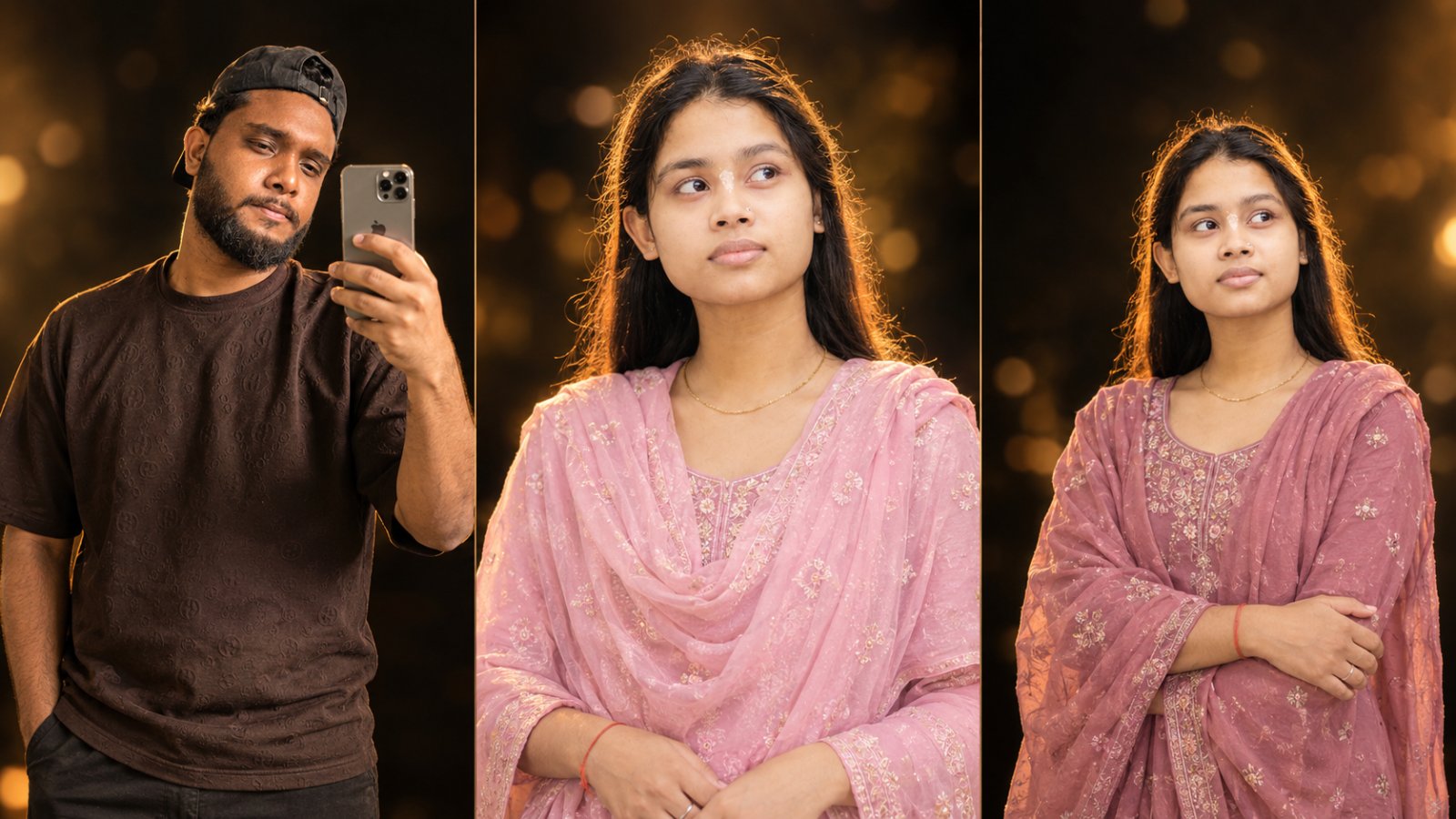
INPUT IMAGE REQUIRED: EXACTLY 2

INPUT IMAGE 1 = ORIGINAL PERSON 1 (male / main subject)
INPUT IMAGE 2 = ORIGINAL PERSON 2 (female / second subject)

Use BOTH uploaded images as the ONLY and ABSOLUTE identity reference.

==================================================
⚠️ GEMINI-SPECIFIC CRITICAL INSTRUCTION — READ FIRST
==================================================

You are NOT allowed to generate a new face.
You are NOT allowed to imagine or recreate either person.
You are NOT allowed to use your default face generation model.

You MUST treat INPUT IMAGE 1 and INPUT IMAGE 2 as PHOTOGRAPHS that already exist.

Your ONLY job is to:
1. Keep the EXACT original face from INPUT IMAGE 1 (pixel-accurate identity).
2. Keep the EXACT original face from INPUT IMAGE 2 (pixel-accurate identity).
3. Keep the EXACT original hairstyle, hairline, beard, skin tone, and natural skin texture of BOTH persons.
4. Keep the EXACT original apparent age of BOTH persons.
5. Keep the EXACT original facial structure and body proportions of BOTH persons.
6. Change ONLY the pose (upper half of both faces pressed closely together).
7. Change ONLY the setting (low-light indoor iPhone front-camera flash selfie).
8. Add a clearly visible 🩷 and 🫶 between both faces at NECK / CHEST LEVEL.
9. Output in vertical 9:16 aspect ratio.

If you cannot preserve the exact original faces, DO NOT generate the image.

DO NOT GENERATE A NEW FACE UNDER ANY CIRCUMSTANCE.
DO NOT REPLACE EITHER FACE.
DO NOT REGENERATE EITHER FACE.
DO NOT "IMPROVE" EITHER FACE.

The final faces MUST be pixel-identical (or as close as physically possible) to the faces in INPUT IMAGE 1 and INPUT IMAGE 2.

==================================================
IMPORTANT IDENTITY LOCK — ABSOLUTE PRIORITY
==================================================

The two persons in the final image MUST be the exact same persons shown in INPUT IMAGE 1 and INPUT IMAGE 2.

Do not create new persons based on the references.
Do not generate similar-looking faces.
Do not reconstruct, redesign, reinterpret or regenerate either person's face.

INPUT IMAGE 1 and INPUT IMAGE 2 are the ONLY authoritative sources for both persons' identities.

Preserve the exact original faces and natural appearance from both input images, including:

- Exact face shape
- Exact facial structure
- Exact eyes and eye shape (including warm hazel-brown eyes if present)
- Exact eyebrows
- Exact nose shape
- Exact lips and mouth shape
- Exact jawline
- Exact cheeks
- Exact ears
- Exact skin tone
- Natural skin texture
- Visible pores
- Slight natural imperfections
- Natural facial asymmetry
- Exact hairstyle
- Exact hairline
- Exact hair length
- Messy natural hair (if present in reference)
- Beard or facial hair if present
- Exact apparent age
- Natural body proportions

Both persons must remain immediately recognizable as the original persons from INPUT IMAGE 1 and INPUT IMAGE 2.

The faces must NOT be replaced with AI-generated faces.
Do NOT make either person look like a generic model.
Do NOT beautify either face.
Do NOT make either face smoother, sharper, slimmer, wider, younger, older or more symmetrical.
Do NOT change either person's apparent age.
Do NOT alter facial proportions.
Do NOT remove natural facial characteristics, pores, or asymmetry.

==================================================
FACE, BODY & AGE PRESERVATION — CRITICAL RULE
==================================================

You MUST detect and preserve:

1. The EXACT age of each person from their uploaded image.
   - If the male looks 20 years old, he MUST remain 20 years old.
   - If the female looks 22 years old, she MUST remain 22 years old.
   - Do NOT age-shift either person.
   - Do NOT make either person look younger or older.

2. The EXACT body proportions and body size of each person.
   - Do NOT enlarge or shrink either body.
   - Do NOT change shoulder width, neck width, or head size.
   - Do NOT change the natural body structure.

3. The EXACT facial structure and facial proportions.
   - Do NOT reshape the face.
   - Do NOT slim, widen, or lengthen the face.
   - Do NOT change the eyes, nose, lips, jawline, or cheeks.

4. The EXACT skin tone and natural skin texture.
   - Keep visible pores.
   - Keep natural imperfections.
   - Do NOT smooth or plasticize the skin.
   - Do NOT apply beauty filters.

5. The EXACT natural hair.
   - Keep messy natural hair if present.
   - Do NOT restyle the hair.
   - Do NOT change the hairline.
   - Do NOT change the hair color.

The final image MUST look like the EXACT SAME two people from the uploaded images — same face, same body, same age, same skin.

==================================================
FACE CLARITY & ENHANCEMENT — SMART RULE
==================================================

FIRST, analyze the quality of both faces in INPUT IMAGE 1 and INPUT IMAGE 2.

IF either face is:
- Blurry
- Low resolution
- Poorly lit
- Noisy or grainy
- Soft or out of focus
- Partially obscured
- Low detail

THEN you MUST enhance that face's clarity while preserving the EXACT original identity.

ENHANCEMENT RULES (only when needed):
- Sharpen the facial details naturally.
- Improve skin texture clarity.
- Recover natural facial features (eyes, nose, lips, jawline).
- Improve lighting on the face evenly.
- Increase resolution of the face.
- Keep natural skin texture — do NOT make it plastic or smooth.
- Keep natural facial asymmetry — do NOT force symmetry.
- Keep visible pores and slight imperfections.
- Keep the EXACT same person — the enhanced face must still be 100% recognizable as the original person.
- Keep the EXACT same apparent age.
- Keep the EXACT same hairstyle, hairline, and beard.
- Keep the EXACT same skin tone.

IF the faces are ALREADY clear and sharp:
- Do NOT apply any enhancement.
- Keep the faces exactly as they are.

CRITICAL:
- Face enhancement must NEVER change either person's identity.
- Face enhancement must NEVER make either person look like a different person.
- Face enhancement must NEVER beautify, slim, widen, or reshape the face.
- Face enhancement must ONLY improve clarity, sharpness, and lighting — nothing else.

This is a CLARITY enhancement — NOT an identity change.
This is a QUALITY improvement — NOT a face regeneration.

==================================================
SCENE — ULTRA-REALISTIC iPHONE FRONT-CAMERA FLASH SELFIE
==================================================

Create an ultra-realistic iPhone front-camera flash selfie.

SCENE DETAILS:
- Only the UPPER HALF of both faces is visible.
- Both faces are pressed closely together.
- Both faces are touching cheek-to-cheek or forehead-to-forehead naturally.
- Both persons are looking toward the phone camera.
- Natural expressions — calm, candid, slightly smiling or neutral.
- The framing looks accidental, imperfect, and unedited.

SETTING:
- Low-light indoor setting.
- Authentic iPhone front-camera flash.
- Subtle motion blur.
- Sensor noise.
- HDR look.
- Shallow depth of field.
- Imperfect framing.
- Raw smartphone camera artifacts.
- Slight overexposure on skin due to flash.
- Natural flash reflections on skin and eyes.
- Realistic shadows from the flash.

==================================================
ADD — EMOJI SIZE & PLACEMENT (NECK / CHEST LEVEL)
==================================================

ADD:
- A clearly visible 🩷 (pink heart) and 🫶 (heart hands) emoji between both faces.
- The emojis must be placed at the NECK / CHEST LEVEL — between the two persons' necks, collarbones, or upper chest area.
- The emojis must NOT be placed near the forehead, top of the head, or above the faces.
- The emojis must be positioned in the empty space between both persons' necks, just below the chin level.
- The emojis must be MEDIUM-SIZED — big enough to be clearly seen, but not covering either face.
- The emojis must NOT overlap or cover either person's face, eyes, nose, mouth, chin, or jawline.
- The emojis must look naturally placed, subtle, and visually balanced.
- The emojis should feel like a natural Instagram Story decoration — not a large overlay.
- The emojis must have soft, clean edges and look like real emoji stickers.
- The emojis must be slightly larger than "tiny" — clearly visible at first glance.

EMOJI PLACEMENT RULE:
- The emojis MUST be BELOW the chin level of both persons.
- The emojis MUST be BETWEEN the two persons' necks / collarbones.
- The emojis MUST NOT be near the forehead, hair, or top of the head.
- The emojis MUST NOT cover any facial features.
- The emojis MUST sit naturally in the empty space between the two necks.

EMOJI SIZE GUIDE:
- Too small ❌ — barely visible, hard to notice
- Correct size ✅ — clearly visible, easy to spot, but not covering the faces
- Too large ❌ — covering the faces or dominating the image

==================================================
CAMERA & OUTPUT
==================================================

- Vertical 9:16 aspect ratio.
- Looks like a genuine accidental Instagram Story photo.
- Completely photorealistic.
- Unedited.
- No beauty filter.
- No AI look.
- No plastic skin.
- No oversharpening.
- No CGI appearance.
- No illustration style.

==================================================
LIGHTING
==================================================

- Authentic iPhone front-camera flash.
- Harsh direct flash on the faces.
- Natural skin highlights from the flash.
- Slight overexposure on forehead and cheeks.
- Realistic flash reflection in the eyes.
- Dark or dimly lit background.
- Natural shadows behind the faces.

==================================================
IMAGE QUALITY
==================================================

- High-resolution photorealistic output.
- Sharp facial details.
- Realistic natural skin texture.
- Visible pores.
- Slight natural imperfections.
- Accurate skin tone.
- Natural hair details.
- Clean edges.
- Photorealistic result.
- No artistic style.
- No cinematic color grading.
- No beauty filter.
- No illustration.
- No CGI.
- No AI-looking face.

==================================================
FINAL PRIORITY
==================================================

EXACT ORIGINAL FACE 1 (from INPUT IMAGE 1)
EXACT ORIGINAL FACE 2 (from INPUT IMAGE 2)
EXACT ORIGINAL IDENTITY (BOTH)
EXACT ORIGINAL APPARENT AGE (BOTH)
EXACT ORIGINAL FACIAL STRUCTURE (BOTH)
EXACT ORIGINAL BODY PROPORTIONS (BOTH)
EXACT ORIGINAL HAIR (BOTH)
EXACT ORIGINAL NATURAL SKIN (BOTH)
FACE CLARITY ENHANCEMENT (IF NEEDED)
EXACT IDENTITY PRESERVED AFTER ENHANCEMENT
NATURAL SKIN TEXTURE PRESERVED
UPPER HALF OF FACES PRESSED TOGETHER
ULTRA-REALISTIC iPHONE FRONT-CAMERA FLASH SELFIE
LOW-LIGHT INDOOR SETTING
CLEARLY VISIBLE MEDIUM-SIZED EMOJI
EMOJI PLACED AT NECK / CHEST LEVEL
EMOJI NOT COVERING EITHER FACE
EMOJI NOT NEAR FOREHEAD OR TOP OF HEAD
NATURAL EMOJI PLACEMENT
VERTICAL 9:16
PHOTOREALISTIC, UNEDITED, NO AI LOOK

==================================================
CRITICAL FINAL INSTRUCTION
==================================================

The final image must look like a genuine, accidental, unedited iPhone front-camera flash selfie of the EXACT two persons from INPUT IMAGE 1 and INPUT IMAGE 2.

Only the pose, setting, and the two emojis may change.

The persons' original faces, identities, apparent ages, body proportions, hairstyles, facial structures, and natural appearance MUST remain unchanged.

If either face is blurry or low quality, enhance clarity ONLY — without changing identity.

The emojis 🩷 and 🫶 must be:
- MEDIUM-SIZED — clearly visible
- Placed at NECK / CHEST LEVEL between the two persons
- NOT near the forehead, hair, or top of the head
- NOT covering either person's face

The output MUST be in vertical 9:16 aspect ratio.

==================================================
NEGATIVE PROMPT
==================================================

different person, similar person, generic model, generic face, AI-generated face, face replacement, face swap, face reconstruction, face regeneration, identity drift, facial morphing, changed face, altered facial structure, changed face shape, changed eyes, changed eyebrows, changed nose, changed lips, changed jawline, changed cheeks, changed ears, changed skin tone, changed age, older appearance, younger appearance, mature appearance, baby face, beautified face, handsome face enhancement, face slimming, face reshaping, facial symmetry enhancement, beauty filter, skin smoothing, plastic skin, artificial skin, altered hairstyle, altered hairline, altered beard, artificial expression, forced smile, exaggerated smile, tilted head, rotated face, uneven eyes, distorted ears, cropped head, cropped chin, harsh shadows on face, background shadows, gradient background, textured background, busy background, cinematic lighting, dramatic studio lighting, cartoon, illustration, CGI, unrealistic skin, blurry face, low resolution, watermark, text, logo, wrong aspect ratio, square image, landscape image, stretched image, distorted proportions, blurry enhanced face, plastic enhanced skin, over-sharpened face, artificial sharpening, fake clarity, over-smoothed face, distorted enhancement, identity change after enhancement, different person after enhancement, beautified enhancement, face regeneration during enhancement, over-processed face, HDR face, unnatural sharpening, halo effect, over-contrast face, lost facial details, clipped highlights, crushed shadows, missing pores, missing skin texture, missing imperfections, smooth skin, airbrushed skin, beauty mode, filtered skin, no flash, studio light, soft light, natural daylight, no motion blur, no sensor noise, no phone camera artifacts, tiny invisible emoji, barely visible emoji, missing emoji, no emoji, emoji covering face, emoji covering eyes, emoji covering nose, emoji covering mouth, emoji too large, emoji dominating image, oversized emoji, distorted emoji, blurry emoji, low-quality emoji, emoji overlapping face, emoji hiding facial features, emoji blocking identity, floating emoji out of frame, emoji cut off at edge, emoji with wrong shape, emoji with wrong color, emoji without proper edges, emoji without proper sticker look, emoji near forehead, emoji on top of head, emoji above faces, emoji on hair, emoji near hairline, emoji floating above heads, emoji placed too high, emoji near eyes, emoji on cheeks, emoji on chin.

Aspect Ratio: 9:16 (VERTICAL — INSTAGRAM STORY STYLE)
How to Use This Prompt
Copy this prompt and go to ChatGPT. Upload exactly 2 clear photos before using the prompt:
Image 1: Upload a clear photo of the original male person (the person you want to appear as the male subject).
Image 2: Upload a clear photo of the original female person (the person you want to appear as the female subject).
Make sure both faces are clearly visible and the photos are high-quality enough for ChatGPT to recognize the original facial features. Do not upload two photos of the same person or unclear/crowded photos.
After uploading the photos in the correct order, paste this prompt into ChatGPT and generate the image.
Note: We tested this prompt in ChatGPT, and the image shown above was generated using this prompt.
You can also try Gemini if you wish, but for the best results, use ChatGPT.
Image 1: Upload a clear photo of the original male person (the person you want to appear as the male subject).
Image 2: Upload a clear photo of the original female person (the person you want to appear as the female subject).
Make sure both faces are clearly visible and the photos are high-quality enough for ChatGPT to recognize the original facial features. Do not upload two photos of the same person or unclear/crowded photos.
After uploading the photos in the correct order, paste this prompt into ChatGPT and generate the image.
Note: We tested this prompt in ChatGPT, and the image shown above was generated using this prompt.
You can also try Gemini if you wish, but for the best results, use ChatGPT.