Flow AI Beach Drone Travel Video Prompt
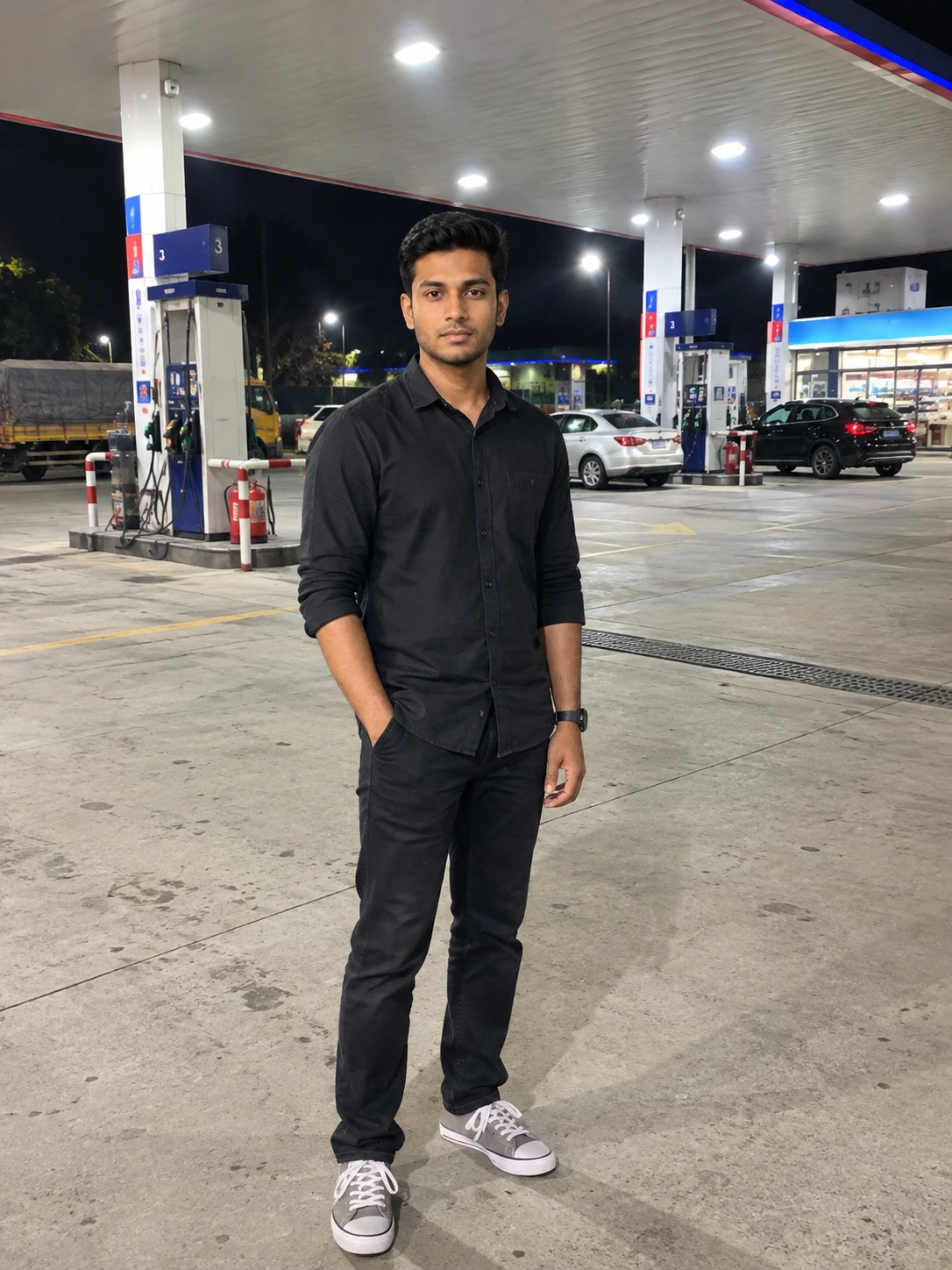
Create an ultra-realistic vertical beach travel video using your uploaded photo as the exclusive identity reference. The video features two connected scenes with smooth drone-camera movements, natural body language, and gentle Hindi romantic travel music.
In the first scene, the man remains in his original standing position, looks briefly at the controller and then toward the camera, and operates the controller as the camera moves smoothly backward and slightly upward. A cinematic whip-pan transition leads into the second scene, where the camera approaches from above and performs a smooth circular 360-degree orbit around him. He naturally turns to follow the camera, smiles, and waves with one hand while holding the controller in the other.
Preserve the person's recognizable facial features, natural skin texture, hairstyle, facial hair, apparent age, body shape, and proportions as closely as possible. The camera must represent the drone's viewpoint throughout the video; no physical drone should appear.
One continuous Hindi romantic instrumental soundtrack with gentle acoustic guitar, soft piano, and a light rhythmic beat must begin on the very first frame and continue uninterrupted until the end. Keep the established second-scene camera movement, transition, wave, framing, and ending unchanged. No dialogue, vocals, subtitles, logos, or watermarks.
In the first scene, the man remains in his original standing position, looks briefly at the controller and then toward the camera, and operates the controller as the camera moves smoothly backward and slightly upward. A cinematic whip-pan transition leads into the second scene, where the camera approaches from above and performs a smooth circular 360-degree orbit around him. He naturally turns to follow the camera, smiles, and waves with one hand while holding the controller in the other.
Preserve the person's recognizable facial features, natural skin texture, hairstyle, facial hair, apparent age, body shape, and proportions as closely as possible. The camera must represent the drone's viewpoint throughout the video; no physical drone should appear.
One continuous Hindi romantic instrumental soundtrack with gentle acoustic guitar, soft piano, and a light rhythmic beat must begin on the very first frame and continue uninterrupted until the end. Keep the established second-scene camera movement, transition, wave, framing, and ending unchanged. No dialogue, vocals, subtitles, logos, or watermarks.
📝 Prompt 1
{
"project": "Cox's Bazar Beach — Two-Scene Drone Travel Video",
"duration": "10 seconds",
"aspect_ratio": "9:16",
"style": "Ultra-realistic natural drone travel footage",

"identity_lock": {
"reference": "Use the uploaded photo as the only identity reference.",
"pre_generation_analysis": "Before generating the video, carefully analyze the input photo's original facial geometry and identity: face width-to-length ratio, forehead, temples, cheekbones, cheeks, jawline, chin, eye shape and spacing, eyebrows, nose shape, lips, ears, skin tone, hairline, hairstyle, facial hair, and natural skin texture. Also analyze body build, shoulder width, body proportions, and apparent height wherever visible. Reproduce these original characteristics faithfully instead of inventing or redesigning them.",
"preserve": "The exact same original person, original face, apparent age, hairstyle, facial hair, skin tone, body shape, height, and proportions in every frame and both scenes.",
"forbidden": "No face replacement, lookalike, beautification, face reshaping, body reshaping, age change, artificial skin smoothing, or identity drift. Do not invent new facial features when the camera moves."
},

"scene_1": {
"time": "0-4 seconds",
"action": "Keep the existing standing position and natural controller interaction unchanged. He briefly looks at the controller, looks back toward the drone camera, and operates the controller to send the camera smoothly farther away. He stays in the same spot.",
"camera": "Keep the existing front-facing drone-camera POV, moving smoothly backward and slightly upward.",
"strict_drone_rule": "The camera itself represents the drone's viewpoint. NEVER show any physical drone, extra drone, second drone, propellers, drone shadow, drone reflection, or third-person drone shot. Only the man, beach, and ocean may be visible.",
"music": "START the background music at exactly 0.0 seconds, on the very first video frame. Music must already be playing while the first scene begins. Use natural, sweet, melodic Hindi romantic travel music with gentle acoustic guitar, soft piano, and a light rhythmic beat. It must be clearly audible throughout seconds 0-4, not delayed until the transition or second scene."
},

"transition": {
"time": "4.0-4.5 seconds",
"effect": "Keep the exact same smooth cinematic whip-pan transition, subtle directional motion blur, and brief natural light sweep. Do not change the existing transition. No physical drone may appear."
},

"scene_2": {
"time": "4.5-10 seconds",
"action": "KEEP THE EXISTING SUCCESSFUL SCENE EXACTLY UNCHANGED. The drone camera approaches from above and performs the same smooth overhead circular 360-degree orbit around the man. He naturally turns in place to follow the camera, smiles, and waves hello with one hand while holding the controller in the other. Preserve the existing timing, movement, wave, orbit, framing, and ending.",
"camera": "Do not redesign, replace, shorten, or otherwise modify the existing successful camera movement.",
"strict_drone_rule": "Drone-mounted camera POV only. The physical drone must never be visible."
},

"audio": {
"start": "0.0 seconds, first frame of Scene 1",
"end": "10.0 seconds, end of Scene 2",
"track": "One continuous, natural Hindi romantic travel music track. Gentle acoustic guitar, soft piano, a pleasant melody, and a light modern beat. No remix, no aggressive electronic drops, and no abrupt musical changes.",
"critical_continuity": "The SAME music track must already be audible from the first frame of Scene 1. Continue it uninterrupted through Scene 1, the transition, and Scene 2. Do not start the music at 4.5 seconds. Do not leave Scene 1 silent. Do not restart or replace the track at the transition.",
"mixing": "Keep the background music clearly audible and consistent from 0-10 seconds. Ocean ambience must not replace, mute, or overpower the music.",
"subject_voice": "The man must not speak, sing, hum, or lip-sync. No dialogue and no voice-over."
},

"global_negative_constraints": [
"No physical drone or extra drone visible anywhere.",
"Background music must begin at 0.0 seconds, not in Scene 2.",
"No silent first scene.",
"No changes to the successful Scene 2, its orbit, transition, wave, timing, or ending.",
"No changes to the original face, facial geometry, identity, apparent age, body shape, or proportions.",
"No extra scenes, camera cuts, subtitles, text, logos, or watermarks."
],

"final_priority": "Keep the existing video actions and successful Scene 2 unchanged. Start gentle, natural Hindi romantic travel music from the very first frame and continue it without interruption until the final frame. Never show a physical drone. Carefully preserve the input photo's original facial geometry and physical appearance; generate the same recognizable person, not an AI interpretation or lookalike."
}
Use this prompt :
Google Flow AI
How to Use This Prompt
1. Open Google Flow AI, start a new video project, and select Video mode.
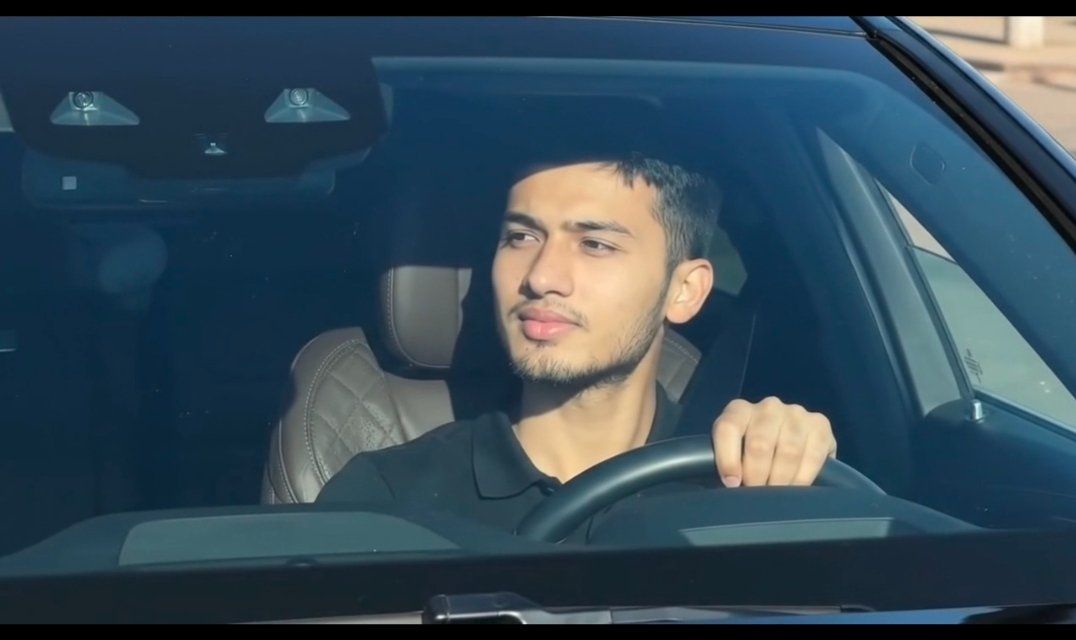
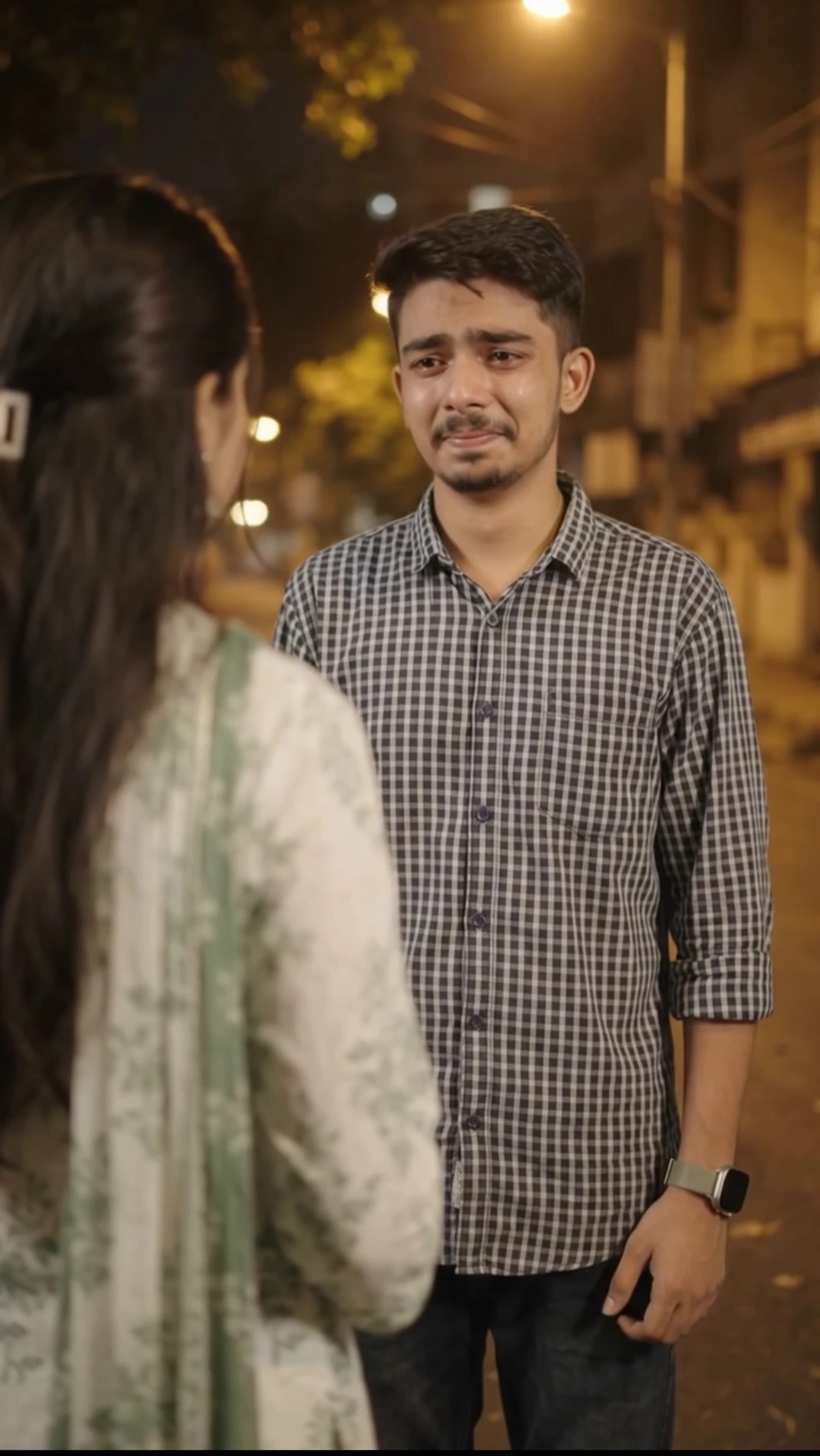
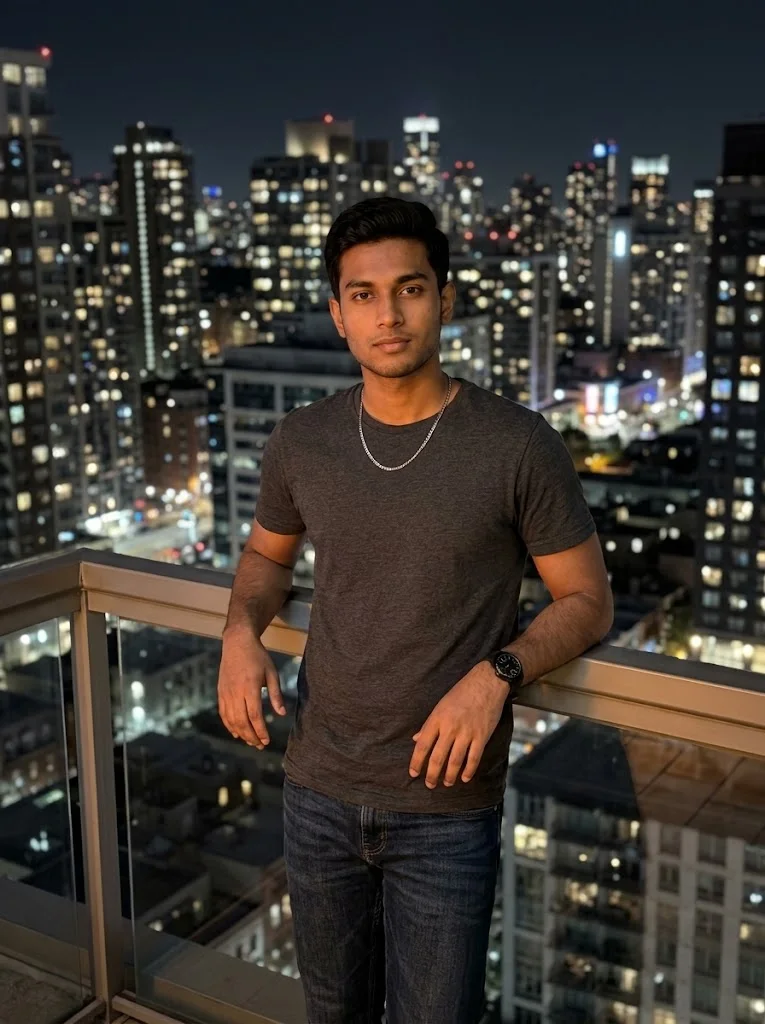
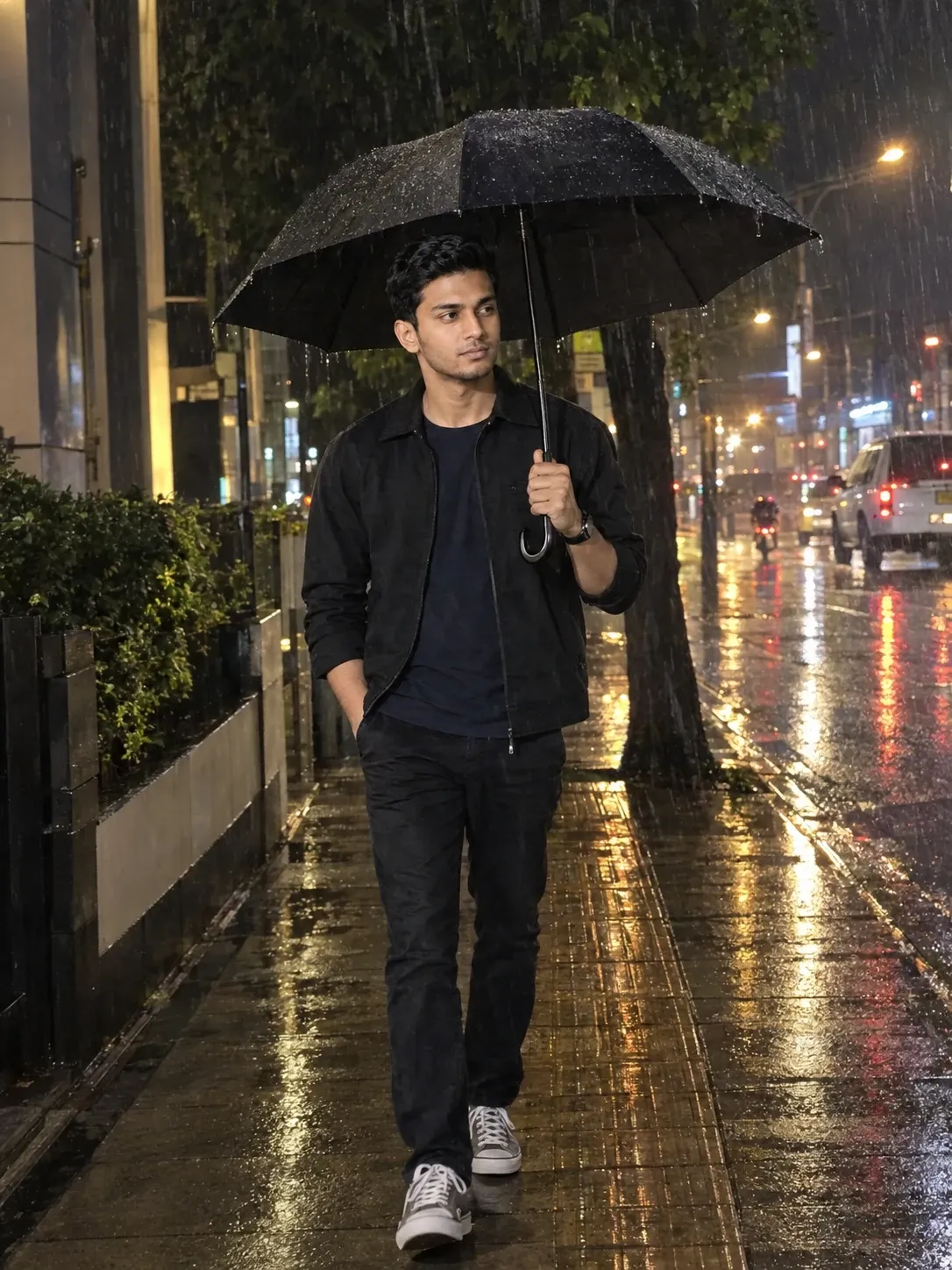
2. Upload your original photo as the only identity reference. Choose a sharp, clear, high-resolution photo where your face is fully visible.
3. IMPORTANT — USE A CLEAR FACE PHOTO:
Use a well-lit image with clearly visible eyes, eyebrows, nose, lips, jawline, hairstyle, and other facial details. Avoid blurry, pixelated, dark, low-resolution, or heavily filtered photos.
If your face is unclear in the uploaded image, Flow AI may struggle to match your original appearance. The generated face could look different from you, particularly when the camera moves or changes angle. A clear reference image improves the chance of better face matching, although exact identity preservation cannot be guaranteed.
4. If these settings are available in your Flow AI interface, select the Omni Flash model, 720p resolution, vertical 9:16 aspect ratio, 1x speed, and a 10-second duration.
5. Copy and paste the complete beach drone travel video prompt into Flow AI. Keep all identity-preservation instructions and the requirements for both scenes.
6. Pay special attention to the audio instructions. The same Hindi romantic instrumental music must start at 0.0 seconds, from the very first frame, and continue without interruption through the transition and second scene. The first scene must not be silent.
7. Generate the video and check that the camera moves backward and upward in the first scene, then performs the intended circular 360-degree orbit in the second scene. The man should smile and wave while holding the controller in his other hand.
8. Confirm that no physical drone appears anywhere in the video and that the existing transition, second-scene movement, wave, framing, and ending remain as intended.
9. Review the face and audio carefully. If the face does not match well, try a clearer original photo and refine the relevant instructions. Results may vary depending on the reference image and Flow AI model.
2. Upload your original photo as the only identity reference. Choose a sharp, clear, high-resolution photo where your face is fully visible.
3. IMPORTANT — USE A CLEAR FACE PHOTO:
Use a well-lit image with clearly visible eyes, eyebrows, nose, lips, jawline, hairstyle, and other facial details. Avoid blurry, pixelated, dark, low-resolution, or heavily filtered photos.
If your face is unclear in the uploaded image, Flow AI may struggle to match your original appearance. The generated face could look different from you, particularly when the camera moves or changes angle. A clear reference image improves the chance of better face matching, although exact identity preservation cannot be guaranteed.
4. If these settings are available in your Flow AI interface, select the Omni Flash model, 720p resolution, vertical 9:16 aspect ratio, 1x speed, and a 10-second duration.
5. Copy and paste the complete beach drone travel video prompt into Flow AI. Keep all identity-preservation instructions and the requirements for both scenes.
6. Pay special attention to the audio instructions. The same Hindi romantic instrumental music must start at 0.0 seconds, from the very first frame, and continue without interruption through the transition and second scene. The first scene must not be silent.
7. Generate the video and check that the camera moves backward and upward in the first scene, then performs the intended circular 360-degree orbit in the second scene. The man should smile and wave while holding the controller in his other hand.
8. Confirm that no physical drone appears anywhere in the video and that the existing transition, second-scene movement, wave, framing, and ending remain as intended.
9. Review the face and audio carefully. If the face does not match well, try a clearer original photo and refine the relevant instructions. Results may vary depending on the reference image and Flow AI model.