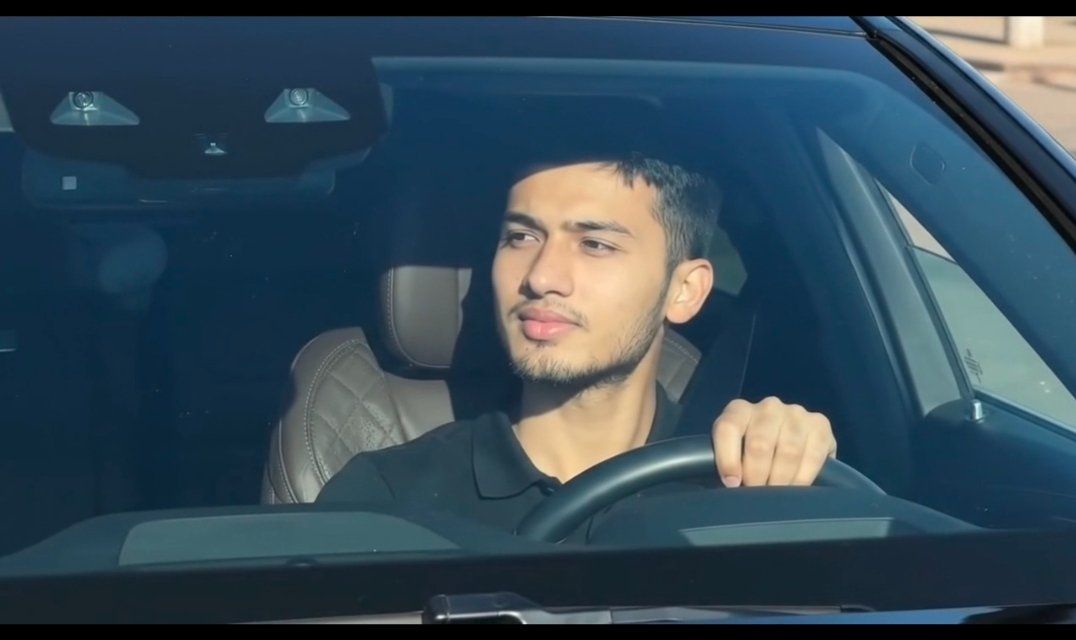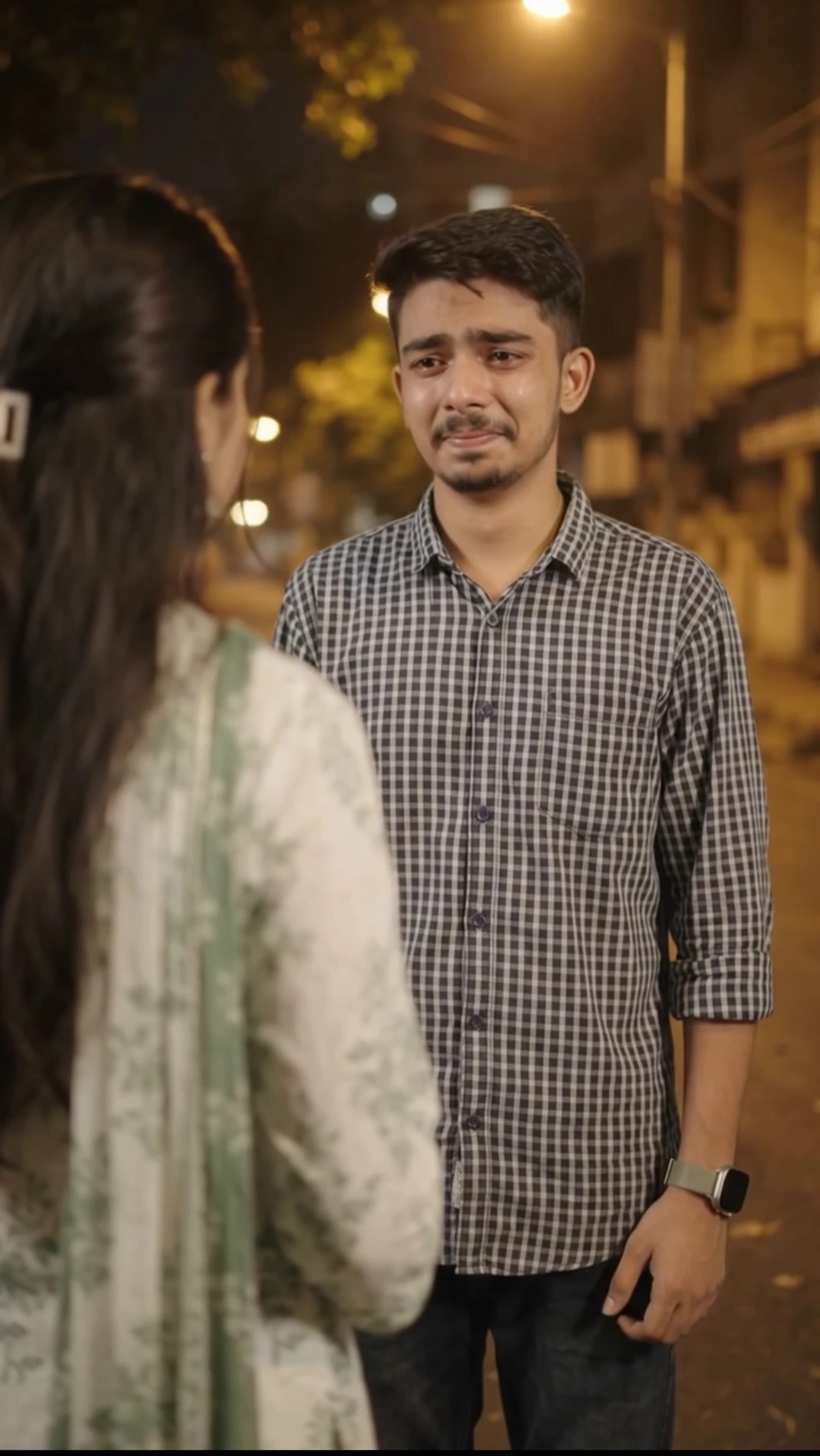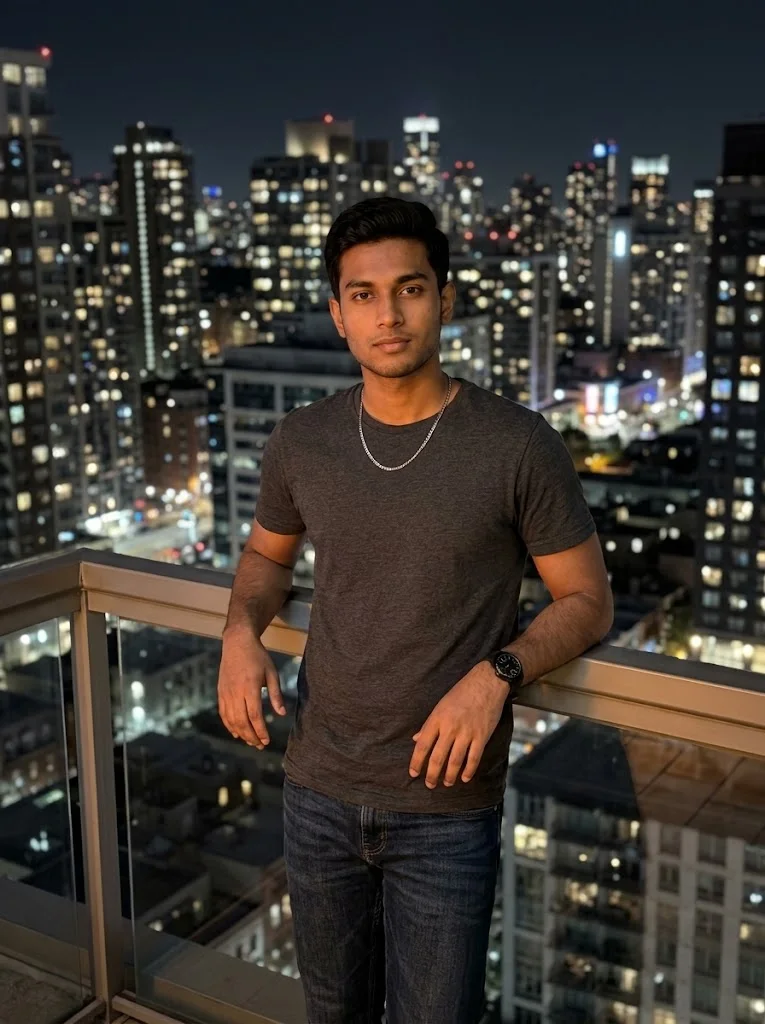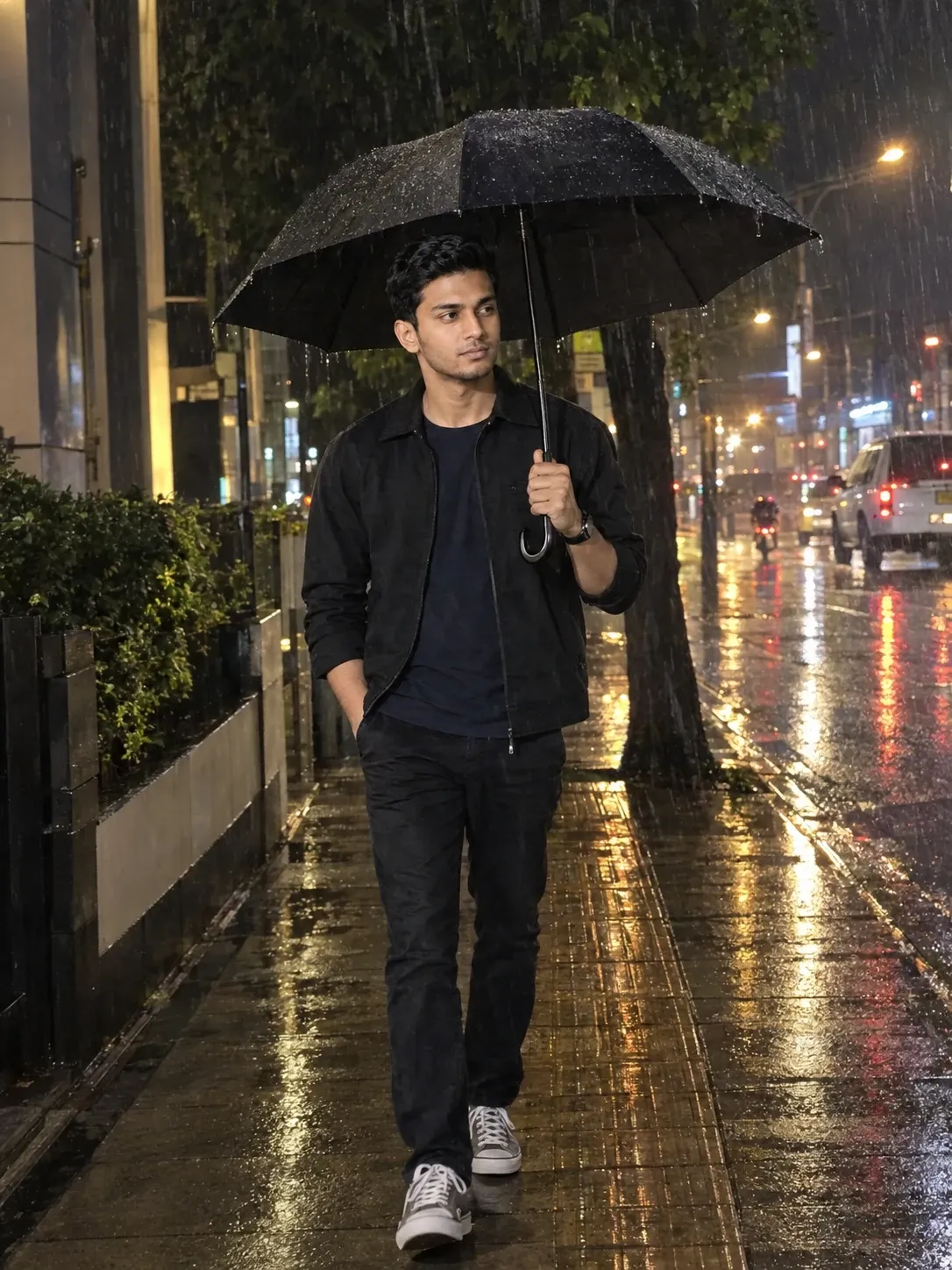
How to make Cinematic Video With Flow Ai Prompt | Cinematic Video Prompt
Want to turn two separate photos into a short cinematic love story?
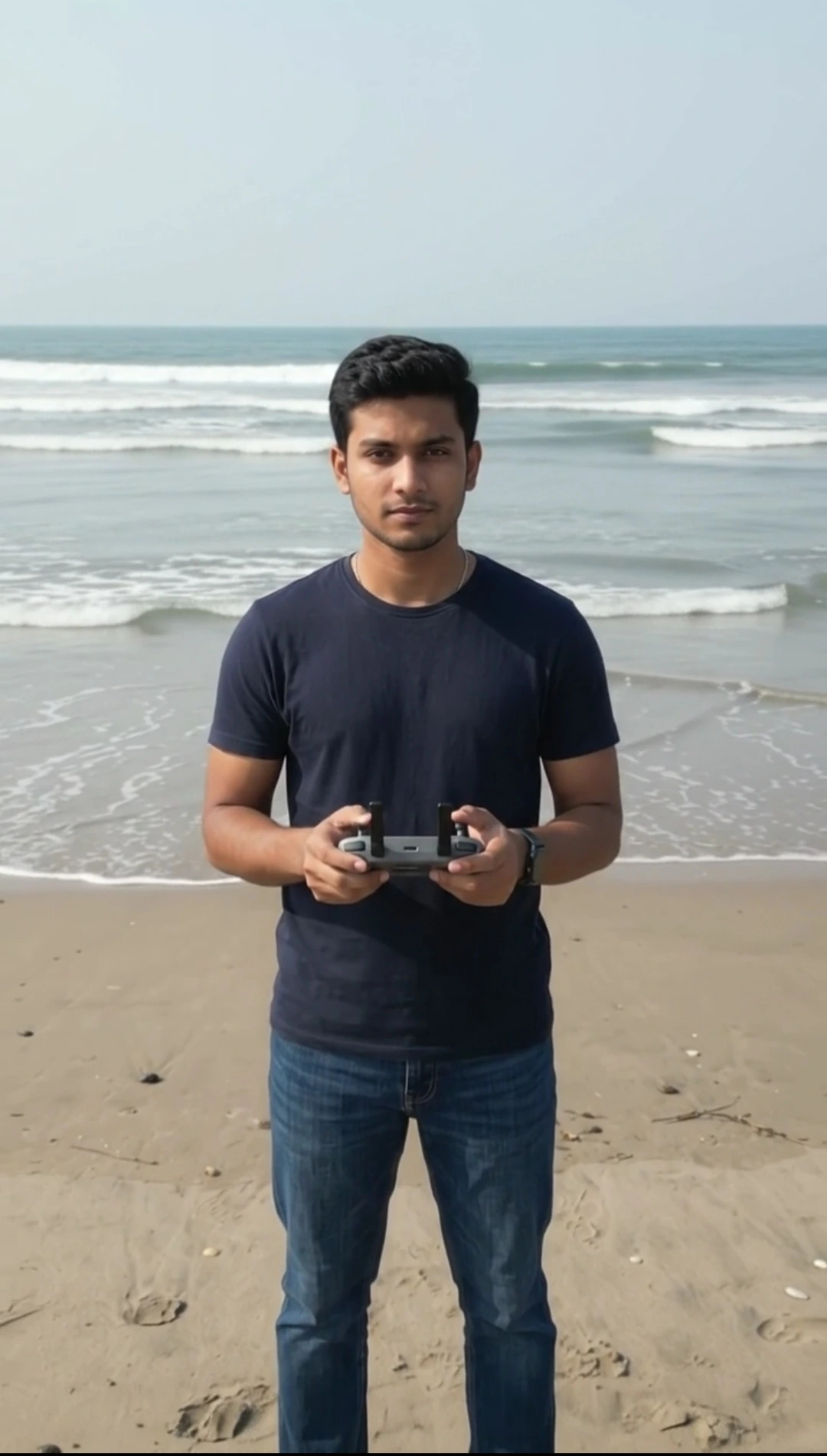
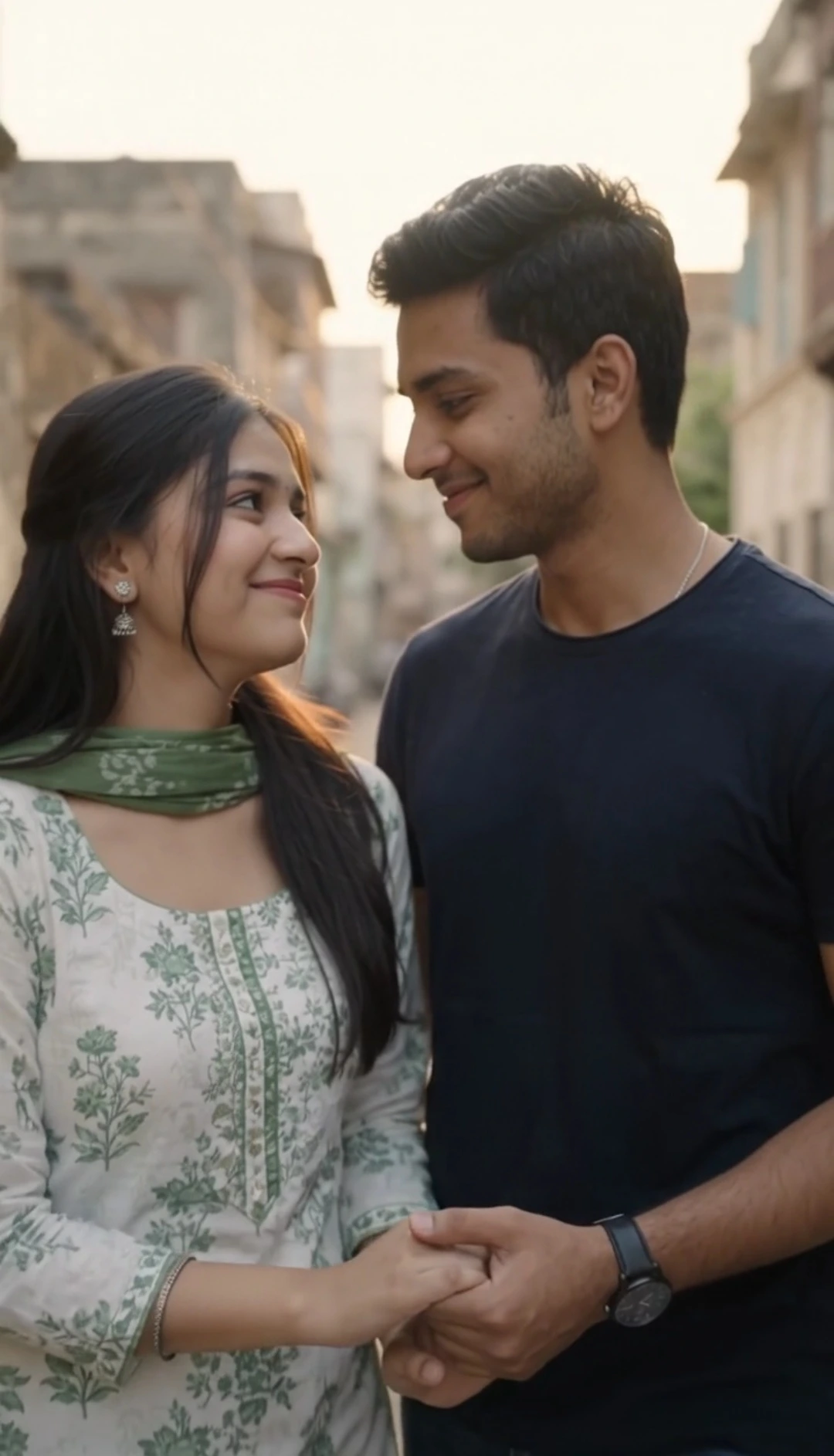
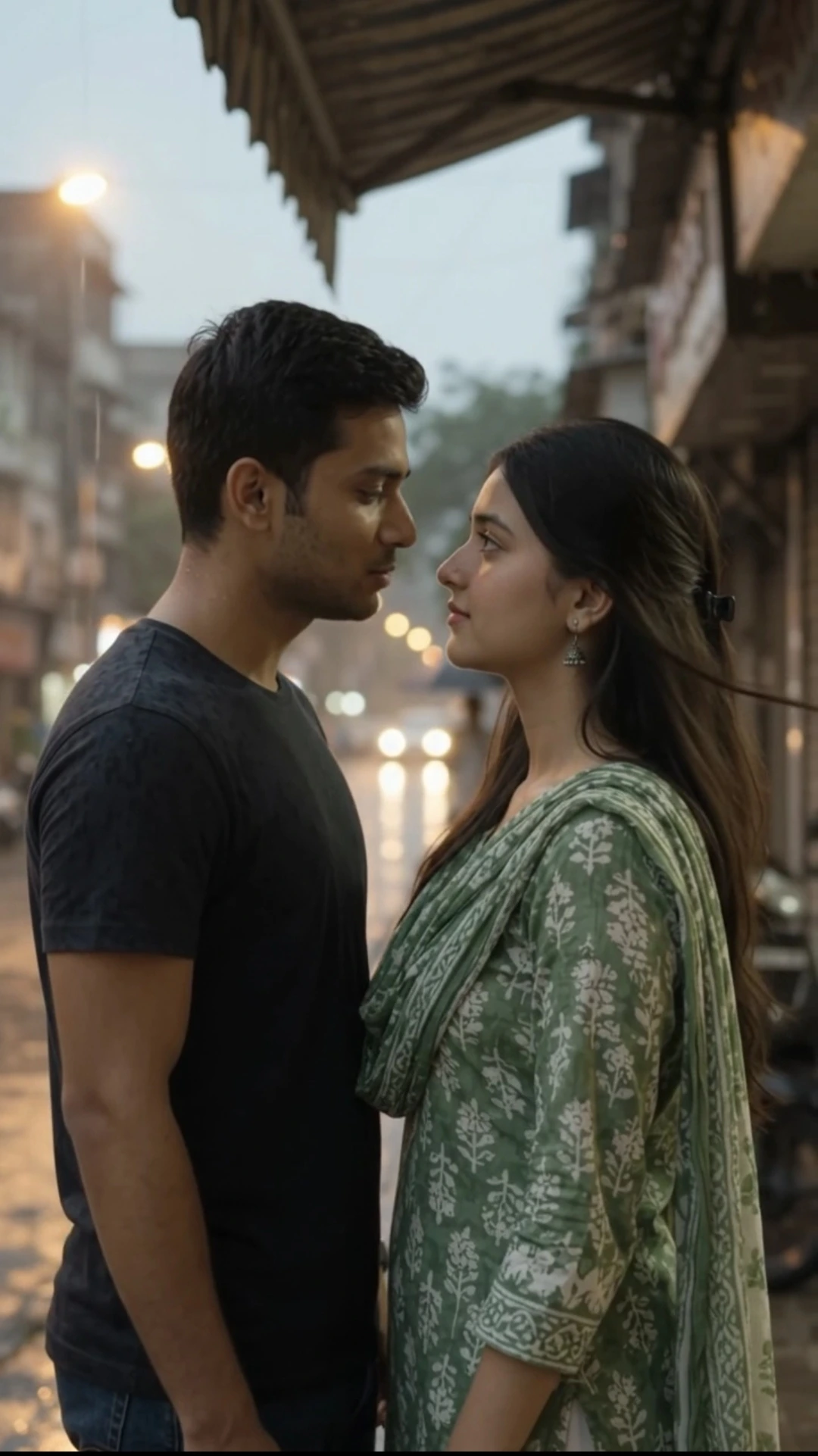
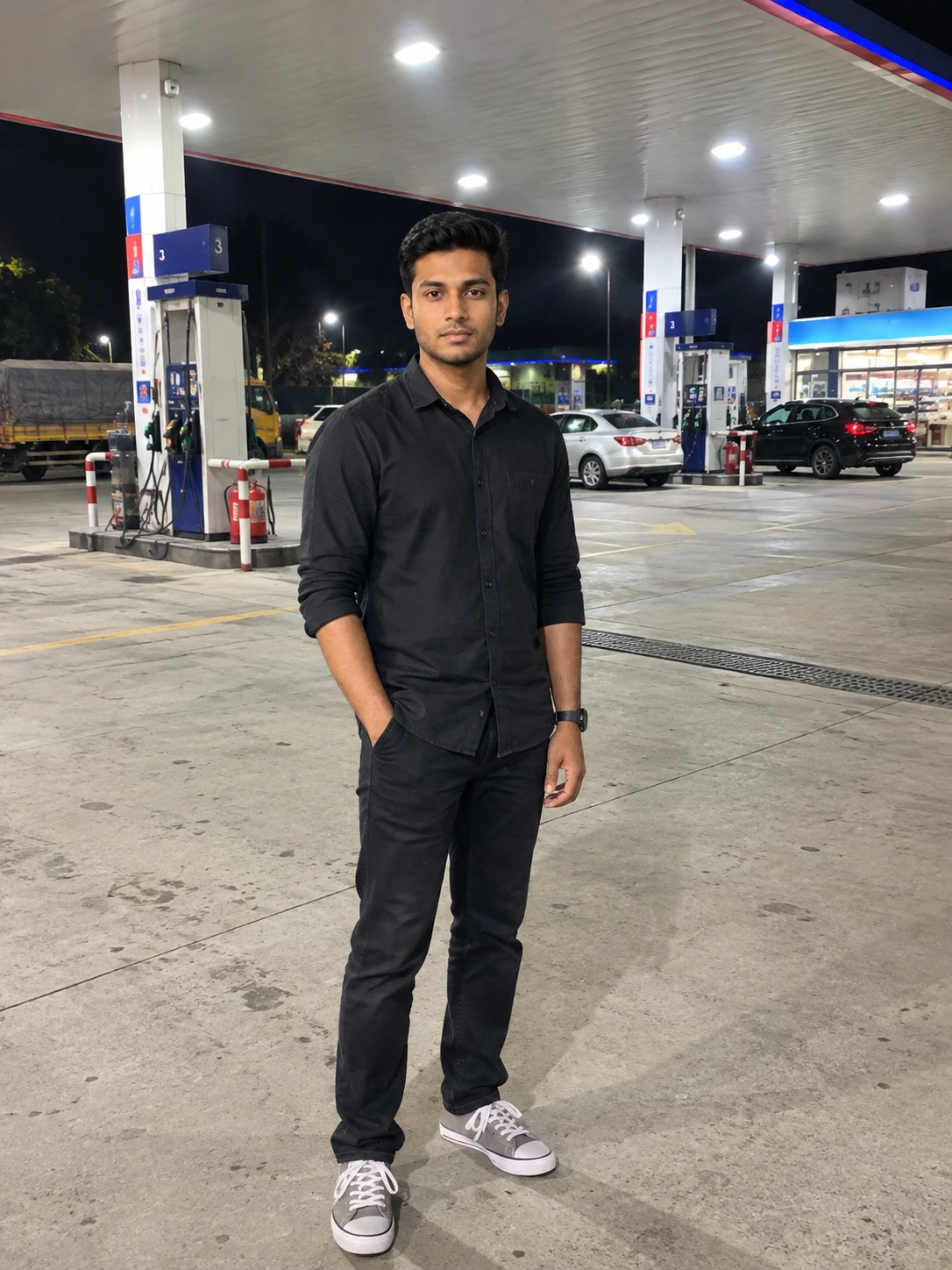
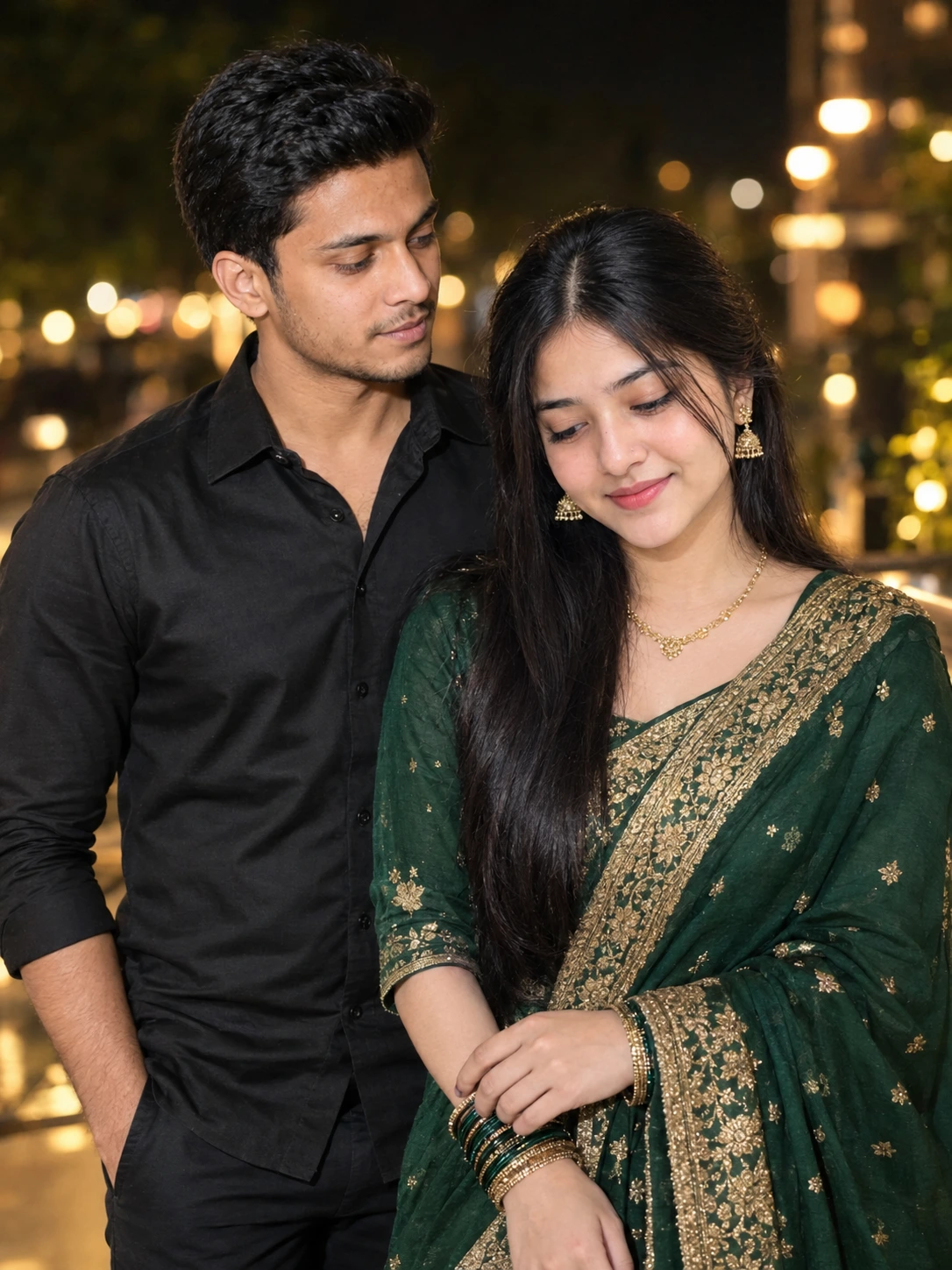
This AI video prompt creates an exactly 9-second photorealistic romantic video using two uploaded reference images—one for the man and one for the woman. The two reference photos are used as strict identity references so the same recognizable people remain consistent throughout the video.
The story takes place on a beautiful tree-lined city boulevard during golden hour. The man waits beside a black motorcycle on the right side of the road and checks his wristwatch. As he looks ahead, a car naturally passes across the frame, creating a brief cinematic transition. Once the car clears the scene, the woman appears carrying a fresh bouquet of flowers and walks toward him.
The emotional moment begins when the man notices her, gets off his motorcycle, and walks toward her. She then kneels on one knee and offers him the bouquet with both hands. The man accepts the flowers with a genuine smile before she stands back up. If the timing allows, they share a short and natural hug before the video ends with a cinematic romantic shot beside the motorcycle.
The prompt focuses heavily on spatial continuity, realistic movement, consistent facial identity, natural body motion, golden-hour lighting, cinematic depth of field, realistic environmental motion, and a believable flower exchange.
It is designed to create a complete mini love story within exactly 9 seconds rather than a collection of disconnected actions. The flower proposal and emotional interaction remain the main focus of the sequence.
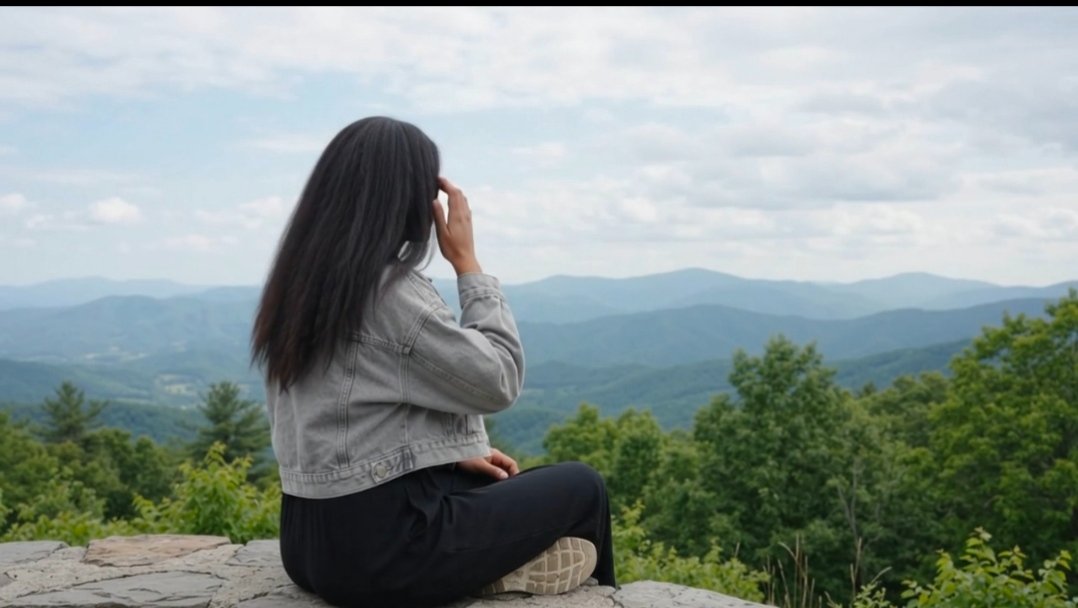
How to Make Cinematic Mountain Video With Flow Ai
This AI video prompt creates an exactly 9-second photorealistic romantic video using two uploaded reference images—one for the man and one for the woman. The two reference photos are used as strict identity references so the same recognizable people remain consistent throughout the video.
The story takes place on a beautiful tree-lined city boulevard during golden hour. The man waits beside a black motorcycle on the right side of the road and checks his wristwatch. As he looks ahead, a car naturally passes across the frame, creating a brief cinematic transition. Once the car clears the scene, the woman appears carrying a fresh bouquet of flowers and walks toward him.
The emotional moment begins when the man notices her, gets off his motorcycle, and walks toward her. She then kneels on one knee and offers him the bouquet with both hands. The man accepts the flowers with a genuine smile before she stands back up. If the timing allows, they share a short and natural hug before the video ends with a cinematic romantic shot beside the motorcycle.
The prompt focuses heavily on spatial continuity, realistic movement, consistent facial identity, natural body motion, golden-hour lighting, cinematic depth of field, realistic environmental motion, and a believable flower exchange.
It is designed to create a complete mini love story within exactly 9 seconds rather than a collection of disconnected actions. The flower proposal and emotional interaction remain the main focus of the sequence.
How to Make Cinematic Mountain Video With Flow Ai
📝 Prompt 1
LOVE STORY — 9 SECOND CINEMATIC VIDEO

Cinematic 4K photorealistic romantic video, exactly 9 seconds, natural golden-hour lighting, realistic human movement, premium cinematic cinematography, shallow depth of field, natural skin texture, subtle cinematic color grading, realistic environmental motion.

The uploaded reference images are the strict identity references for both characters. Preserve their original recognizable faces and identities consistently throughout the entire video. Do not replace, regenerate, beautify, reshape, or alter either person's facial identity.

LOCATION & COMPOSITION:

A beautiful tree-lined city boulevard during golden hour.

The road runs horizontally through the scene.

The young man is positioned on the RIGHT SIDE of the road, sitting on a black motorcycle parked safely at the roadside.

The young woman approaches from the opposite direction toward the man's side.

Tall trees create a natural canopy overhead. Warm amber sunlight passes through the leaves, creating beautiful dappled golden light on the road and characters. Calm urban atmosphere with subtle traffic, soft wind, and natural city ambience.

IMPORTANT SPATIAL CONTINUITY:

Keep the boy's motorcycle on the RIGHT roadside throughout the entire sequence.

When the boy notices the girl, he gets down from the motorcycle and moves toward the same roadside area where the girl is approaching.

The girl and boy must finally meet on the same side of the road beside the motorcycle.

Do not randomly switch their positions or sides.

SCENE — EXACTLY 9 SECONDS

0:00–0:02.0 — BOY WAITING

A young man from @Image1 is casually sitting on a black motorcycle parked on the RIGHT SIDE of the road.

He naturally looks down at the wristwatch on his left wrist and checks the time.

After checking his watch, he raises his head and looks straight ahead.

His expression is relaxed and natural.

0:02.0–0:03.5 — CAR TRANSITION

As the boy looks forward, a car smoothly passes across the road directly in front of him.

The car briefly blocks the view and creates natural cinematic foreground motion blur.

A subtle realistic wind wave follows the passing car.

The car quickly clears the frame.

No collision, no sudden stop.

0:03.5–0:05.2 — GIRL ARRIVES

Immediately after the car clears the frame, the young woman from @Image2 appears walking toward the boy while holding a beautiful bouquet of fresh flowers.

The boy notices her.

He naturally gets down from the motorcycle and walks a few steps toward her.

They meet on the same roadside beside the motorcycle.

The boy looks at her with a warm, pleasantly surprised expression.

0:05.2–0:07.3 — KNEELING FLOWER PROPOSAL

The girl stops directly in front of the boy.

She gently lowers herself and kneels down on one knee.

While kneeling, she holds the bouquet forward with both hands and offers the flowers to the boy as a sweet romantic proposal.

The boy looks down at her and gives a subtle, genuine smile.

He gently reaches down and accepts the bouquet from her hands.

IMPORTANT:
The girl must remain kneeling while giving the flowers.

The boy must clearly receive the flowers into his hands.

The hand-to-hand flower exchange must be visible and understandable.

0:07.3–0:09.0 — SMILE & SHORT HUG

After the boy takes the flowers, he holds the bouquet naturally in his hands and gives a soft, genuine smile.

The girl stands back up from her kneeling position with a happy smile.

If the remaining time allows, the boy and girl share a very brief, natural, gentle hug.

The hug should be subtle and affectionate, not exaggerated.

If the hug cannot fit naturally within the 9-second duration, prioritize:

1. Boy receiving the flowers
2. Girl standing up
3. Both smiling at each other

End on a cinematic medium shot of both characters beside the motorcycle, with warm golden sunlight and soft background bokeh.

CINEMATIC STYLE:

Photorealistic 4K cinematic quality.
Natural golden-hour lighting.
Realistic skin texture.
Natural facial expressions.
Smooth realistic body movement.
Subtle wind in hair and clothing.
Shallow depth of field.
50mm cinematic lens look.
Natural motion blur.
Soft background bokeh.
Professional film-style composition.
Warm romantic atmosphere.
Realistic urban ambience.
Elegant cinematic pacing.

FACE & IDENTITY REQUIREMENT:

The original faces from @Image1 and @Image2 are the highest-priority identity references.

Keep both characters visually consistent throughout every frame.

Do NOT generate different faces.
Do NOT replace the faces.
Do NOT alter facial structure.
Do NOT beautify or redesign the faces.
Do NOT change their apparent age.
Do NOT morph their identities.
Do NOT allow facial identity drift.

The same two people from the reference images must remain consistent from beginning to end.

AUDIO:

Natural city ambience.
Soft wind through the trees.
Realistic motorcycle/environment sounds.
Natural passing-car sound.

Add subtle emotional cinematic romantic music that becomes slightly warmer during the flower proposal.

No dialogue is necessary.

FINAL ACTION FLOW:

Boy sitting on motorcycle
→ checks wristwatch
→ looks forward
→ car passes
→ car clears frame
→ girl appears holding flowers
→ boy notices her
→ boy gets off motorcycle
→ boy walks toward her
→ girl kneels on one knee
→ girl offers flowers
→ boy smiles and accepts flowers
→ girl stands up smiling
→ brief natural hug if time allows
→ romantic cinematic ending.

EXACTLY 9 SECONDS.

Prioritize the flower exchange and emotional interaction. Keep every movement smooth, physically realistic, connected, and easy to understand. Do not add extra actions or unnecessary cuts.
Use this prompt :
Google Flow AI
How to Use This Prompt
1. Open Flow AI and start a new video generation project.
2. Select Video as the generation mode.
3. Set the video aspect ratio to 16:9.
4. Set the video duration to 10 seconds.
5. Select Omni 1.1 Flash as the video generation model.
6. Upload two reference images:
- Image 1: Upload the boy's photo.
- Image 2: Upload the girl's photo.
Use clear, high-quality photos where both faces are clearly visible.
7. Copy the complete 9-Second Cinematic Love Story AI Video Prompt from this page.
8. Paste the entire prompt into Flow AI.
9. Generate the video and wait for Flow AI to complete the cinematic sequence.
10. Download or save the generated video from Flow AI.
Create the Slow-Motion Version
For a smoother and more cinematic slow-motion result, you can use the generated Flow AI video with the CapCut template below.
Click here to make the Slow Motion CapCut video:
Click Here to Make Slow Motion Capcut Template
Open the link, add your Flow AI-generated video to the CapCut template, and follow the template instructions. The result will give the video a more noticeable slow-motion cinematic effect suitable for romantic edits and social media posts.
Important: Use the original Flow AI output as the video source when applying the CapCut slow-motion template.
2. Select Video as the generation mode.
3. Set the video aspect ratio to 16:9.
4. Set the video duration to 10 seconds.
5. Select Omni 1.1 Flash as the video generation model.
6. Upload two reference images:
- Image 1: Upload the boy's photo.
- Image 2: Upload the girl's photo.
Use clear, high-quality photos where both faces are clearly visible.
7. Copy the complete 9-Second Cinematic Love Story AI Video Prompt from this page.
8. Paste the entire prompt into Flow AI.
9. Generate the video and wait for Flow AI to complete the cinematic sequence.
10. Download or save the generated video from Flow AI.
Create the Slow-Motion Version
For a smoother and more cinematic slow-motion result, you can use the generated Flow AI video with the CapCut template below.
Click here to make the Slow Motion CapCut video:
Click Here to Make Slow Motion Capcut Template
Open the link, add your Flow AI-generated video to the CapCut template, and follow the template instructions. The result will give the video a more noticeable slow-motion cinematic effect suitable for romantic edits and social media posts.
Important: Use the original Flow AI output as the video source when applying the CapCut slow-motion template.