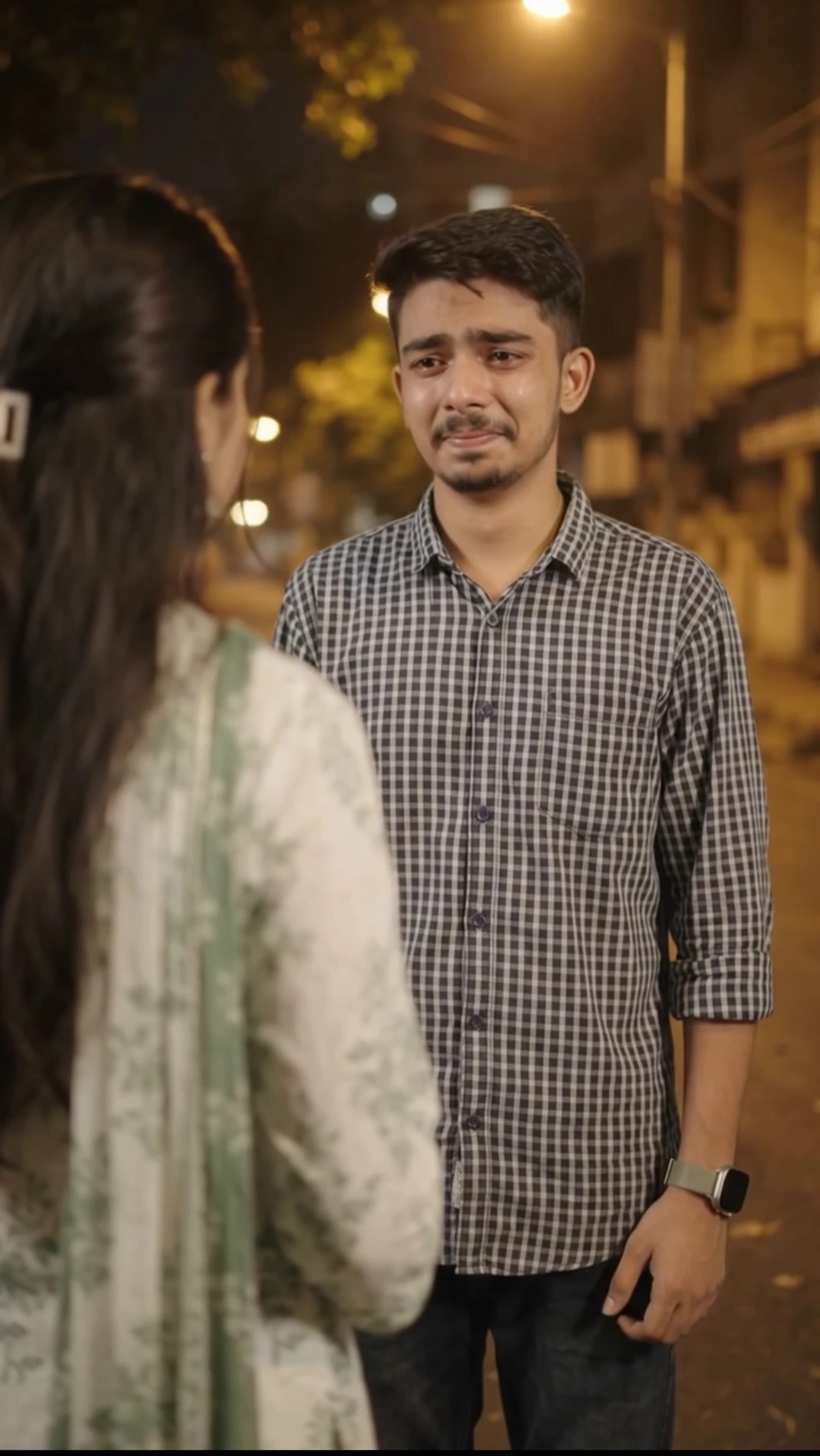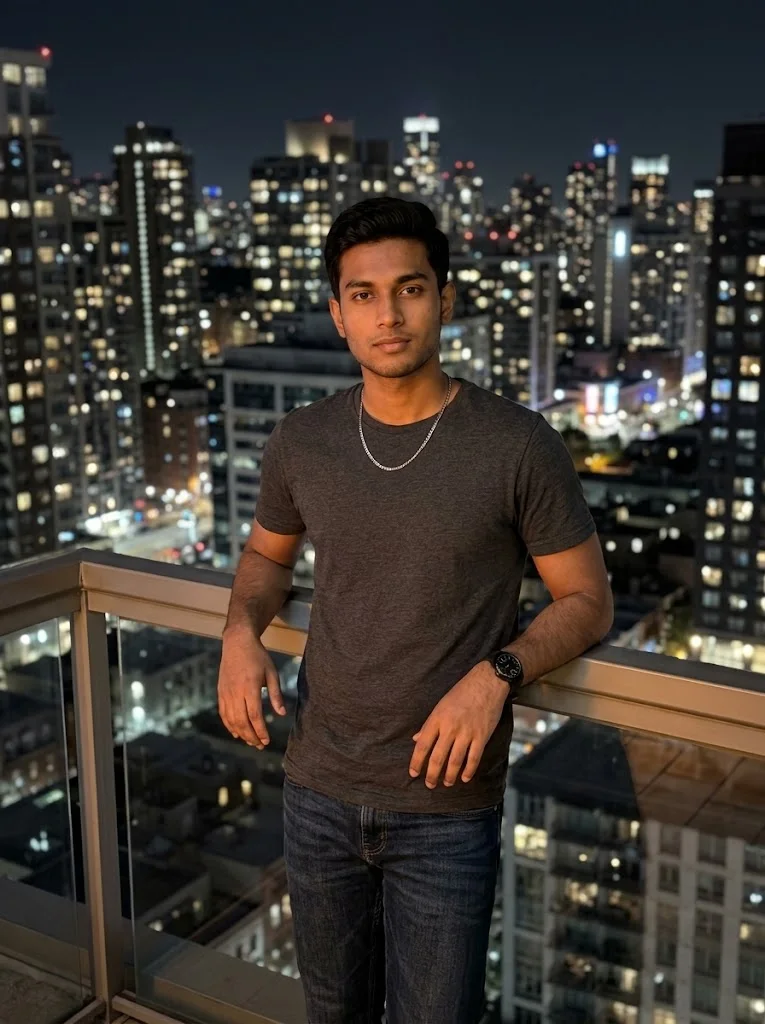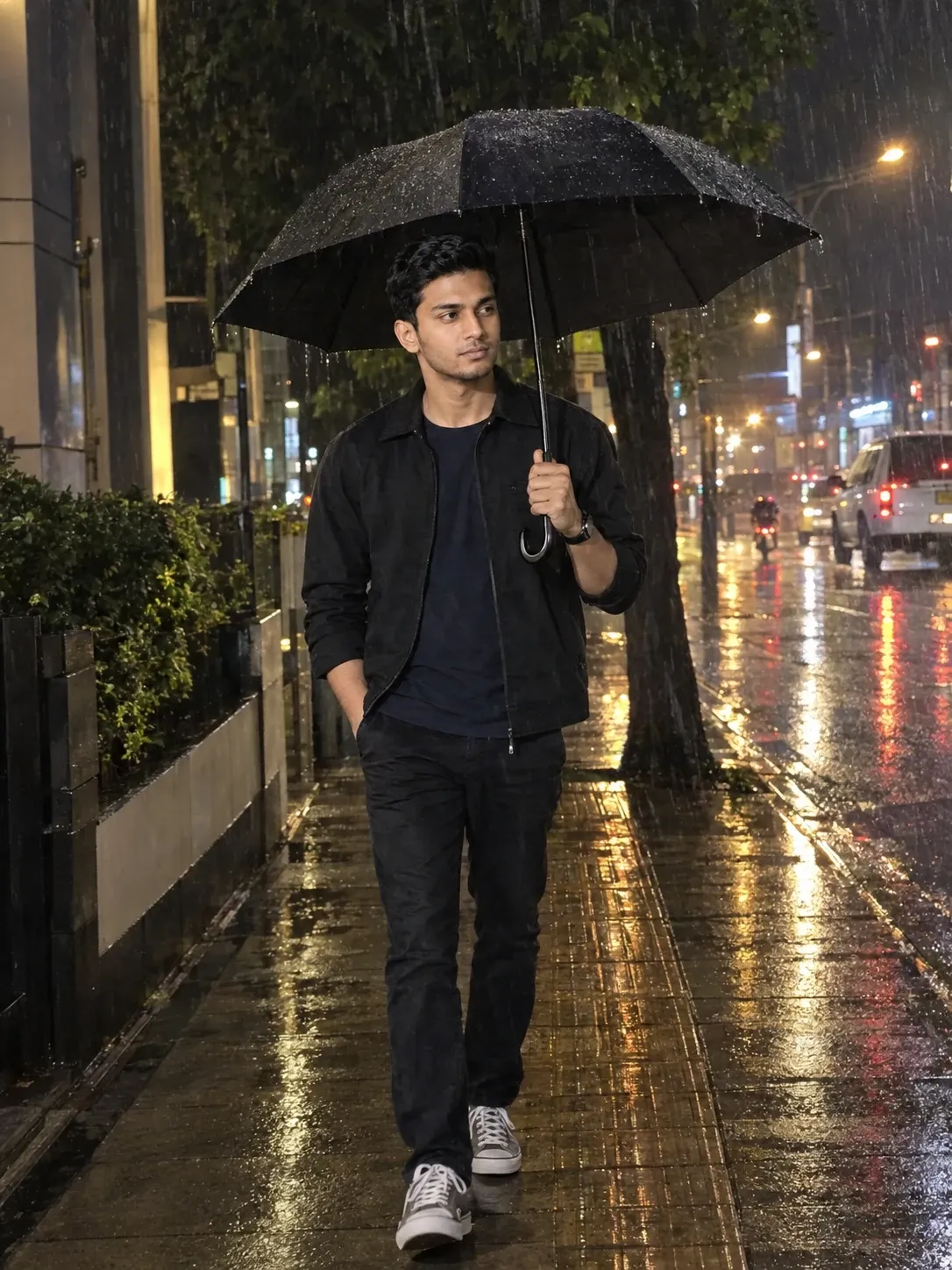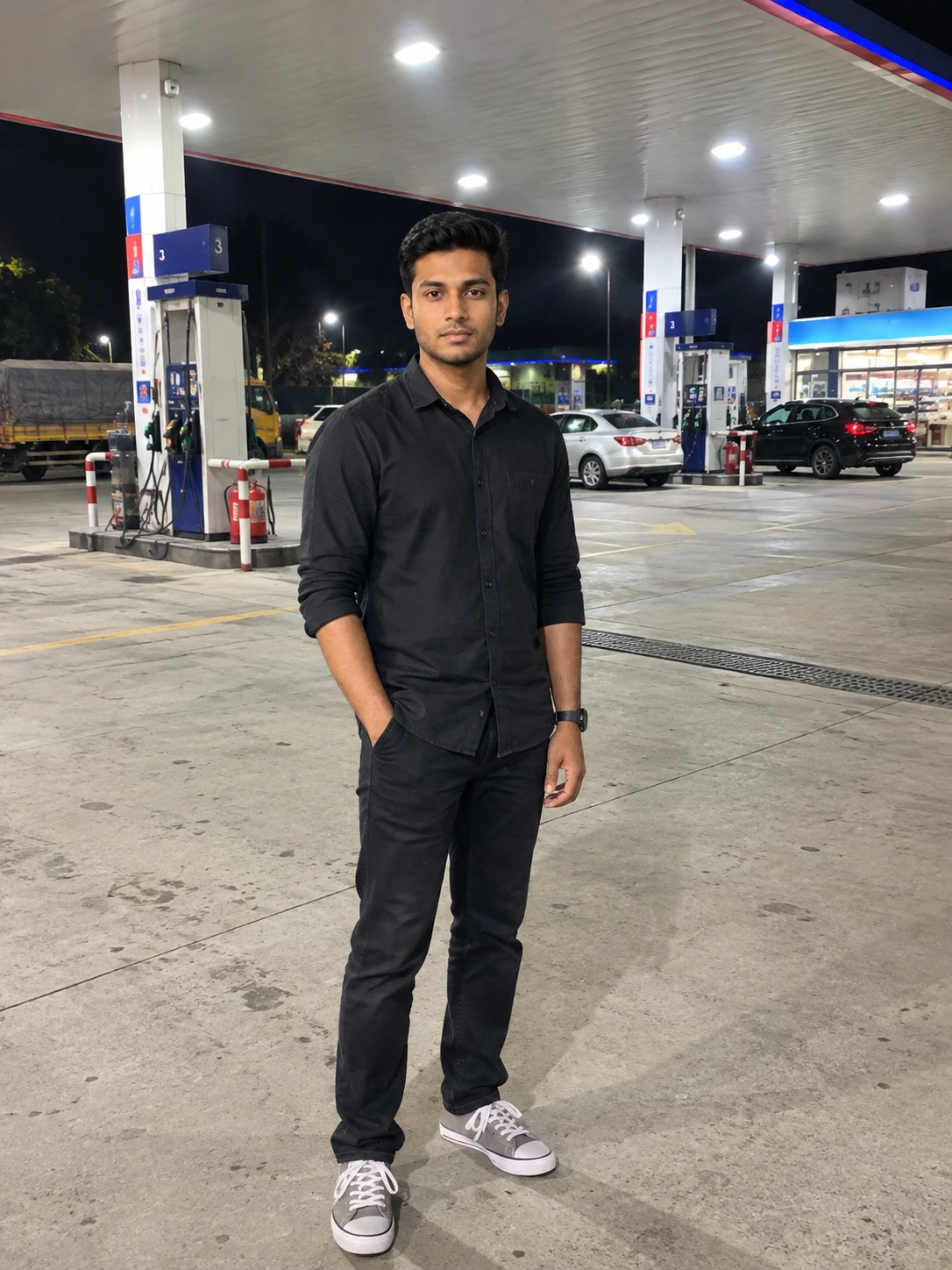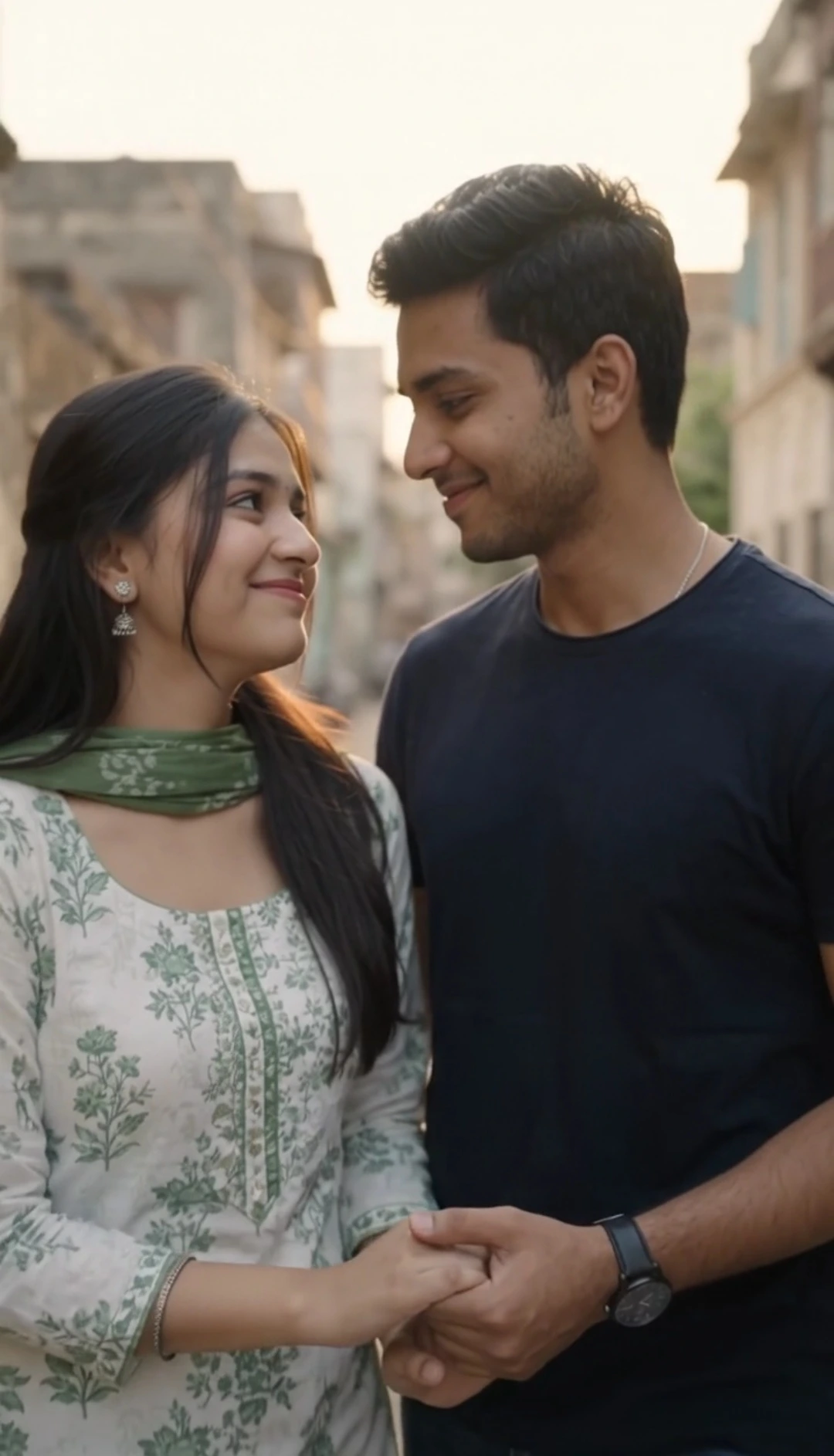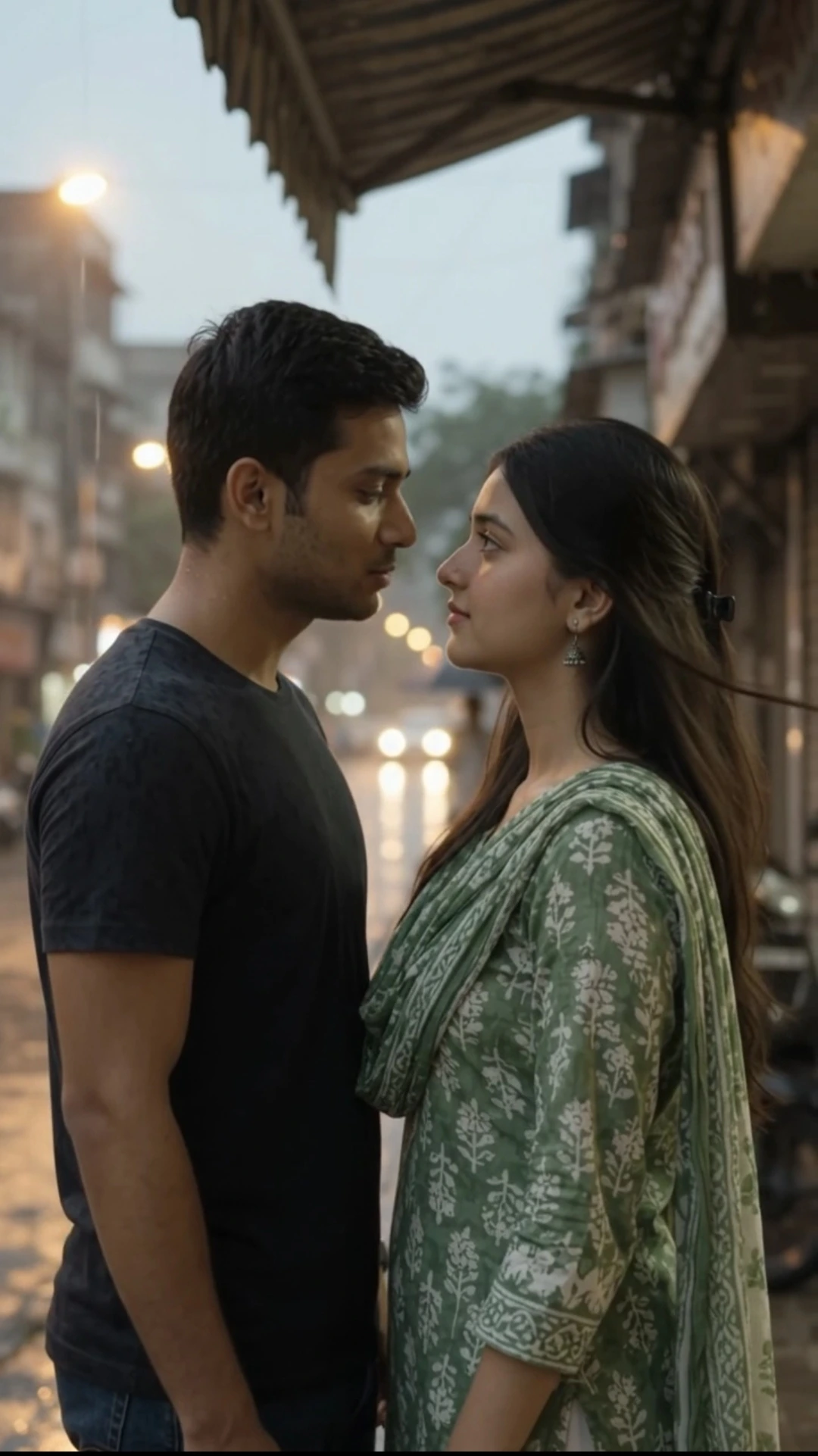
Romantic Night Couple AI Photo Prompt
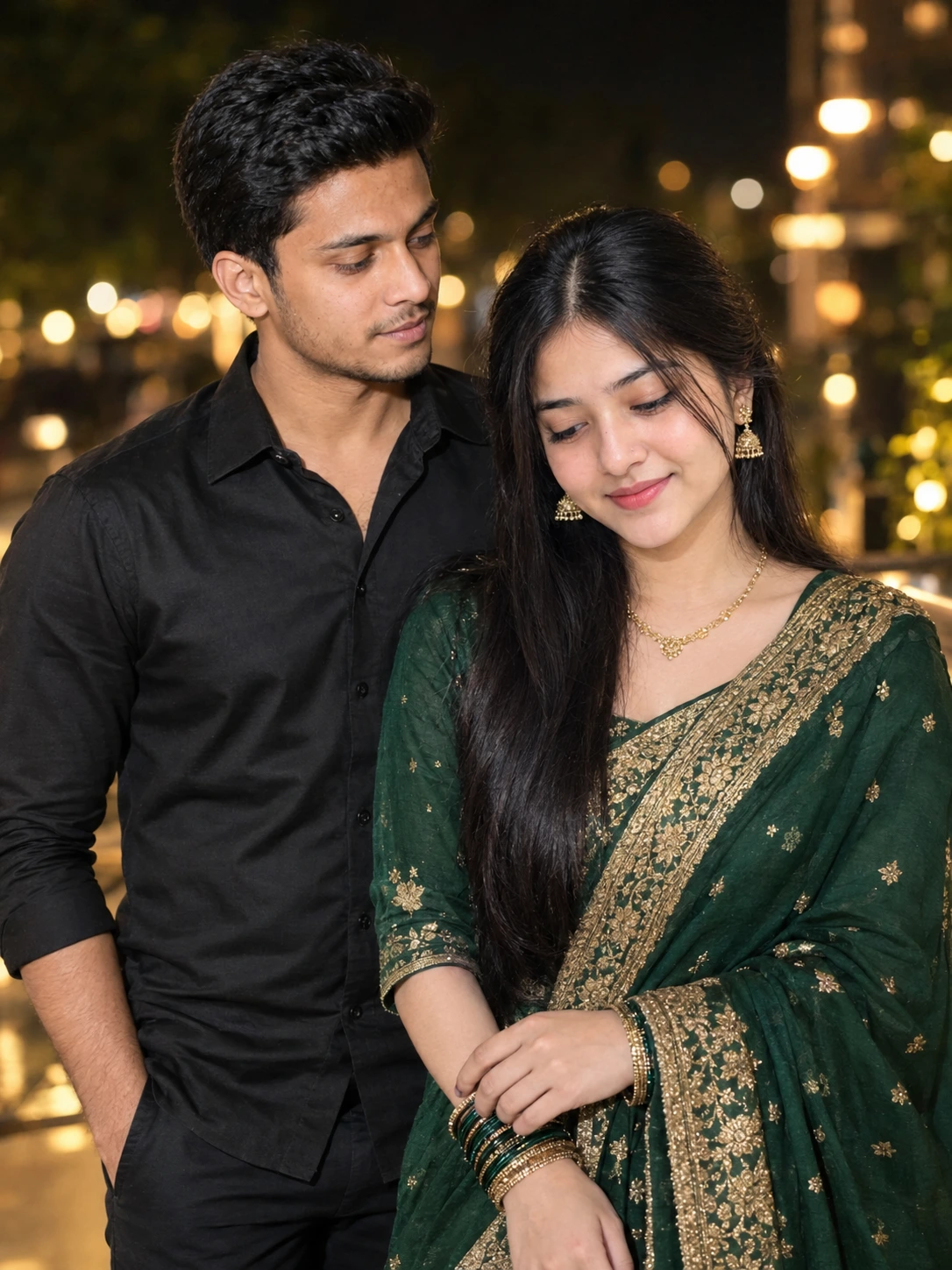
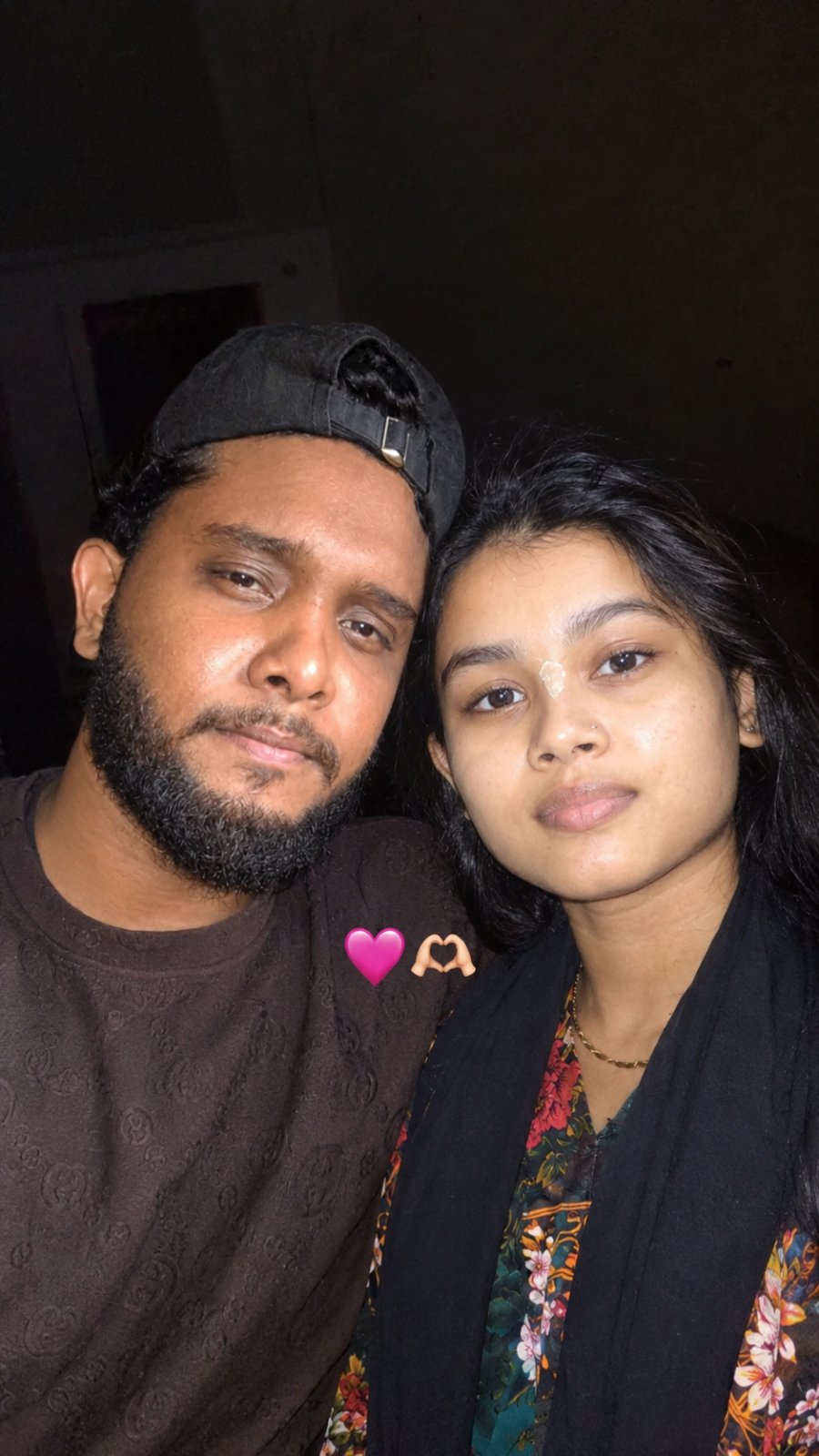
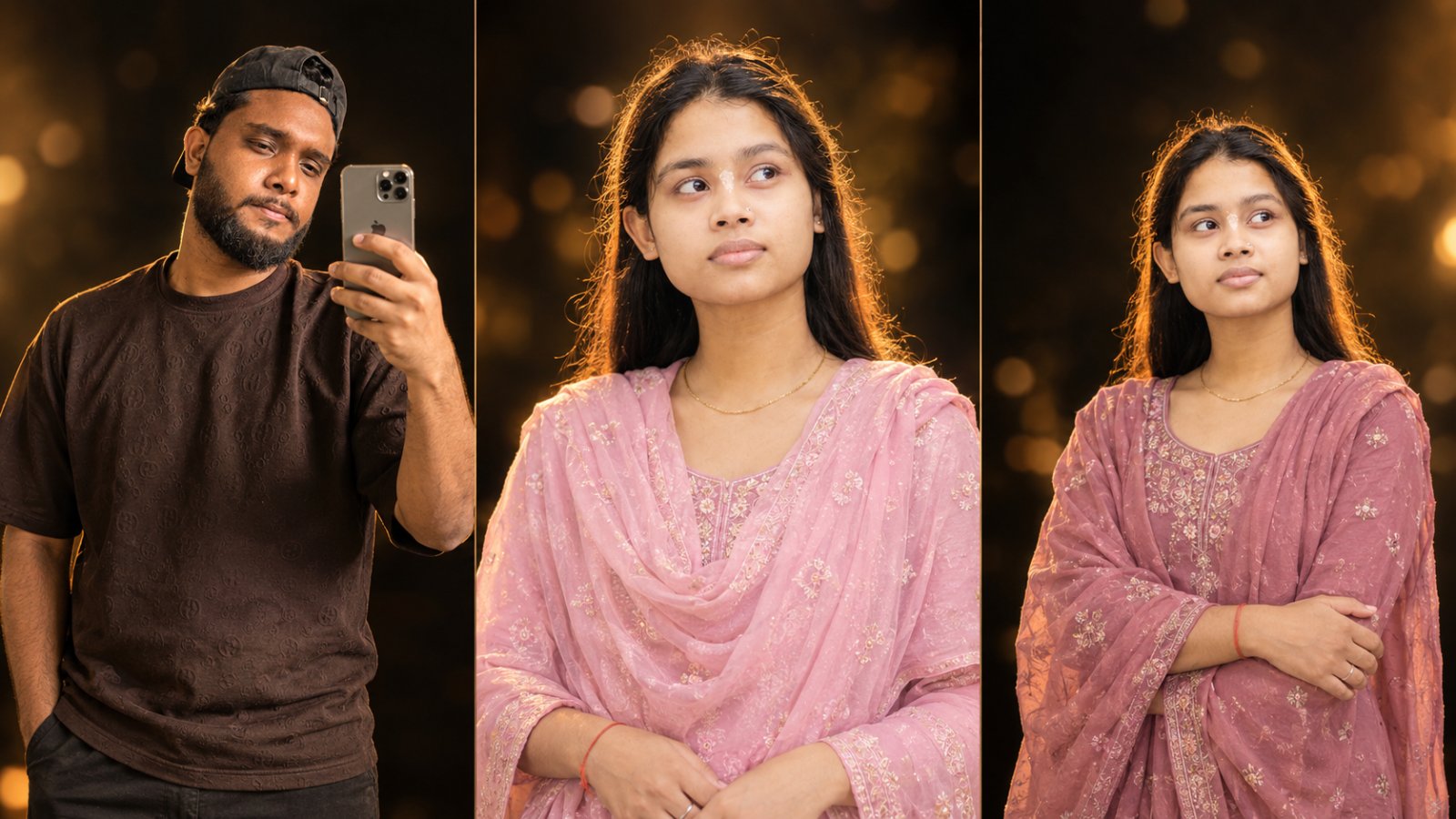
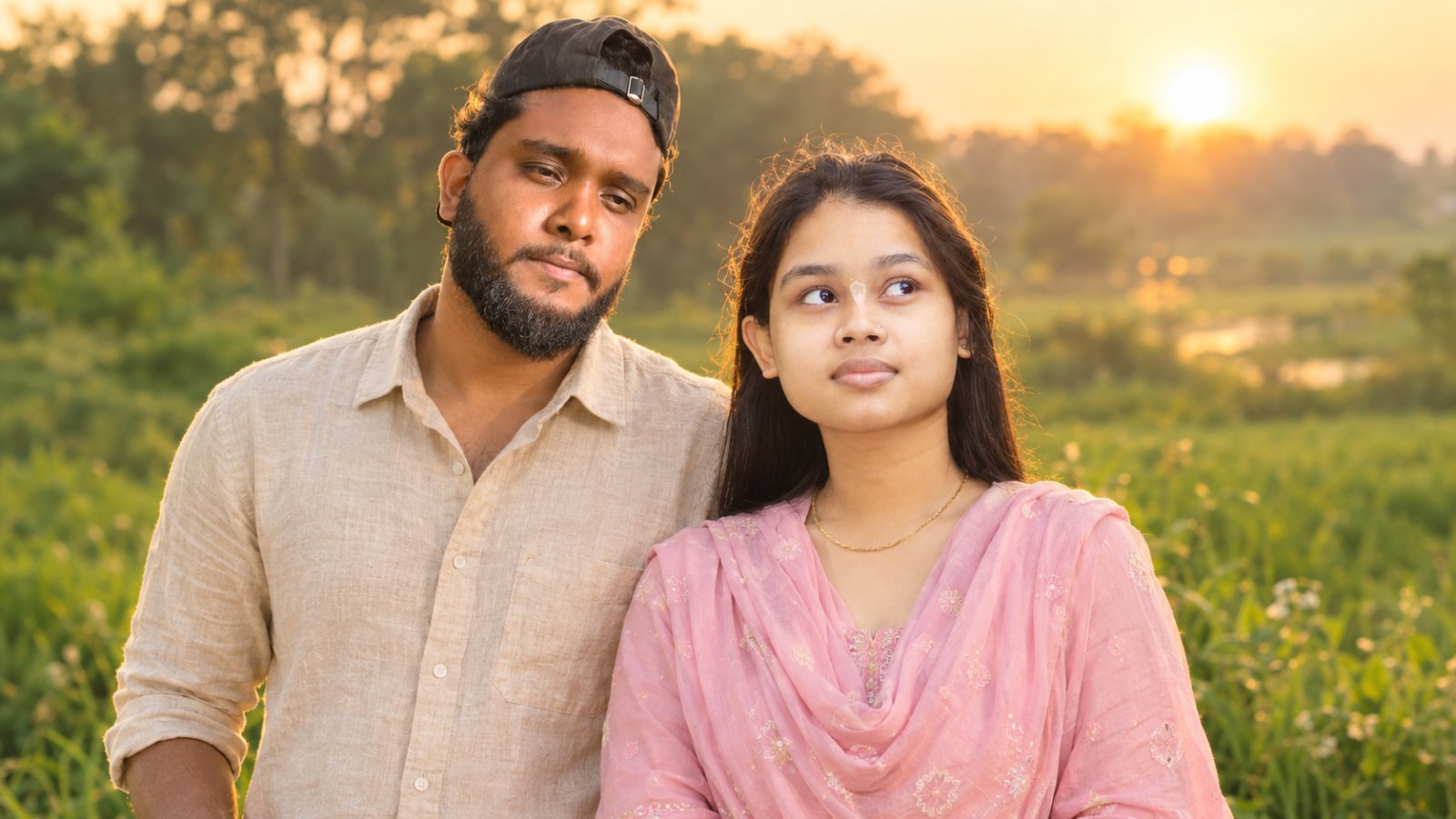
Create a beautiful romantic nighttime couple portrait with this ChatGPT AI photo editing prompt. Use two uploaded photos as identity references, keeping the man's original face from Image 1 and the woman's original face from Image 2. The couple stands close together, with the woman wearing an elegant emerald-green saree with antique-gold embroidery and jewelry, while the man wears a fitted black shirt. Warm golden bokeh lights, soft camera flash, and subtle dreamy highlights create a realistic nighttime photography effect. The prompt prioritizes preserving both people's original facial features, cheek structure, skin tones, ages, and natural body proportions while changing their clothing, pose, and surroundings.
📝 Prompt 1
Create an ultra-realistic vertical 3:4 romantic nighttime couple portrait using BOTH uploaded photos as the exclusive identity references: Image 1 for the man and Image 2 for the woman.

**STRICT FACE & AGE LOCK:** Preserve both people's original facial identities, face shapes, eyes, nose, lips, jawlines, skin tones, hairstyles, facial hair, apparent ages, and natural body proportions. Do not replace, merge, beautify, or redesign their faces. Do not make either person look older or younger. Change only their clothing, pose, and surroundings. Prioritize identity preservation over every artistic effect.

**POSE & EXPRESSION:** The couple stands close together naturally. The woman gently looks downward with a subtle smile while the man looks affectionately at her. Keep both faces visible, recognizable, and naturally detailed.

**WOMAN'S OUTFIT:** An elegant deep emerald-green saree with intricate antique-gold embroidery, a shimmering gold border, realistic fabric folds, gold earrings, a necklace, and colorful bangles. Add delicate, realistic champagne-gold reflections.

**MAN'S OUTFIT:** A well-fitted black shirt with subtle satin texture, realistic folds, and soft-white highlights. Preserve his original physique.

**BACKGROUND & LIGHTING:** A dark nighttime outdoor setting with beautifully blurred warm golden, amber, and soft-white lights. Create smooth, circular bokeh, shallow depth of field, realistic direct-camera flash, natural skin tones, and soft atmospheric lighting. Keep the background noticeably blurred while both faces remain clear and recognizable.

**DREAMY SHIMMER-GLOW:** Add subtle highlight bloom and gentle optical diffusion to the saree embroidery, jewelry, shirt, and background lights. Keep the glow away from facial features. No double faces, ghosting, or excessive blur.

**PHOTOREALISM:** Natural skin texture, realistic hair strands, detailed embroidery, authentic jewelry reflections, believable shadows, and natural body proportions. Make the couple look photographed together in a single real camera exposure.

**NEGATIVE PROMPT:** Different identity, face replacement, face mixing, changed age, altered facial structure, beautified face, plastic skin, changed skin tone, reshaped body, blurred face, distorted eyes, unnatural hands, extra fingers, duplicate faces, ghosting, artificial glitter, neon lights, excessive glow, overexposure, CGI, cartoon, watermark, text, logo.

**FINAL PRIORITY:** Preserve both original faces and ages as faithfully as possible. The emerald-green saree, black shirt, and dreamy blurred nighttime lights must enhance the photograph without changing who the two people are. Remember, the original face must be retained; do not add any extra bulk or make the cheeks look sunken—the cheek structure must remain exactly as it is in the original—and the original age must certainly be preserved.
You May Also Like
Use this prompt :
ChatGPT
How to Use This Prompt
1. Open ChatGPT and select the image generation feature.
2. Upload the man's photo as Image 1 and the woman's photo as Image 2.
3. Copy and paste the complete Romantic Night Couple AI Photo Prompt into ChatGPT.
4. Make sure the prompt identifies Image 1 as the man's identity reference and Image 2 as the woman's identity reference.
5. Generate the image and check the faces, original ages, cheek structure, skin tones, and body proportions.
6. If necessary, request corrections while keeping both original identities unchanged.
Tip: Use clear, well-lit reference photos for better facial detail. AI-generated results may not preserve every facial feature perfectly, so review the final image carefully.
2. Upload the man's photo as Image 1 and the woman's photo as Image 2.
3. Copy and paste the complete Romantic Night Couple AI Photo Prompt into ChatGPT.
4. Make sure the prompt identifies Image 1 as the man's identity reference and Image 2 as the woman's identity reference.
5. Generate the image and check the faces, original ages, cheek structure, skin tones, and body proportions.
6. If necessary, request corrections while keeping both original identities unchanged.
Tip: Use clear, well-lit reference photos for better facial detail. AI-generated results may not preserve every facial feature perfectly, so review the final image carefully.