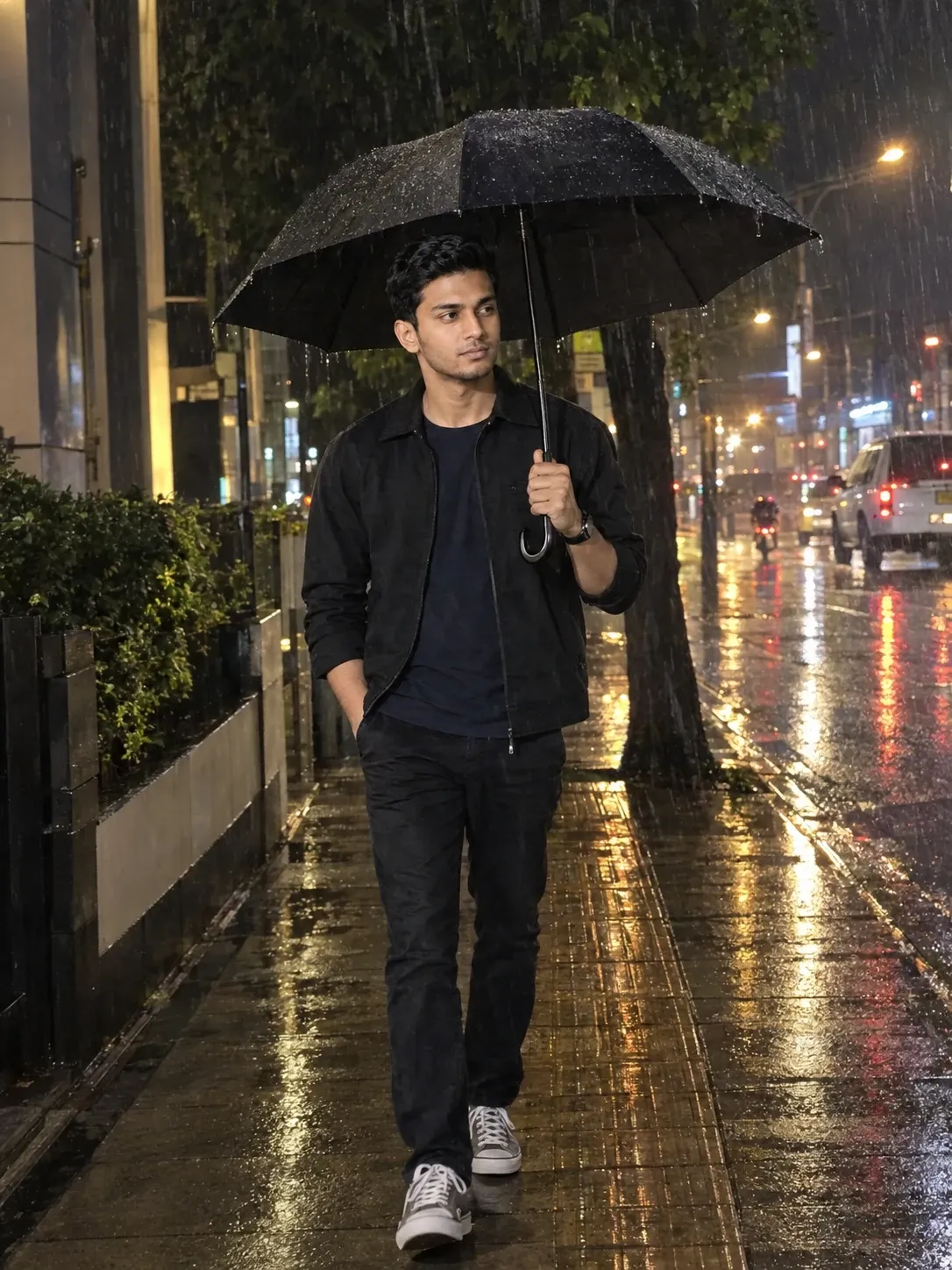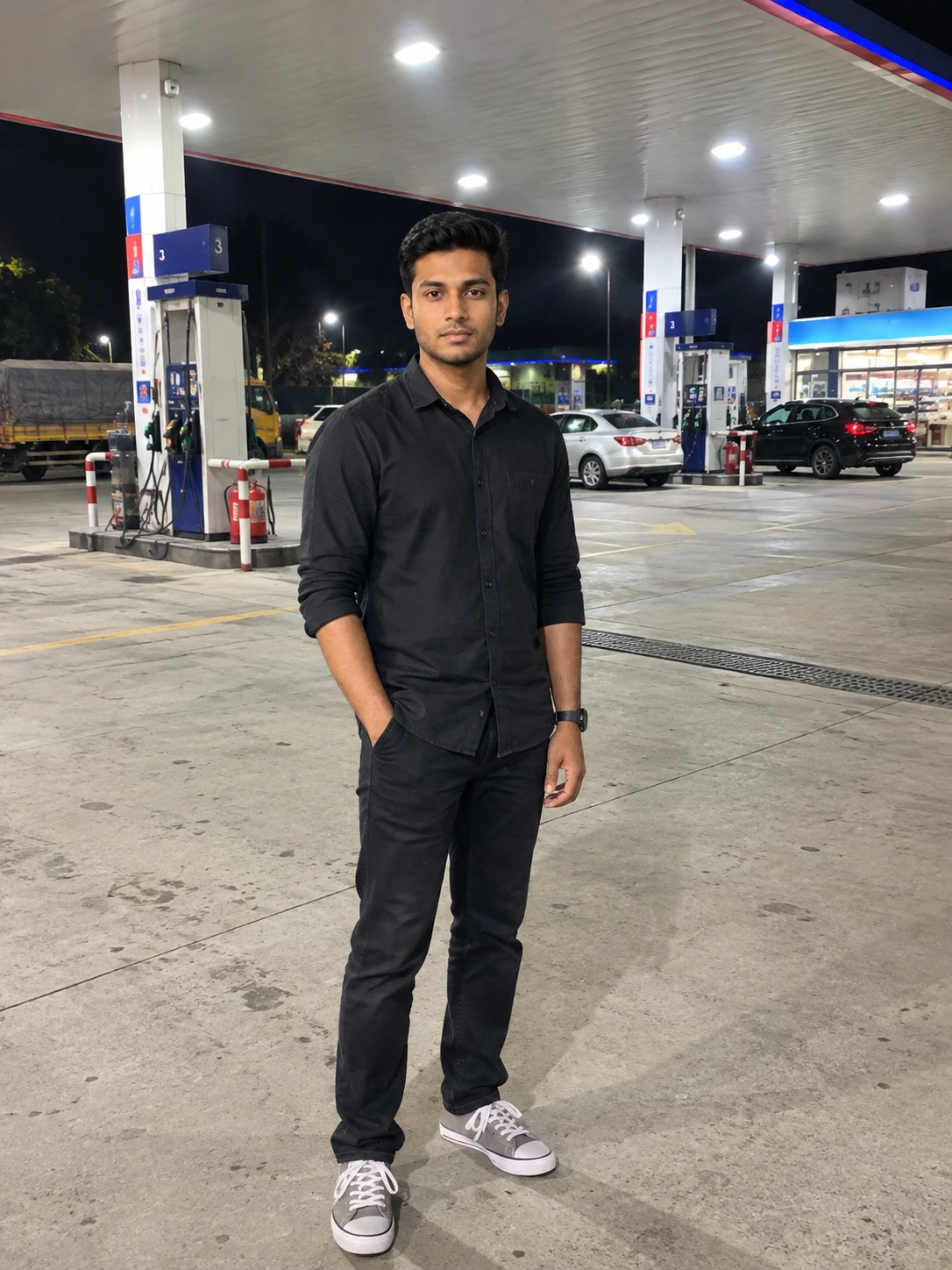
Gemini Prompt to Create an Anime Version of Your Original Photo Without Making Any Changes
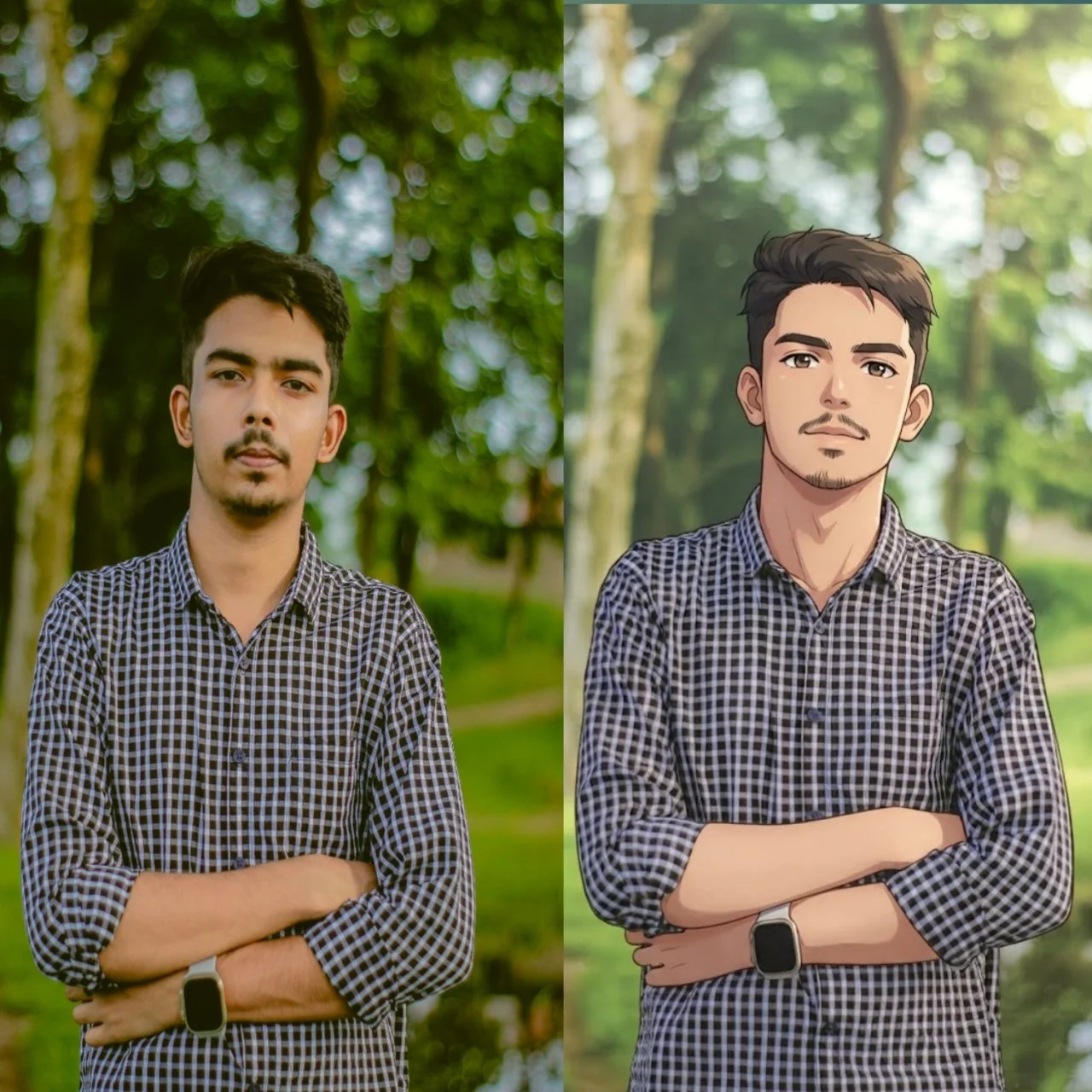
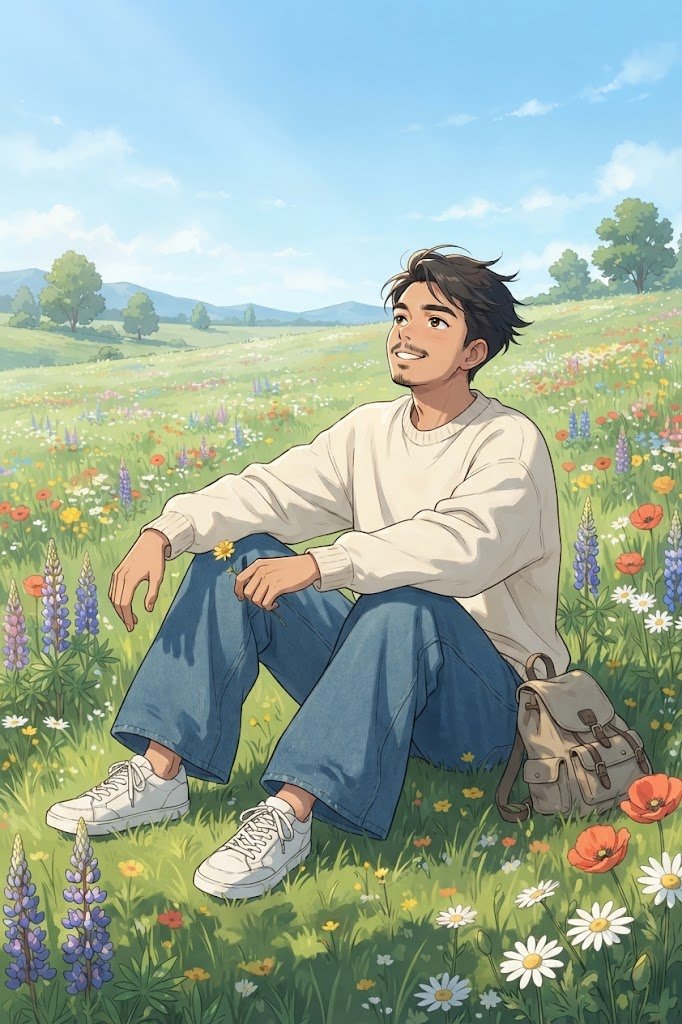
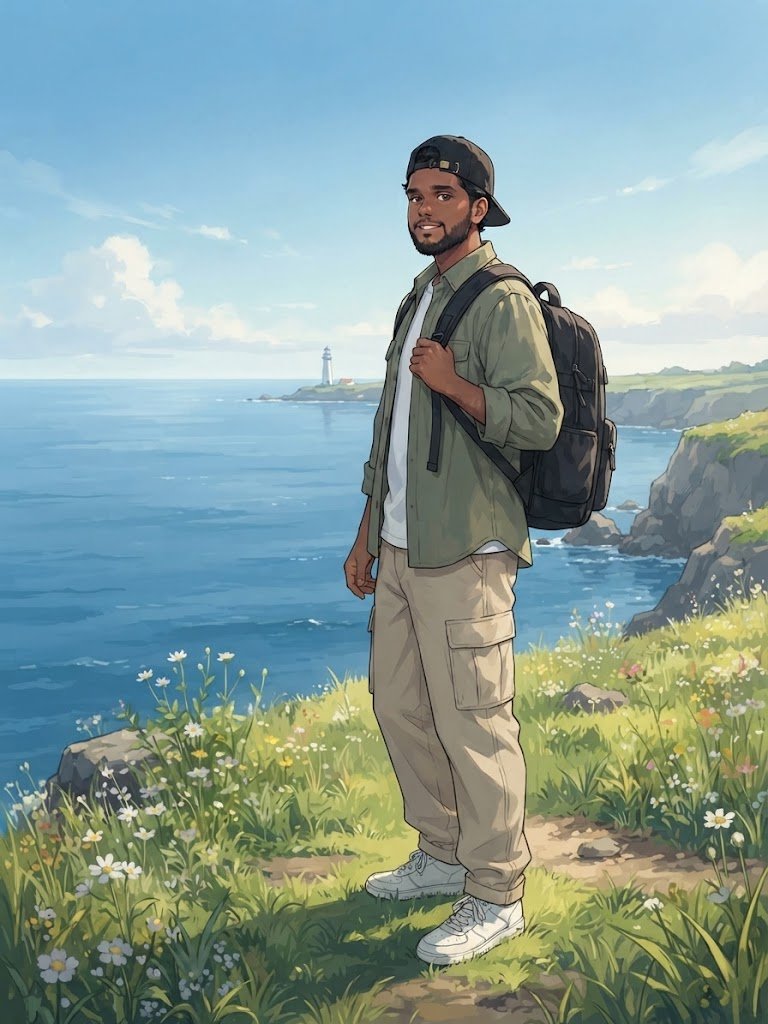
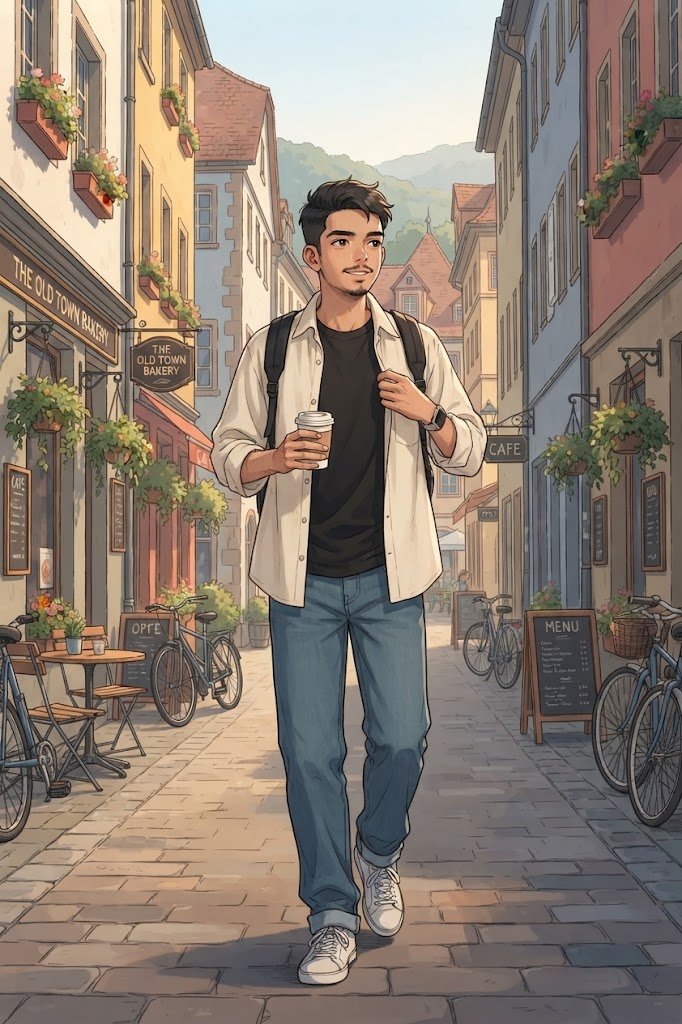
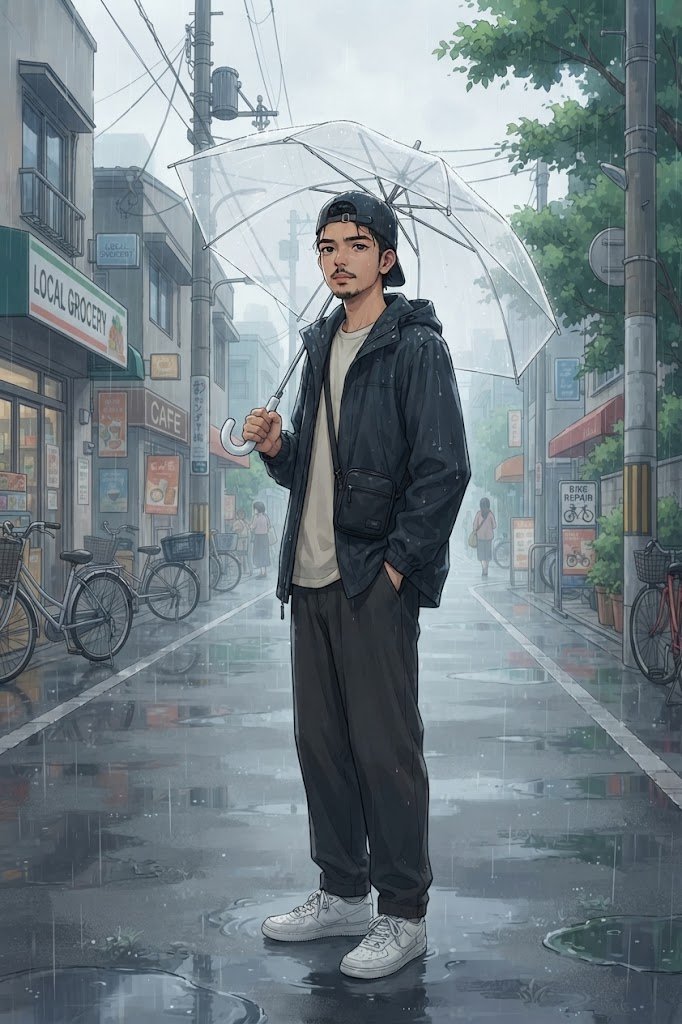
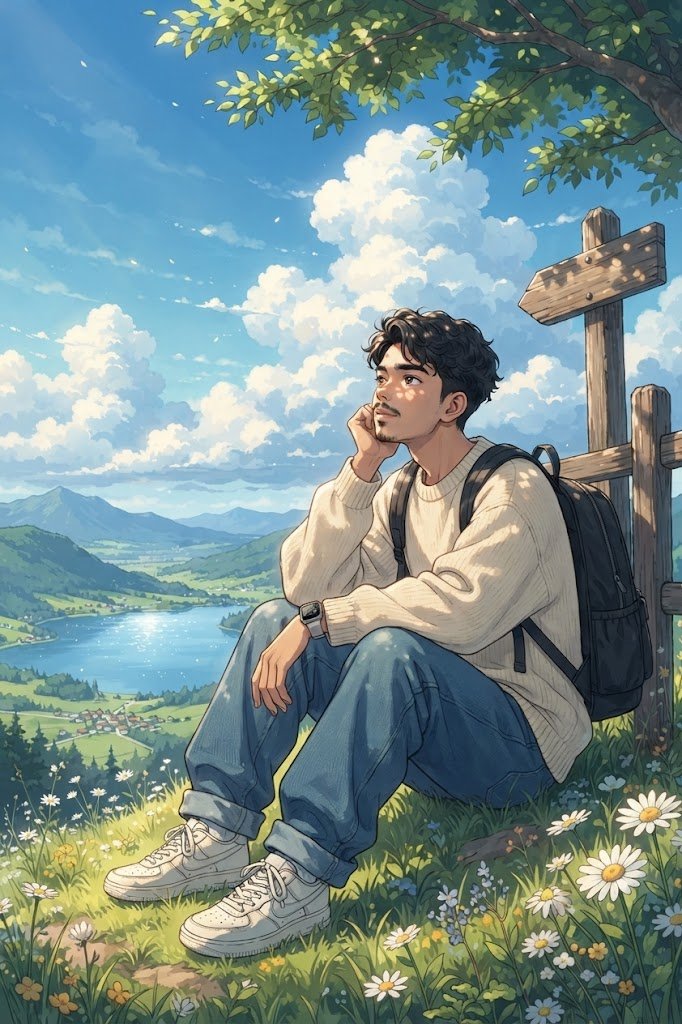
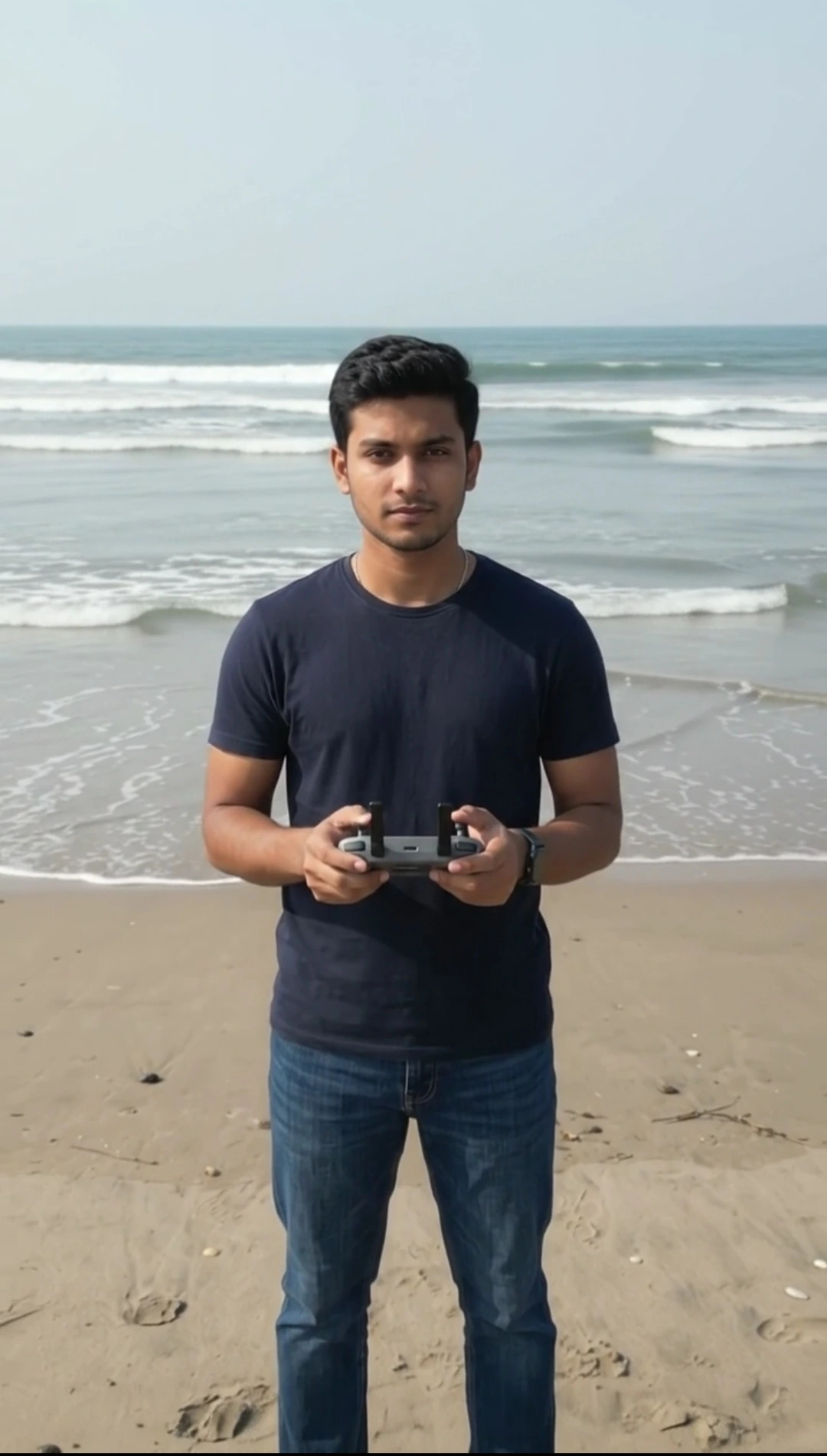
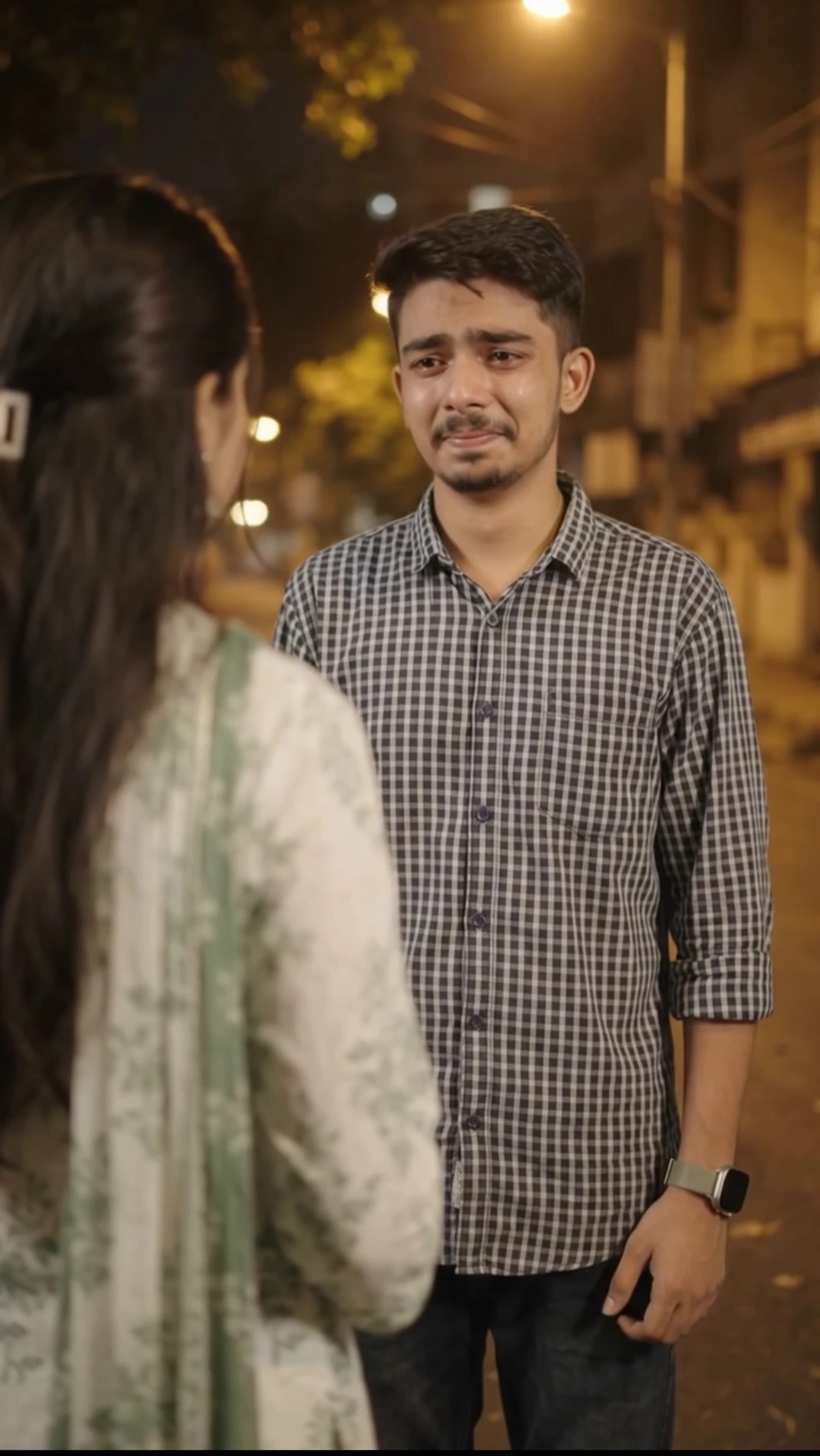
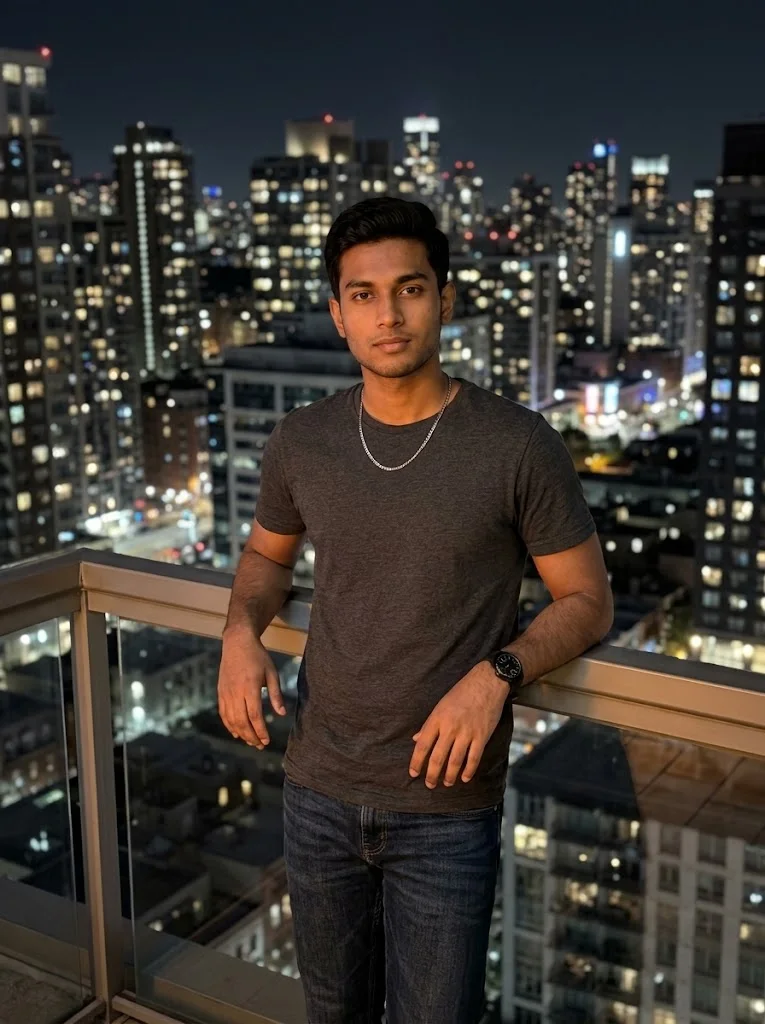
Want to convert your photo into anime without changing anything else? This Gemini AI prompt is designed specifically for a strict photo-to-anime transformation where the uploaded image remains the complete visual source.
The main instruction is simple: change only the photographic rendering into a high-quality 2D anime art style. The original person, face, facial proportions, hairstyle, skin tone, body shape, pose, clothing, accessories, camera angle, framing, background, objects, lighting, shadows, colors, and overall composition are all instructed to remain unchanged.
Unlike prompts that create a new anime scene inspired by a reference photo, this prompt tells Gemini not to recreate, redesign, rearrange, add, remove, or reinterpret the original image. The goal is for the final result to look like the exact uploaded photograph converted into 2D anime artwork.
The identity lock places special emphasis on keeping the person's original face recognizable. It specifically instructs the AI not to beautify, reshape, regenerate, or alter facial features such as the eyes, nose, lips, cheeks, jawline, or apparent age.
For the visual treatment, the prompt uses clean 2D anime lineart, natural anime rendering, soft cel-shading, subtle gradients, faithful facial details, anime-style color handling, and a polished hand-painted illustration appearance.
The final result is intended to be a true **“Photo to Anime — Nothing Else Changes”** transformation: the original photograph remains structurally the same, with the anime art style applied on top.
This prompt is made for Gemini image generation and requires only the original photo as the reference.
The main instruction is simple: change only the photographic rendering into a high-quality 2D anime art style. The original person, face, facial proportions, hairstyle, skin tone, body shape, pose, clothing, accessories, camera angle, framing, background, objects, lighting, shadows, colors, and overall composition are all instructed to remain unchanged.
Unlike prompts that create a new anime scene inspired by a reference photo, this prompt tells Gemini not to recreate, redesign, rearrange, add, remove, or reinterpret the original image. The goal is for the final result to look like the exact uploaded photograph converted into 2D anime artwork.
The identity lock places special emphasis on keeping the person's original face recognizable. It specifically instructs the AI not to beautify, reshape, regenerate, or alter facial features such as the eyes, nose, lips, cheeks, jawline, or apparent age.
For the visual treatment, the prompt uses clean 2D anime lineart, natural anime rendering, soft cel-shading, subtle gradients, faithful facial details, anime-style color handling, and a polished hand-painted illustration appearance.
The final result is intended to be a true **“Photo to Anime — Nothing Else Changes”** transformation: the original photograph remains structurally the same, with the anime art style applied on top.
This prompt is made for Gemini image generation and requires only the original photo as the reference.
📝 Prompt 1
PHOTO TO ANIME — NOTHING ELSE CHANGES
Convert the uploaded photo directly into a high-quality 2D anime illustration.
The uploaded photo must remain EXACTLY the same in every possible way. The ONLY change allowed is converting the photographic rendering into a 2D anime art style.
STRICT IMAGE PRESERVATION:
Use the uploaded image as the complete and exact source image.
Do NOT recreate the scene from imagination.
Do NOT generate a new composition.
Do NOT redesign anything.
Do NOT add anything.
Do NOT remove anything.
Do NOT move anything.
Do NOT replace anything.
Preserve exactly:
• The same person
• The exact original face and identity
• The exact facial structure and proportions
• The same eyes, eyebrows, nose, lips, cheeks, and jawline
• The same hairstyle and hairline
• The same beard, mustache, or facial details
• The same skin tone
• The same body shape and proportions
• The exact same pose and posture
• The exact same clothing
• The exact same accessories
• The exact same hand and finger positions
• The exact same camera angle
• The exact same framing and crop
• The exact same perspective
• The exact same background
• The exact same environment
• The exact same objects
• The exact same object positions
• The exact same lighting direction
• The exact same shadows
• The exact same colors and overall composition
IDENTITY LOCK:
The person's original face is the highest-priority element.
The person must remain immediately recognizable as the exact same person from the uploaded photograph.
Do not replace or regenerate the face.
Do not beautify the face.
Do not make the face more attractive.
Do not change facial proportions.
Do not make the eyes larger.
Do not make the nose smaller.
Do not change the jawline.
Do not change the face shape.
Do not change the apparent age.
Do not change the person's natural characteristics.
ANIME TRANSFORMATION ONLY:
Apply a high-quality modern 2D anime illustration treatment to the existing photograph.
Use:

Clean 2D anime lineart
Natural anime-style rendering
Soft cel shading
Subtle gradients
Detailed but faithful anime facial rendering
Anime-style color handling
Hand-painted illustration appearance
High-resolution polished 2D artwork
The anime styling must be applied ON TOP OF the original image structure rather than creating a new interpretation of it.
FINAL RESULT:
The final image must look like the ORIGINAL UPLOADED PHOTO converted into 2D anime.
Think of it as:

ORIGINAL PHOTO
+
2D ANIME ART STYLE
FINAL IMAGE
Nothing else should change.
The output must NOT look like a newly generated anime character inspired by the photo. It must look like the exact original photograph transformed into anime.
STYLE RESTRICTION:
Clearly 2D anime illustration.
NOT photorealistic.
NOT 3D CGI.
NOT 3D anime.
NOT a new character.
NOT a redesigned face.
NOT a redesigned scene.
ABSOLUTE RULE:
CHANGE ONLY THE ART STYLE.
KEEP EVERYTHING ELSE EXACTLY AS PROVIDED IN THE UPLOADED PHOTO.
How to Use This Prompt
1. Open Google Gemini.
2. Start a conversation with image generation enabled.
3. Upload exactly ONE photo that you want to convert into anime.
4. Copy the complete **PHOTO TO ANIME — NOTHING ELSE CHANGES** prompt from this page.
5. Paste the prompt into Gemini together with your uploaded photo.
6. Send the prompt and let Gemini process the image.
**Reference Image:**
Image 1 = The original photo you want to convert.
7. Review the generated result and compare it with the original photo. The intended transformation is to preserve the original composition, person, pose, clothing, background, objects, framing, and lighting while changing only the visual rendering into 2D anime artwork.
For the best result, use a clear, high-quality original image. Avoid heavily blurred or extremely low-resolution photos.
2. Start a conversation with image generation enabled.
3. Upload exactly ONE photo that you want to convert into anime.
4. Copy the complete **PHOTO TO ANIME — NOTHING ELSE CHANGES** prompt from this page.
5. Paste the prompt into Gemini together with your uploaded photo.
6. Send the prompt and let Gemini process the image.
**Reference Image:**
Image 1 = The original photo you want to convert.
7. Review the generated result and compare it with the original photo. The intended transformation is to preserve the original composition, person, pose, clothing, background, objects, framing, and lighting while changing only the visual rendering into 2D anime artwork.
For the best result, use a clear, high-quality original image. Avoid heavily blurred or extremely low-resolution photos.