How to Convert Your Photo to Anime with Gemini AI | Convert Image to Anime
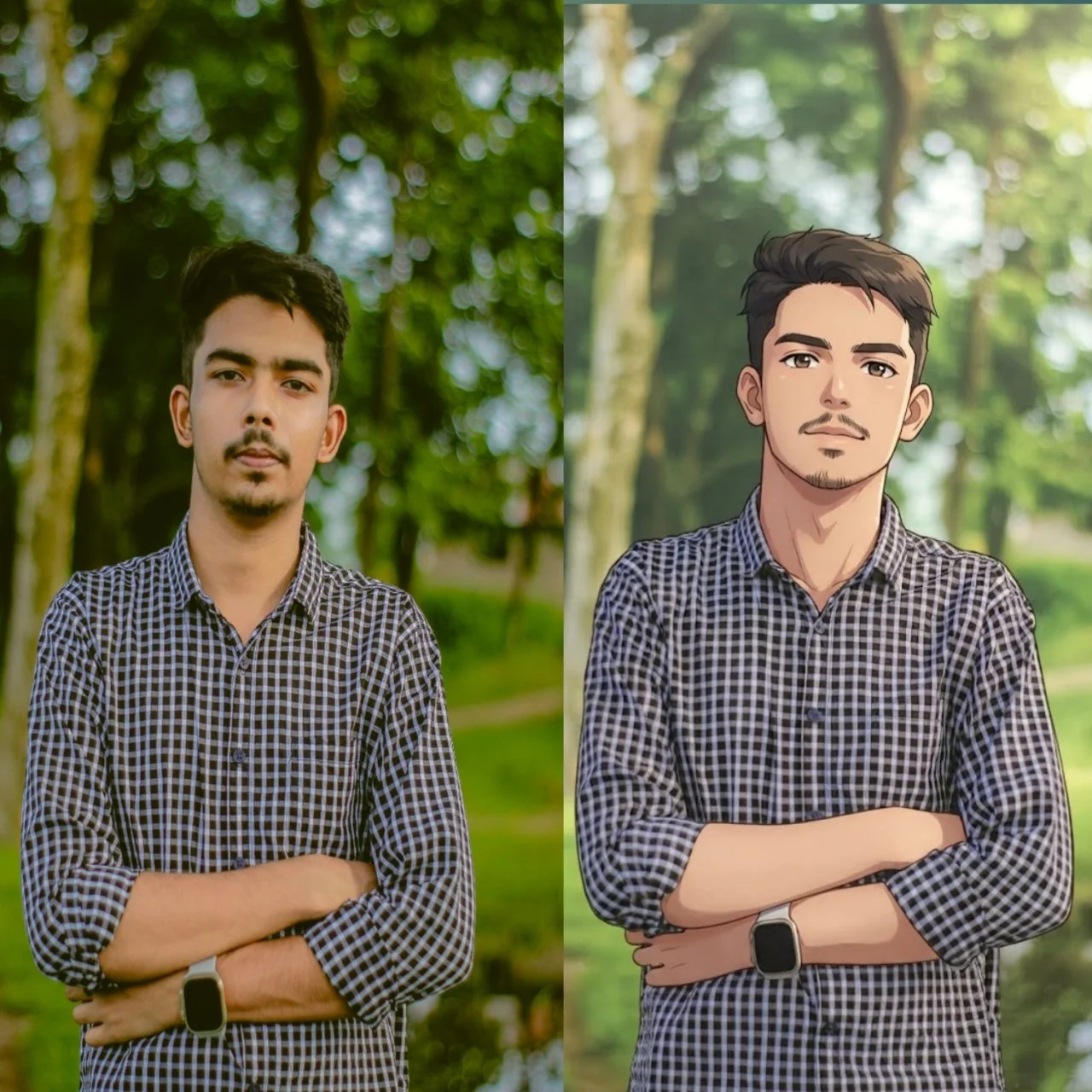
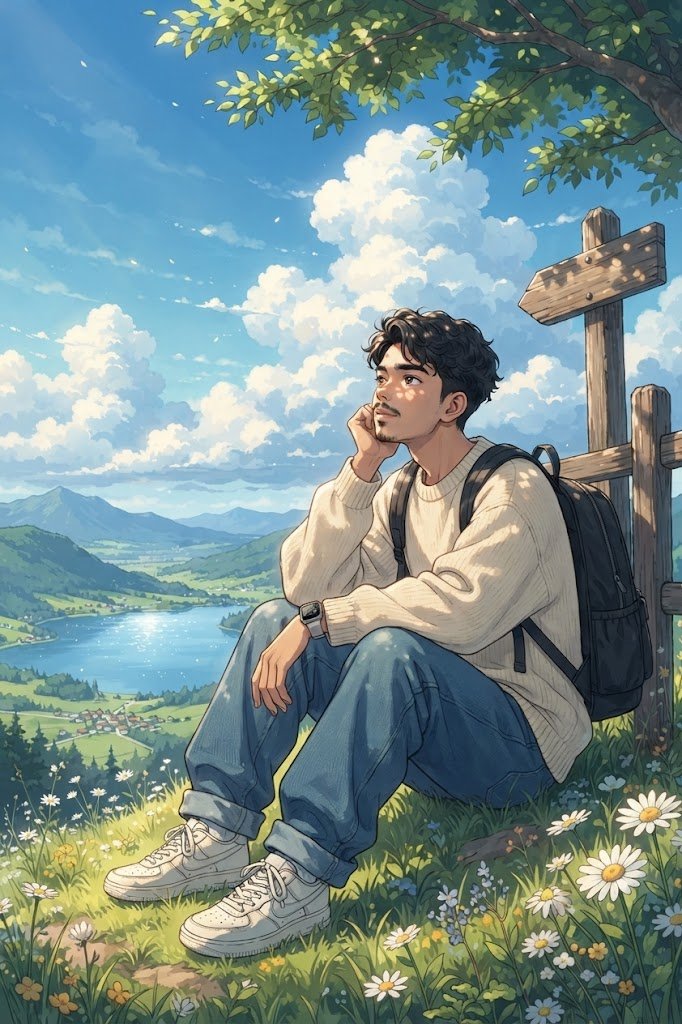
Want to know how to convert your own photo to anime with Gemini AI? This prompt is designed to transform a photographic reference into a high-detail 2D cinematic anime illustration while aiming to preserve the person's recognizable facial identity, facial structure, hairstyle, skin tone, natural age appearance, and distinctive facial characteristics.
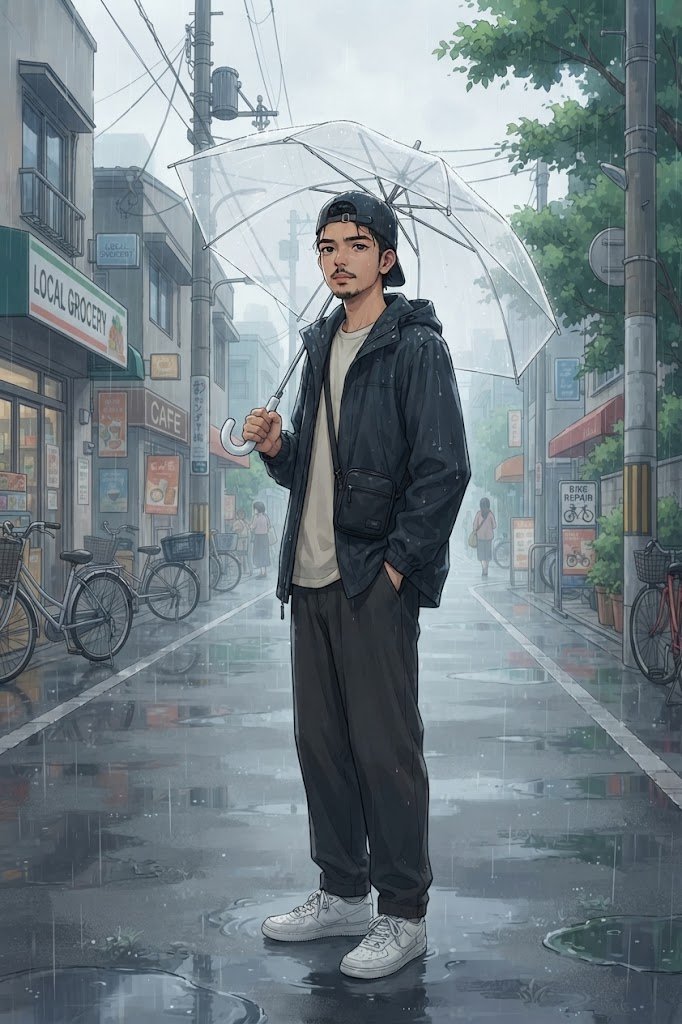
Using one uploaded photo, Gemini can create a rainy anime movie-style scene where the person stands naturally beneath a transparent umbrella on an ordinary local city street. The character has a relaxed sideways posture, holds the umbrella with one hand, and keeps the other hand casually inside a jacket pocket while looking toward the camera.
The scene features visible rainfall, wet hair, puddles, wet asphalt, atmospheric mist, subtle reflections, small local shops, electrical poles, parked bicycles, leafy roadside trees, and a few distant pedestrians. The environment is designed to feel like an ordinary local urban street rather than a luxury or futuristic setting.
The prompt uses high-detail 2D anime artwork, clean lineart, soft cel-shading, subtle gradients, painterly environmental details, natural anime facial rendering, vibrant yet realistic colors, and cinematic lighting to create the feeling of an anime movie still.
It is specifically written for Gemini image generation and is designed to turn a normal photographic reference into a cinematic rainy anime illustration without using a photorealistic, 3D, or plastic CGI style.
Simply upload one clear photo to Gemini, paste the prompt, and generate your anime image.
Using one uploaded photo, Gemini can create a rainy anime movie-style scene where the person stands naturally beneath a transparent umbrella on an ordinary local city street. The character has a relaxed sideways posture, holds the umbrella with one hand, and keeps the other hand casually inside a jacket pocket while looking toward the camera.
The scene features visible rainfall, wet hair, puddles, wet asphalt, atmospheric mist, subtle reflections, small local shops, electrical poles, parked bicycles, leafy roadside trees, and a few distant pedestrians. The environment is designed to feel like an ordinary local urban street rather than a luxury or futuristic setting.
The prompt uses high-detail 2D anime artwork, clean lineart, soft cel-shading, subtle gradients, painterly environmental details, natural anime facial rendering, vibrant yet realistic colors, and cinematic lighting to create the feeling of an anime movie still.
It is specifically written for Gemini image generation and is designed to turn a normal photographic reference into a cinematic rainy anime illustration without using a photorealistic, 3D, or plastic CGI style.
Simply upload one clear photo to Gemini, paste the prompt, and generate your anime image.
📝 Prompt 1
High-detail 2D modern cinematic anime illustration based on the uploaded photographic reference, preserving the person's recognizable facial identity, facial structure, hairstyle, skin tone, natural age appearance, and distinctive facial characteristics while transforming the entire image into a polished anime illustration.
Character standing naturally beneath a transparent umbrella on a rainy local city street, body slightly turned sideways, one hand holding the umbrella handle and the other hand casually inside a jacket pocket, looking toward the camera with a calm thoughtful expression. Wet hair with subtle rain droplets, natural relaxed posture.
Wardrobe: casual dark waterproof jacket, simple light-colored t-shirt, relaxed dark trousers, white sneakers, small shoulder bag.
Environment: ordinary local urban street with small shops, electrical poles, parked bicycles, puddles, wet asphalt, subtle reflections, leafy roadside trees and a few distant pedestrians. Avoid luxury architecture or futuristic buildings.
Lighting & Atmosphere: soft overcast daylight, visible rainfall, atmospheric mist, subtle reflections on wet pavement, gentle anime lighting, realistic rainy mood.
Art Style: high-detail 2D Japanese-inspired anime illustration, clean lineart, soft cel-shading, subtle gradients, painterly environment, expressive but natural anime facial rendering, vibrant yet realistic colors, detailed background, cinematic anime movie still.
Camera: eye-level medium full-body composition, natural perspective, character clearly visible from head to shoes, detailed environment surrounding the subject.
IMPORTANT:
Keep the original person's face clearly recognizable. Do not replace the identity with a generic anime character.
No photorealistic rendering, no 3D render, no plastic CGI appearance.
All visible signs, shop names, advertisements, or readable text must be in English only. No Chinese, Japanese, Korean, or other Asian-language writing anywhere.
How to Use This Prompt
1. Open Google Gemini.
2. Start a new conversation that supports image generation.
3. Upload exactly ONE clear photo of yourself.
4. Choose a photo where your face, hairstyle, and overall appearance are clearly visible.
5. Copy the complete anime prompt from this page.
6. Paste the prompt into Gemini together with your uploaded photo.
7. Send the prompt and let Gemini generate the image.
**Reference Image:**
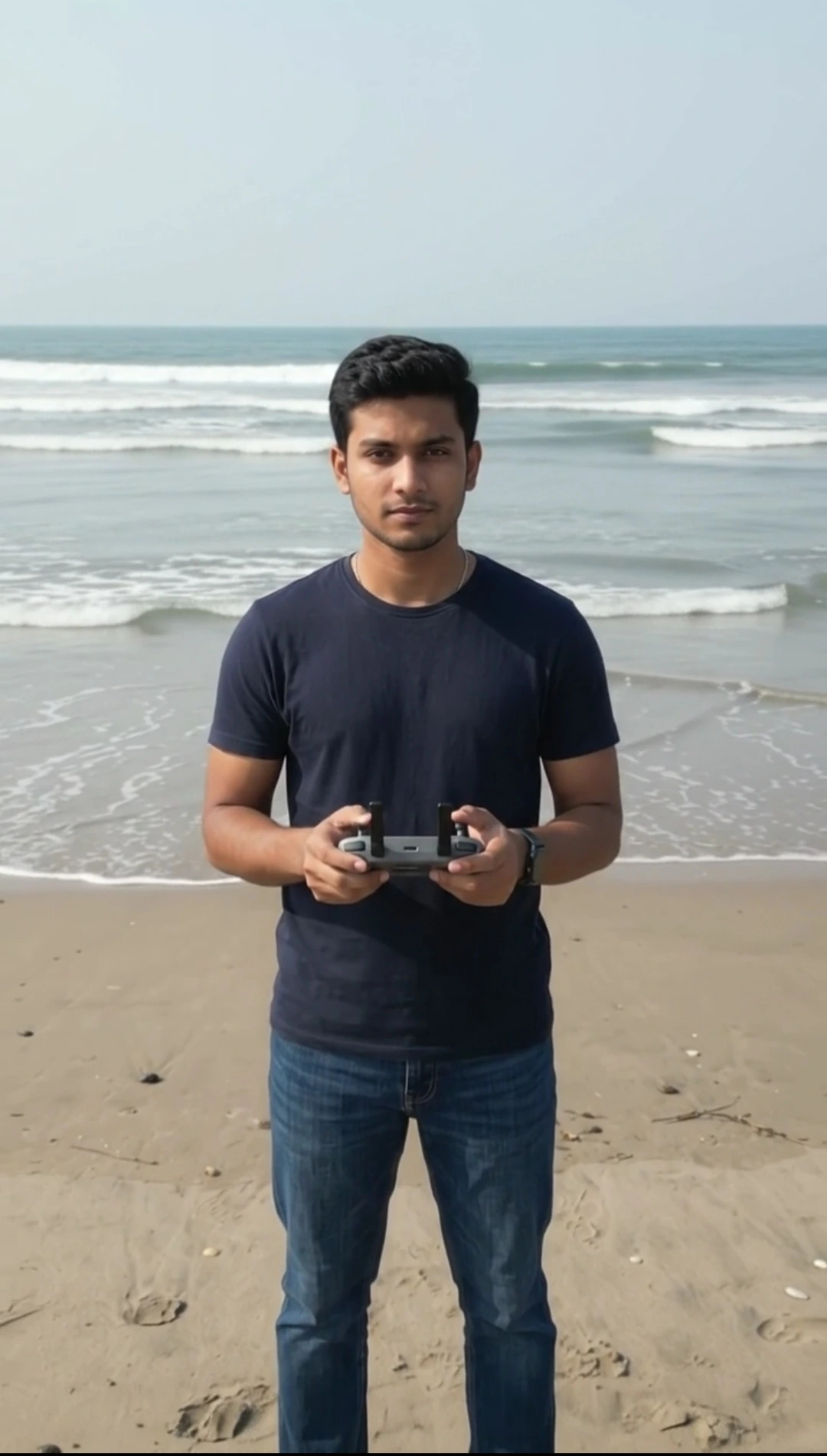
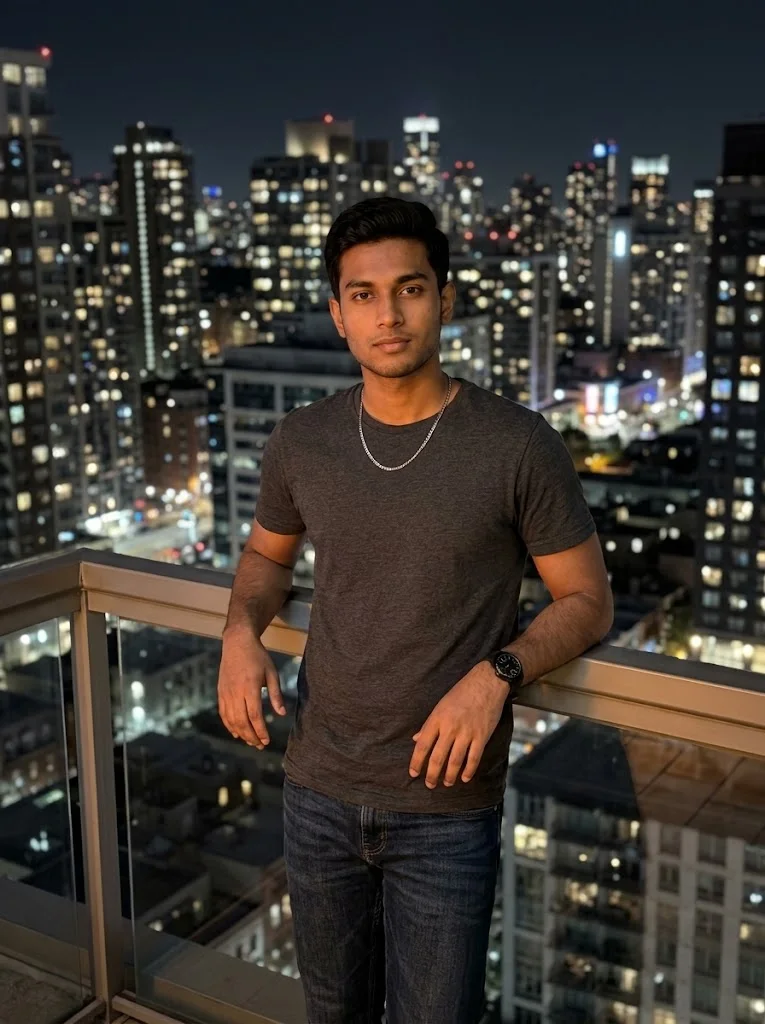
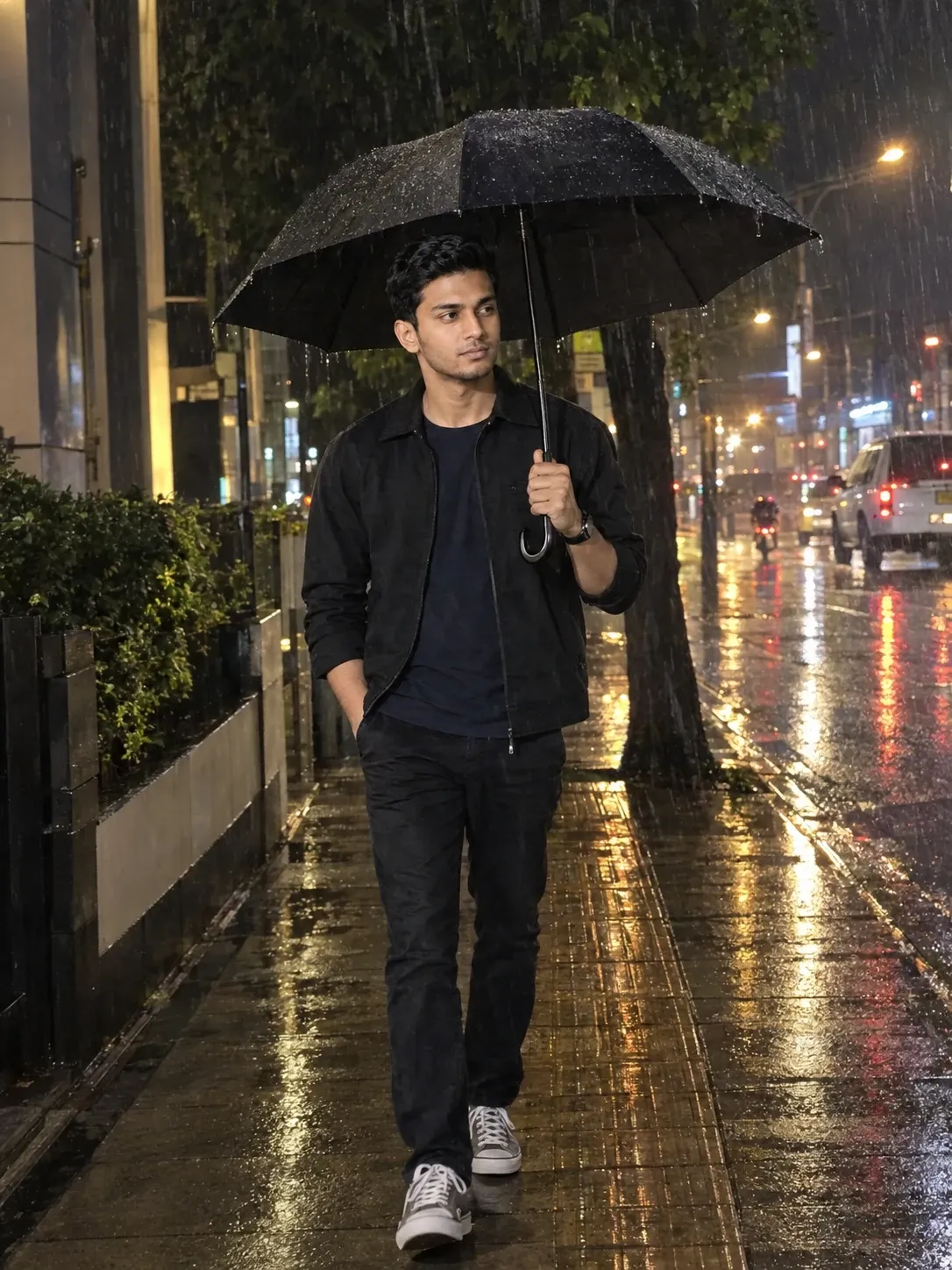
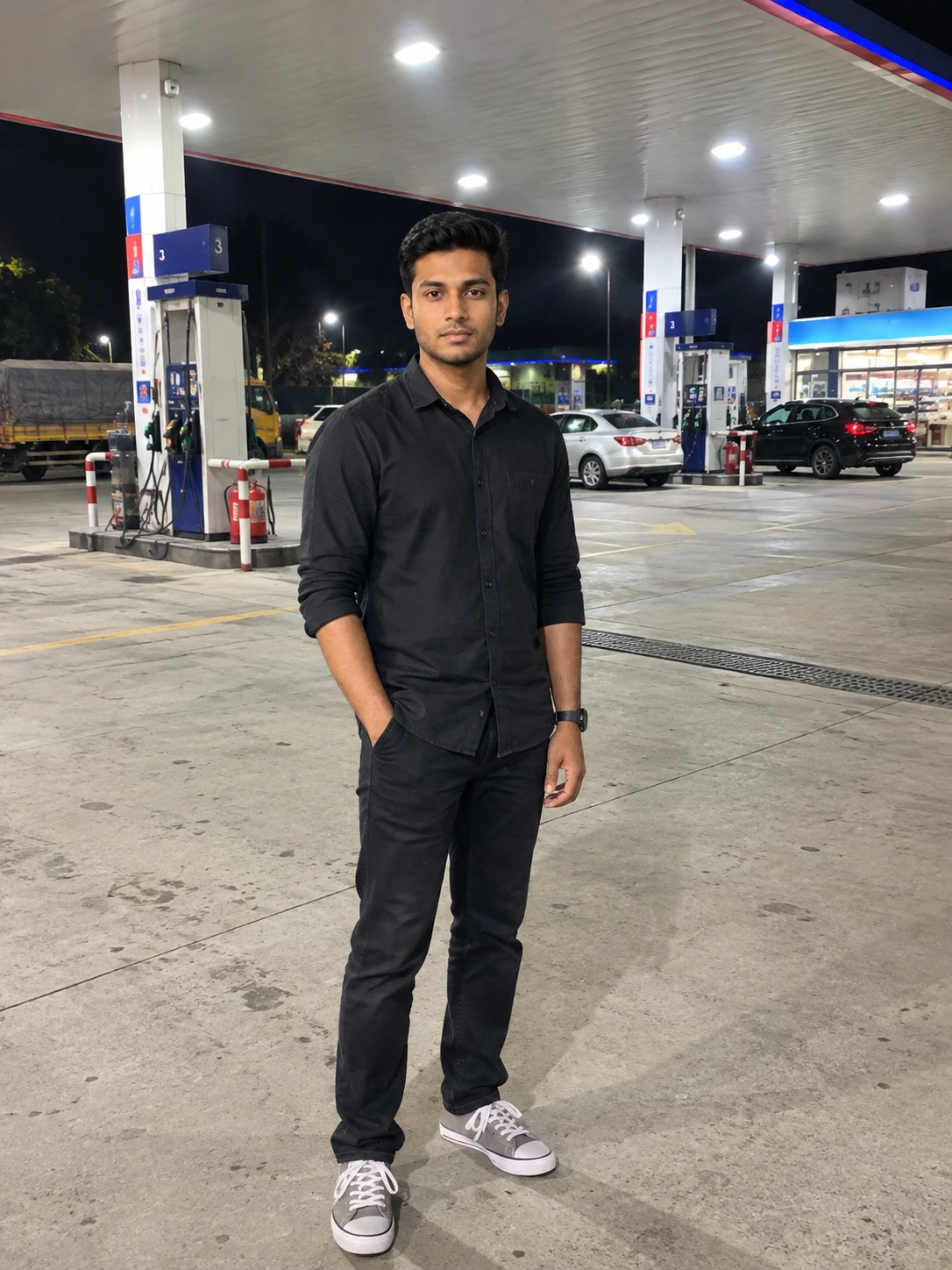
Image 1 = Your original photo.
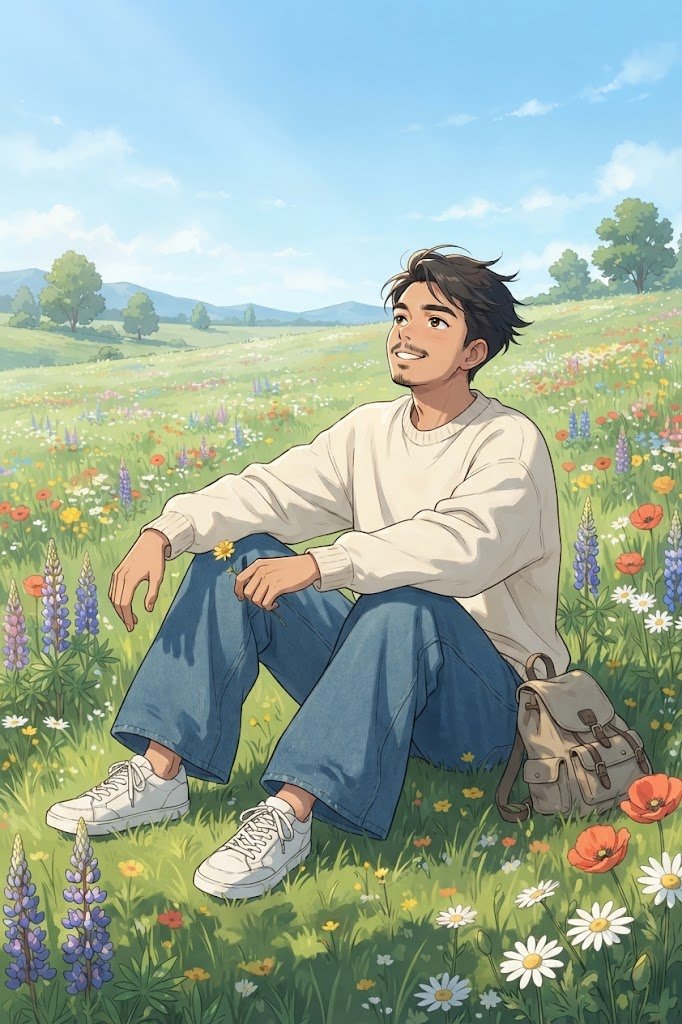
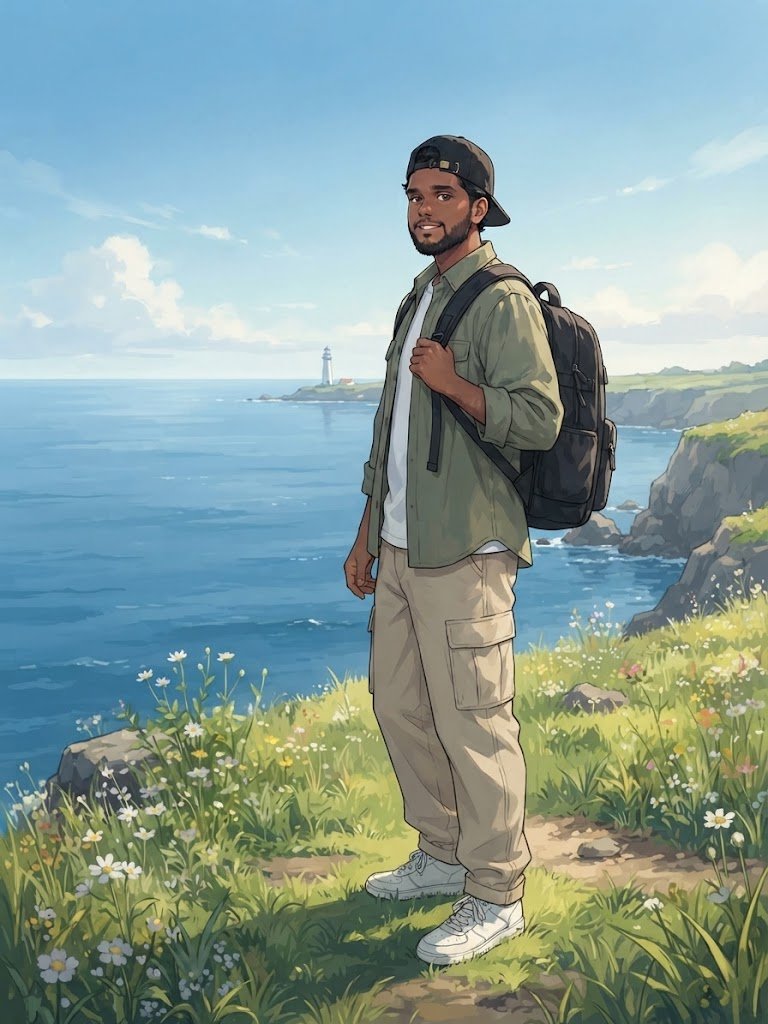
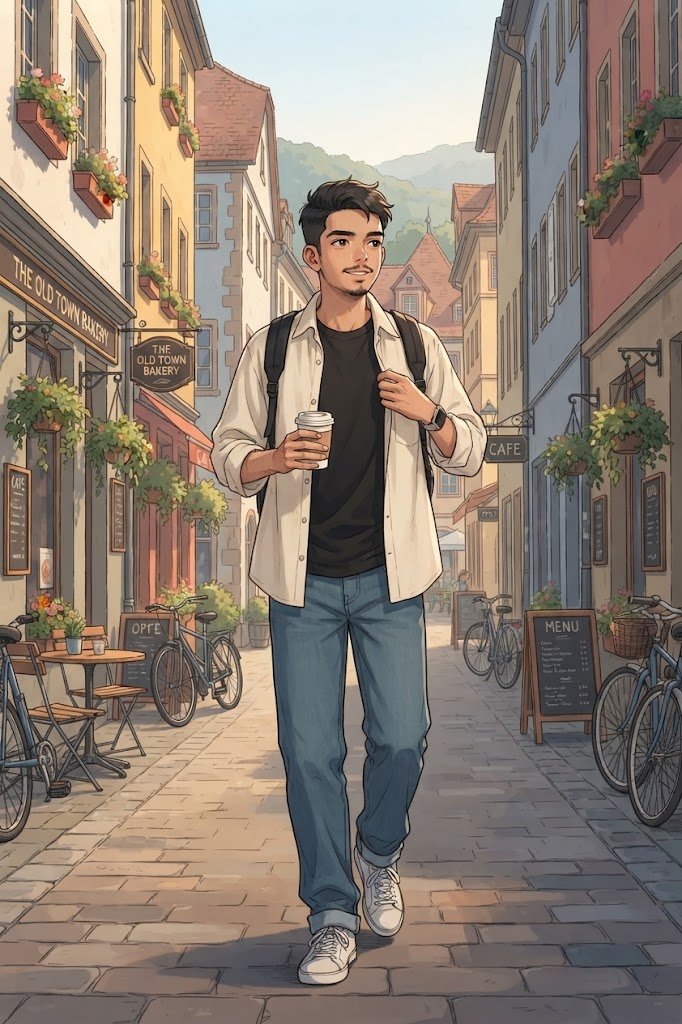
Gemini will use the uploaded photograph as the visual reference and transform it into a high-detail 2D cinematic anime illustration featuring a rainy city street and transparent umbrella.
For the best result, use a high-quality photo with good lighting and a clearly visible face.
2. Start a new conversation that supports image generation.
3. Upload exactly ONE clear photo of yourself.
4. Choose a photo where your face, hairstyle, and overall appearance are clearly visible.
5. Copy the complete anime prompt from this page.
6. Paste the prompt into Gemini together with your uploaded photo.
7. Send the prompt and let Gemini generate the image.
**Reference Image:**
Image 1 = Your original photo.
Gemini will use the uploaded photograph as the visual reference and transform it into a high-detail 2D cinematic anime illustration featuring a rainy city street and transparent umbrella.
For the best result, use a high-quality photo with good lighting and a clearly visible face.