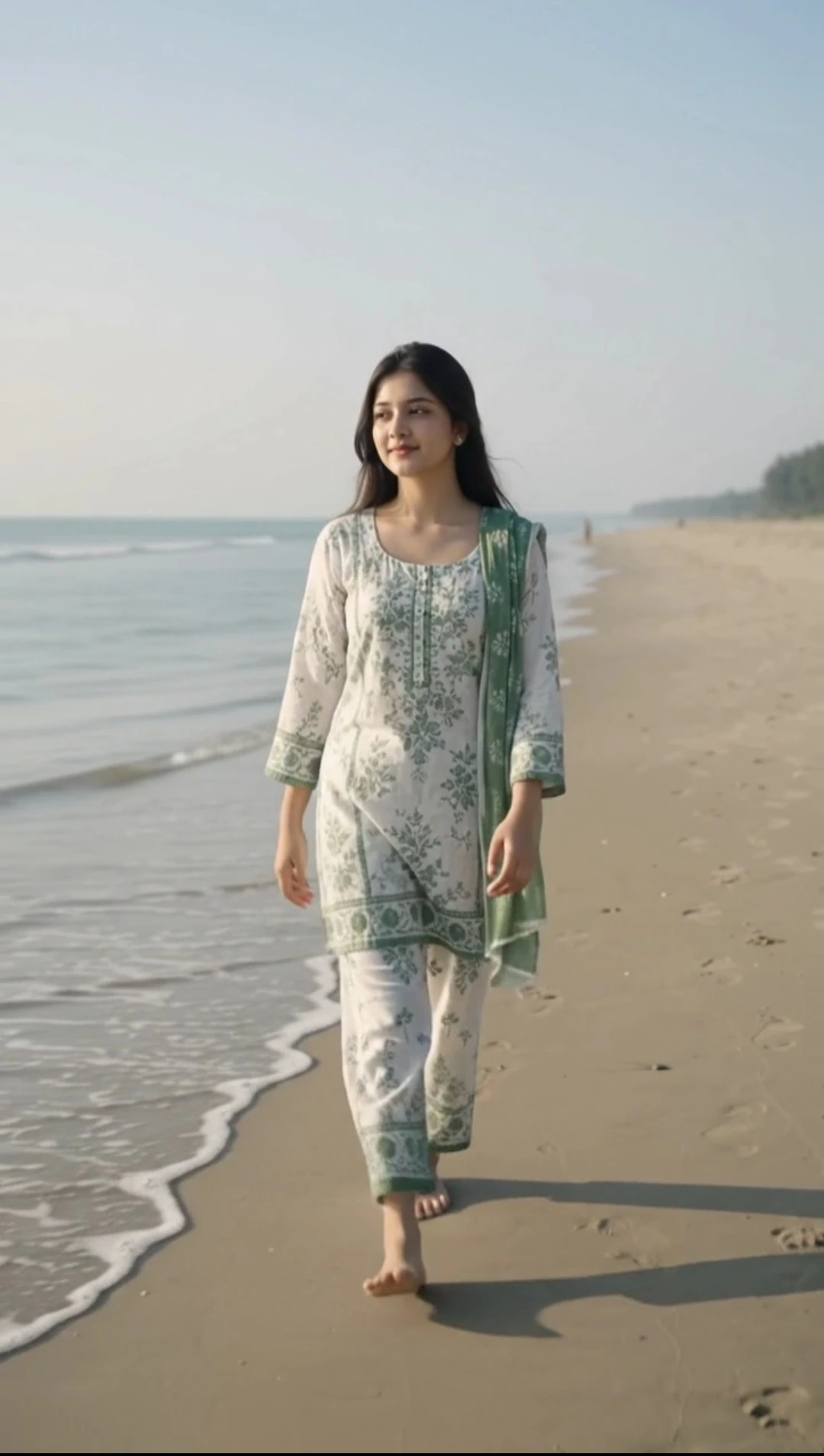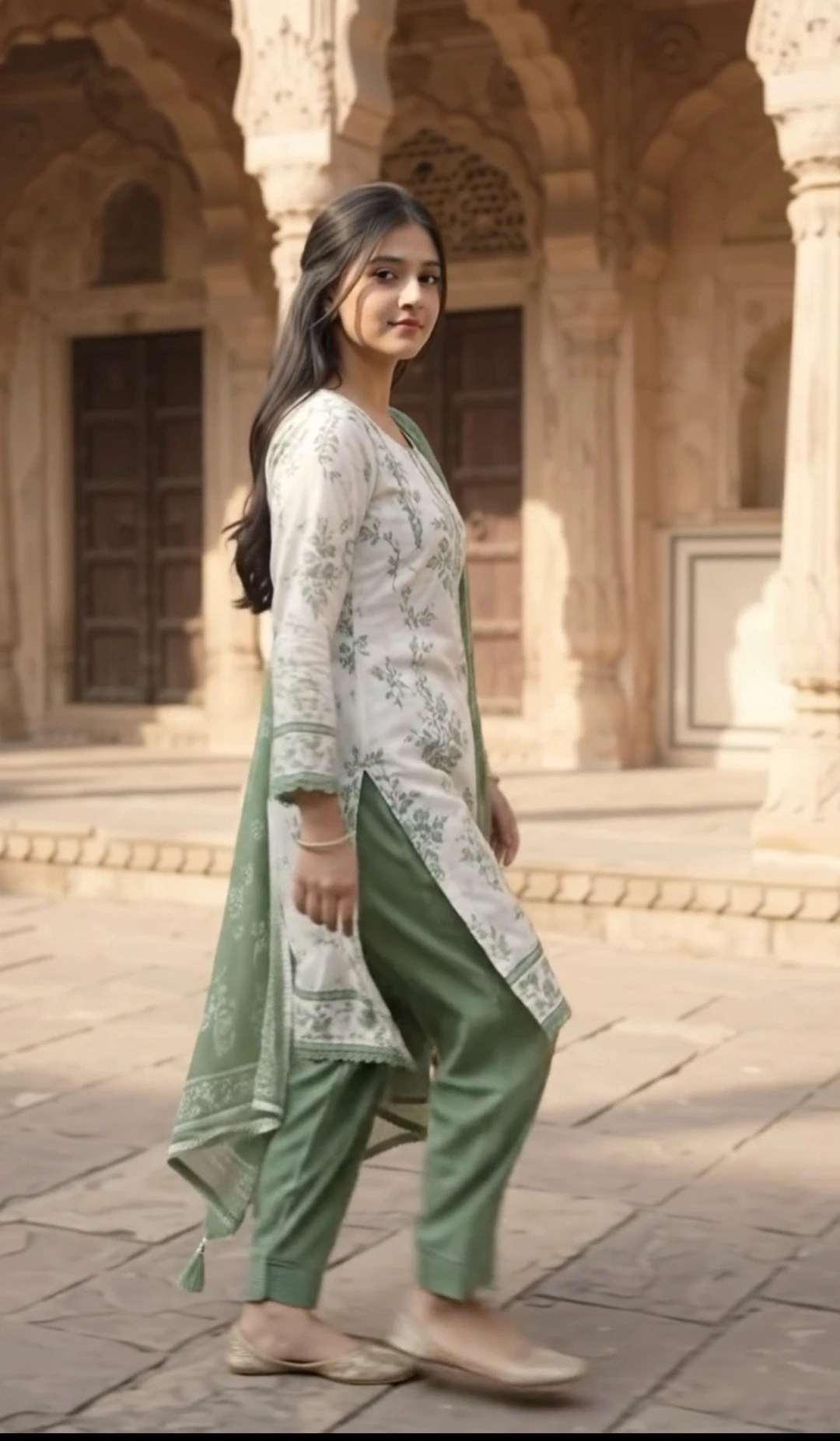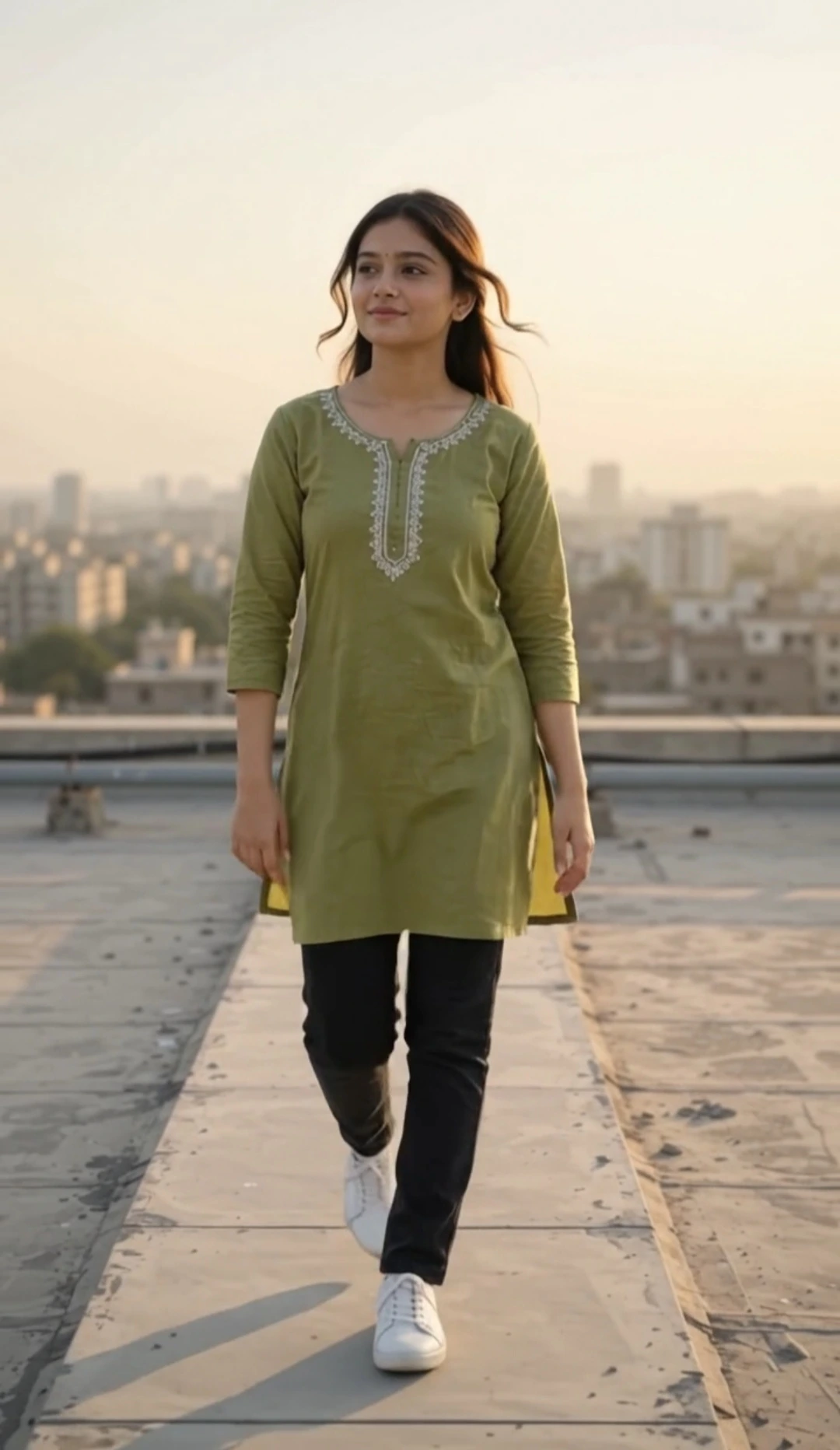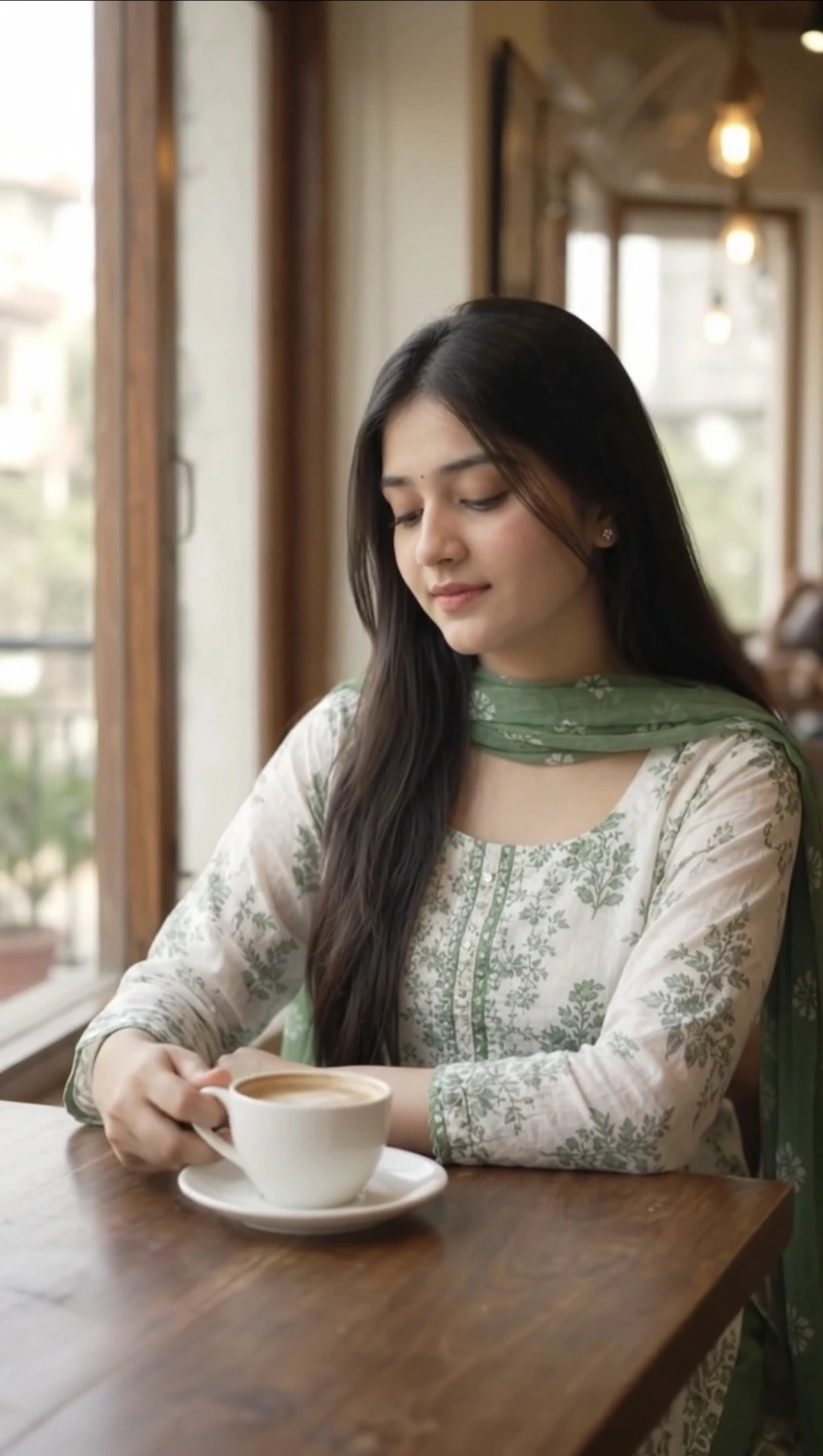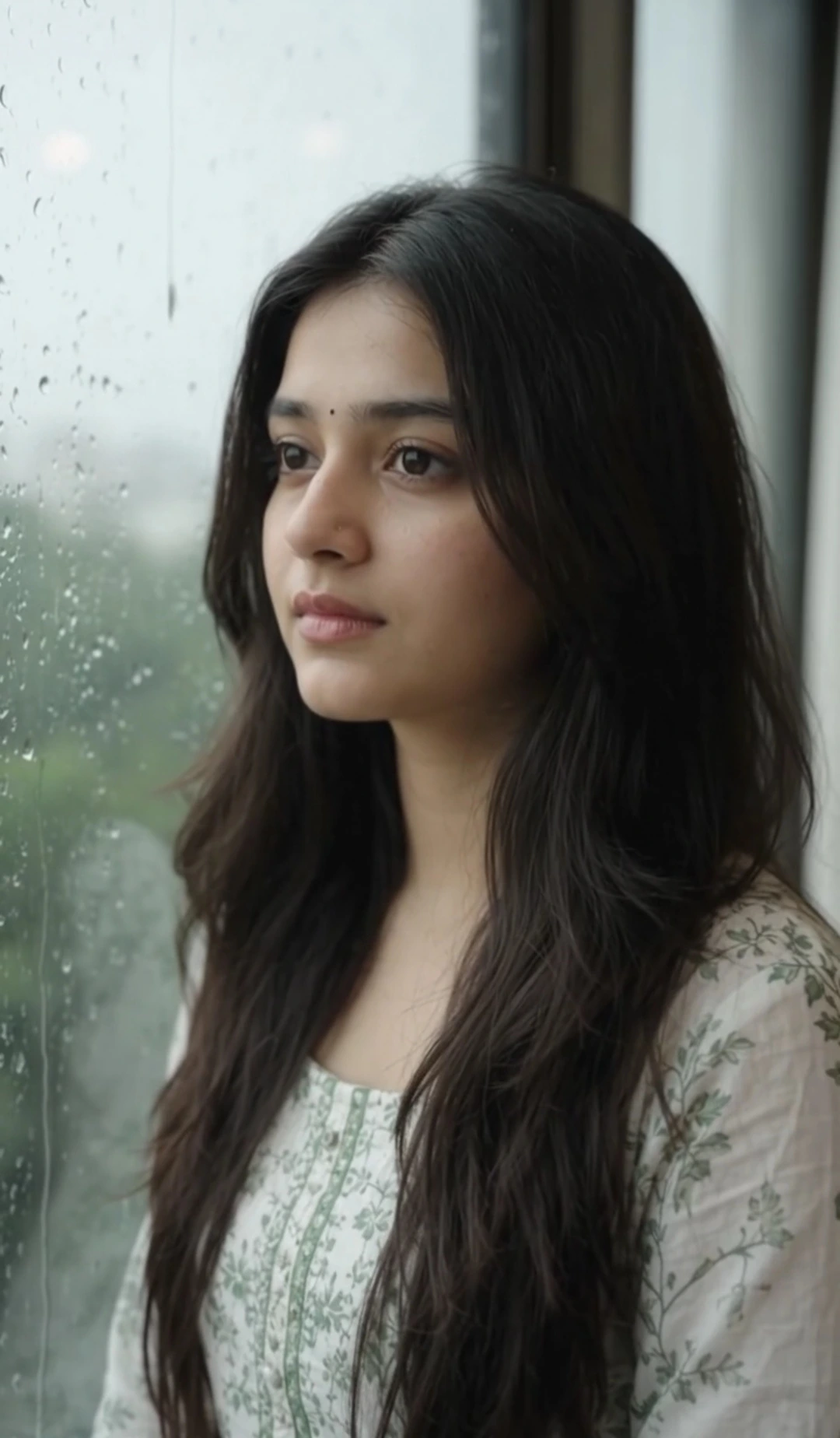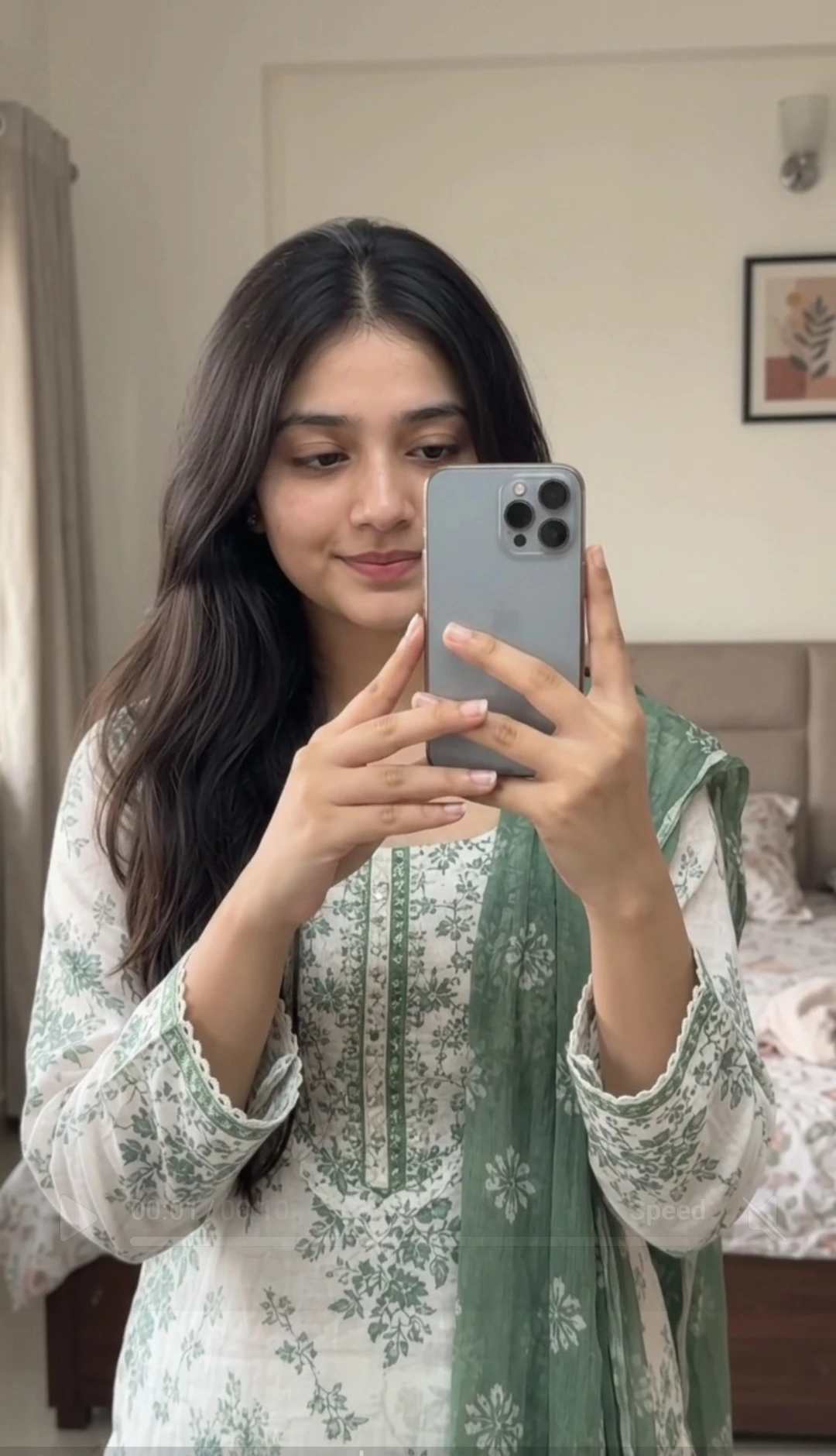
Google Flow AI Cute Selfie Video Prompt
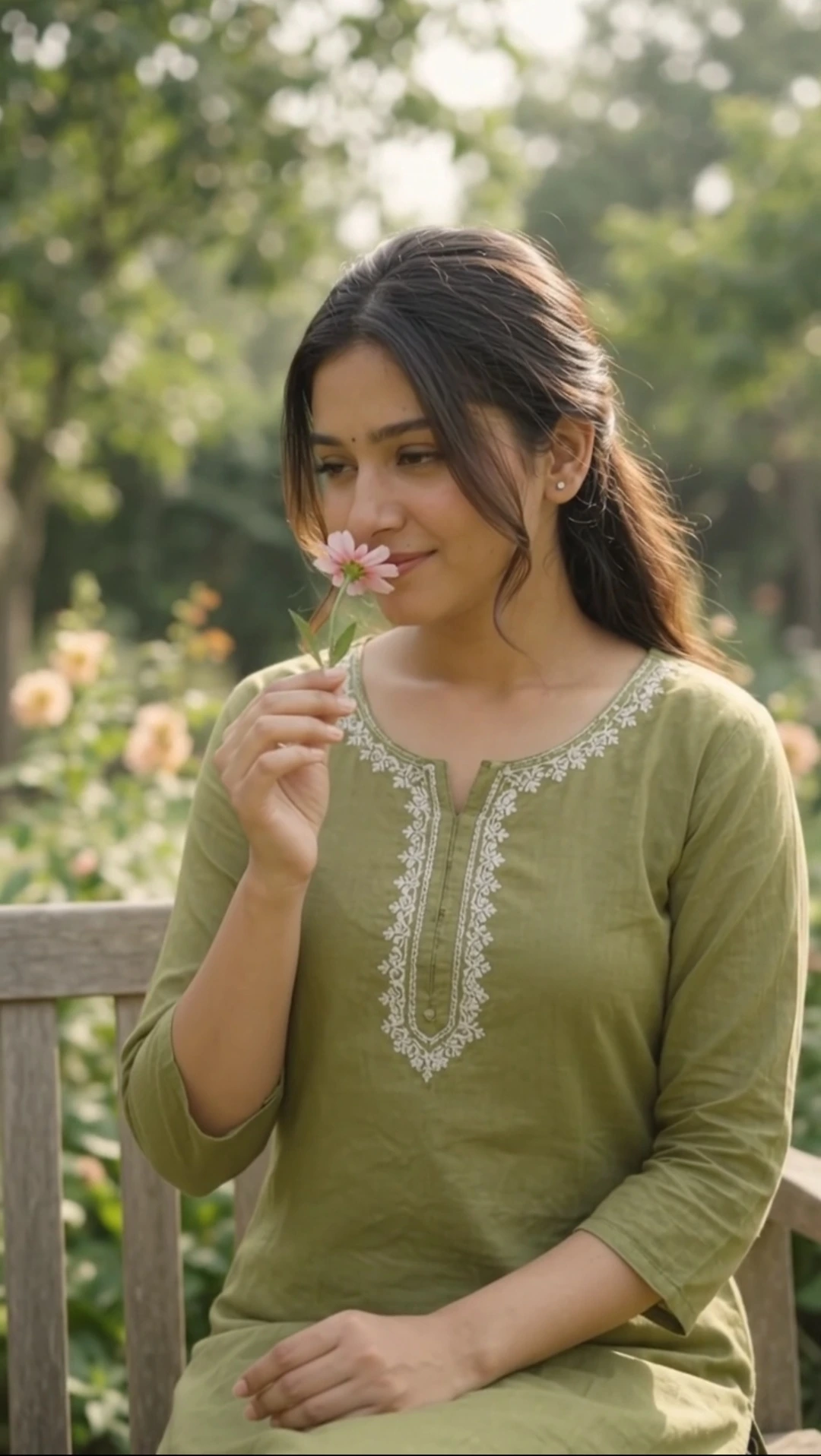
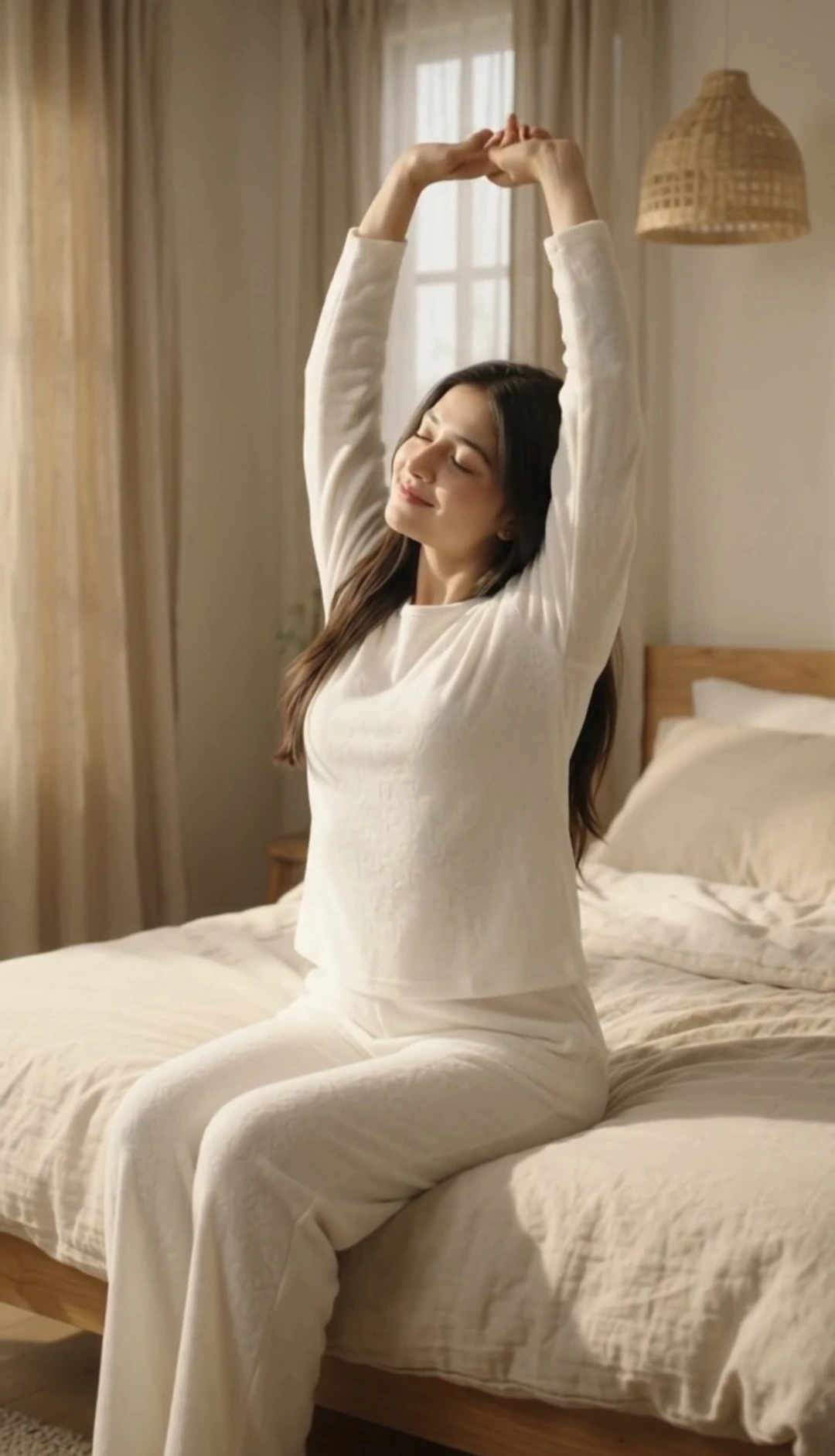
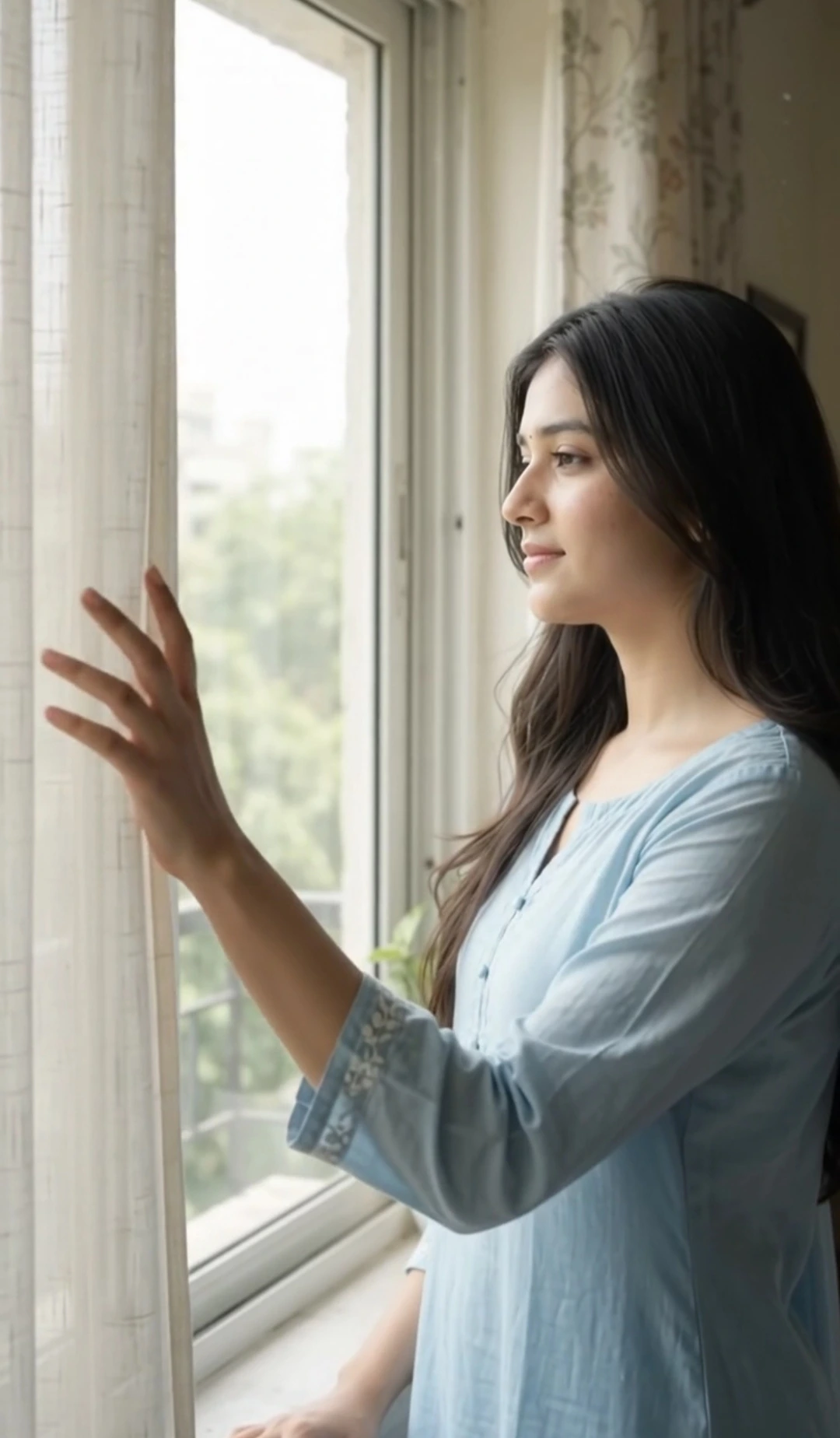
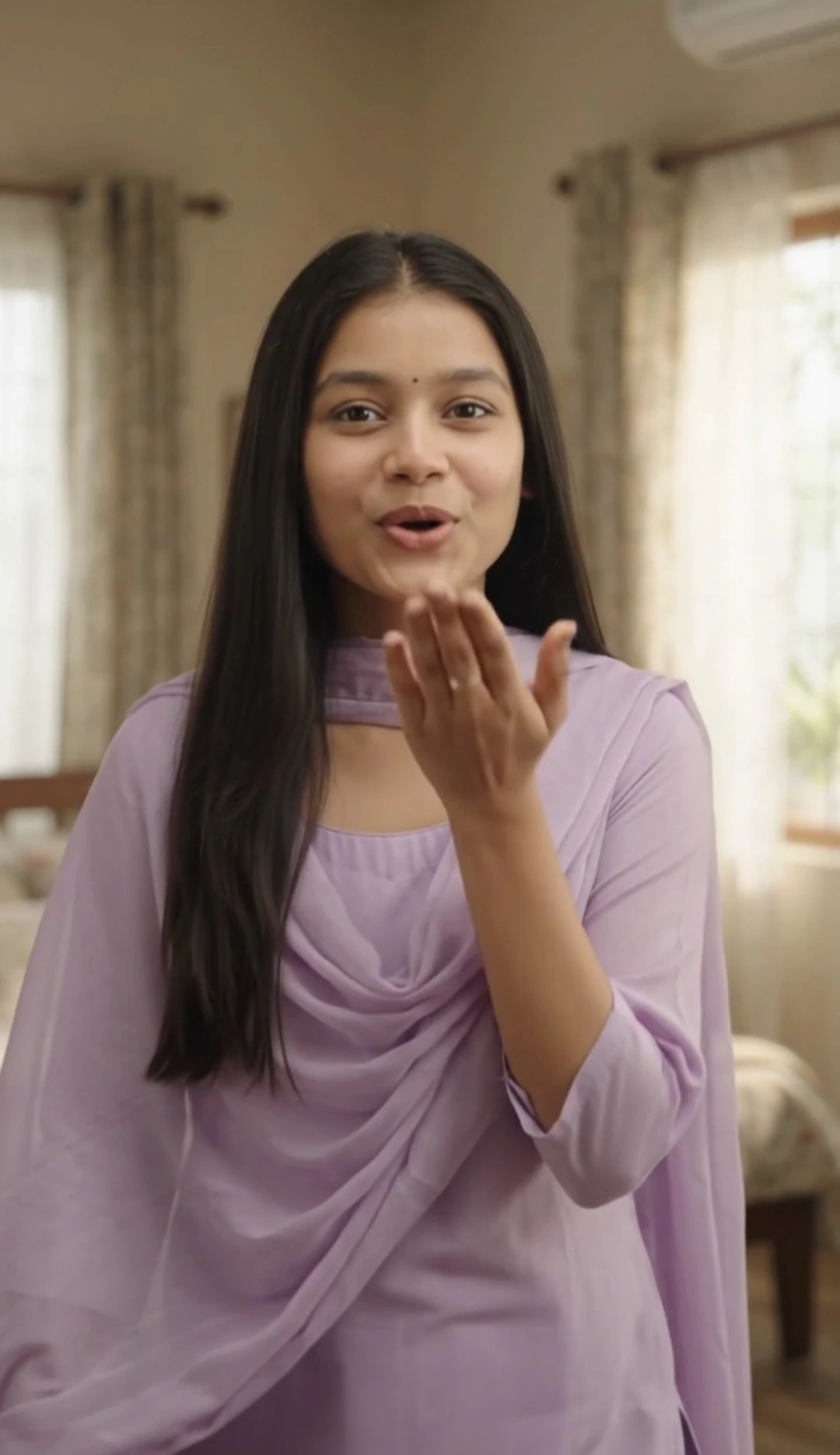
Create a cute, realistic selfie reel with this VOIZET Google Flow AI video prompt. Using your uploaded reference photo, generate a vertical selfie video featuring the same recognizable woman across three distinct scenes. Start with a Korean-style finger heart beside her cheek, continue with playful facial expressions and natural hand gestures, and finish with a tiny, gentle closed-mouth smile. The prompt emphasizes consistent facial identity, original hairstyle and accessories, realistic hand anatomy, and authentic front-facing camera framing. Keep part of the camera-holding forearm visible near the frame edge without showing the smartphone or gripping hand. Ideal for creating a natural social media selfie reel with smooth transitions and soft romantic instrumental music.
📝 Prompt 1
# GOOGLE FLOW AI VIDEO PROMPT — CUTE SELFIE EXPRESSIONS & MULTI-SCENE FINGER HEART REEL

Create a beautiful, natural-looking, ultra-realistic 10-second vertical 9:16 selfie video of the exact same woman shown in the uploaded reference photo. The video should look like a real social-media reel recorded by the woman herself using her smartphone's front-facing camera. Include multiple clearly different selfie scenes, cute hand gestures, playful expressions, subtle pose changes, and natural transitions.

## 1. FRONT-FACING SELFIE CAMERA POV — HIGHEST PRIORITY

The woman is personally recording herself with her smartphone's front-facing camera, held in one hand at a natural selfie distance.

* Show only the actual footage captured by the front-facing selfie camera.
* The smartphone, phone screen, camera device, and phone-holding hand must never be visible.
* However, a natural partial view of the arm holding the camera should be visible along one edge or in the lower corner of the frame, as happens in real handheld selfie videos.
* Show only part of that arm, such as the forearm entering the frame from the bottom corner. Do not show the hand gripping the phone or reveal the phone itself.
* The visible arm must look anatomically natural and remain consistent with the woman's original body proportions.
* Keep the woman's face clearly visible and naturally framed, with realistic front-camera perspective and subtle handheld movement.
* Her free hand must remain available for gestures and expressions.
* Never show a third-person view of someone filming her.
* Do not use a mirror selfie, an external camera operator, a cinematic side camera, or a camera orbit around her.
* Every scene must look like footage she recorded herself with the front-facing camera.

**Important:** The partially visible camera-holding arm is allowed, but the smartphone and the hand holding it are strictly forbidden from appearing in the frame.

## 2. STRICT REFERENCE IDENTITY, AGE, FACE AND PHYSIQUE PRESERVATION — HIGHEST PRIORITY

Use the uploaded reference photo as the definitive identity source. Reproduce the same recognizable woman throughout every scene.

Preserve her original facial structure, face width and length, cheeks, cheekbones, jawline, chin, forehead, temples, nose, ears, eyes, eyebrows, lips, neck, skin tone, natural skin texture, age, hairstyle, hairline, hair length, and hair color.

Keep her original body shape, shoulder width, arm size, hand proportions, and natural height impression. Do not make her face slimmer or fuller, change her physique, make her appear older or younger, or apply artificial beauty filters.

Preserve all original accessories visible in the reference photo, including earrings, necklaces, bracelets, bangles, and other jewelry. Do not invent extra accessories.

If her original teeth become visible naturally, preserve their original appearance. Do not generate extra teeth or unnaturally change her smile.

**CHARACTER CONSISTENCY: LOCKED.** The same woman must remain recognizable in every scene, with no face morphing, identity drift, age changes, body reshaping, or hairstyle changes.

## 3. OUTFIT AND APPEARANCE CONSISTENCY

Keep the original outfit's design, cut, fit, fabric, and accessories consistent with the reference photo. If a different outfit color is appropriate, change only the color to a tasteful, natural-looking shade and keep that color consistent across every scene.

Do not randomly change her clothing, hairstyle, jewelry, or overall appearance between scenes.

Her look should remain cute, natural, youthful, and realistic—not excessively glamorous, artificial, or heavily beautified.

## 4. THREE DISTINCT SELFIE SCENES — 10 SECONDS TOTAL

### SCENE 1 — CUTE FINGER HEART AND SOFT SMILE (0:00–0:03)

Begin immediately with the woman already recording herself through the front-facing camera. Do not display the uploaded reference photo as a frozen opening frame.

She looks directly into the lens with a gentle, friendly expression. Using her free hand, she makes a small Korean-style finger-heart gesture beside her cheek.

She tilts her head slightly, gives a cute, natural smile, and briefly moves the finger-heart closer to her cheek before relaxing her fingers.

Keep part of her camera-holding forearm naturally visible near the lower edge or corner of the frame, but never show the hand gripping the phone or the phone itself.

The scene should feel like a genuine selfie captured spontaneously by a young woman.

### SCENE 2 — PLAYFUL EXPRESSIONS AND DIFFERENT HAND GESTURES (0:03–0:06.5)

Transition naturally into a clearly different selfie moment. Maintain the same front-facing camera perspective while allowing a subtle change in framing, background position, or head angle to make this scene visually distinct.

The woman lowers her finger-heart hand, gently tilts her head in the opposite direction, briefly looks away from the lens with a shy expression, then looks back into the camera.

She playfully raises her free hand near her cheek, lightly points toward herself, and makes a small cute pose with relaxed fingers. She may briefly tuck a loose strand of hair behind her ear if this can be done naturally without changing her original hairstyle.

Her expression changes naturally from shy to playful, with a tiny amused smile. Her gestures should be smooth and believable, not exaggerated or robotic.

Keep the partial camera-holding forearm visible in a natural position. The phone and the hand holding it must remain outside the frame.

### SCENE 3 — GENTLE FINAL POSE AND A TINY SMILE (0:06.5–0:10)

Create a final selfie moment with a slightly different head angle and a relaxed, charming expression.

The woman gently raises her free hand and makes one small finger-heart gesture near her cheek. She holds it briefly, then slowly lowers her hand in a relaxed, natural movement.

She looks directly into the front-facing camera, gives a very subtle closed-mouth smile, and holds the expression calmly until the video ends.

**FINAL EXPRESSION REQUIREMENT:** The ending must contain only a tiny, gentle smirk or soft closed-mouth smile. No broad grin, no big laugh, no open-mouth smile, no exaggerated facial expression, and no sudden change of expression. Her final look should feel sweet, calm, natural, and effortless.

Keep the partial camera-holding forearm naturally visible near the edge of the frame. Do not reveal the smartphone or the hand holding it.

End smoothly while she maintains the small smile. Do not add a freeze-frame, dramatic ending, or sudden camera movement.

## 5. REALISTIC SELFIE MOVEMENT AND VISUAL QUALITY

Use realistic front-camera framing with natural arm-length perspective. Allow subtle handheld movement, gentle framing adjustments, and small natural changes in camera angle between scenes.

Keep her face in clear focus with realistic skin texture, natural lighting, and believable facial expressions. Her head, shoulders, free hand, and partially visible camera-holding forearm must move with consistent anatomy and realistic timing.

The three scenes must feel visibly different in pose, facial expression, and hand gesture, even though all footage is captured from her own front-facing selfie camera.

Use smooth transitions without abrupt identity changes, unnatural jumps, or confusing changes in body position.

The result should resemble a polished but natural social-media selfie reel—not a third-person cinematic video.

## 6. AUDIO AND MUSIC

Use soft, cute, romantic instrumental background music suitable for a short social-media reel.

No dialogue, no spoken words, no singing, no lip-sync, and no voice-over. Keep her mouth movements natural and consistent with the expressions described.

## 7. STRICT NEGATIVE CONSTRAINTS

Do not show the smartphone, phone screen, camera device, or the hand gripping the phone.

Do not remove the partial view of the camera-holding forearm entirely; a small natural portion of the arm should remain visible near the frame edge or lower corner.

Do not use third-person camera angles, mirror selfies, external cameramen, cinematic side views, drone shots, or camera orbits.

Do not begin with a frozen reference image. The woman must already be actively recording a selfie video in the first frame.

Do not replace the woman with another person or alter her identity, age, facial features, skin tone, hair, body shape, or original accessories.

Do not create extra fingers, missing fingers, fused fingers, distorted hands, unnaturally long arms, or broken joints.

Do not make her perform exaggerated gestures, unnatural dancing, excessive head movements, or robotic expressions.

Do not end with a broad smile, open-mouth grin, loud laughter, or exaggerated expression. The final expression must be a tiny, gentle, closed-mouth smile.

No text, captions, subtitles, logos, watermarks, borders, or artificial beauty filters.

FINAL PRIORITY: Preserve the exact woman from the reference photo, maintain the front-facing selfie-camera perspective throughout all three distinct scenes, show only a partial view of the camera-holding forearm without revealing the phone or gripping hand, use the free hand for natural cute gestures, and finish with only a subtle closed-mouth smile.
You May Also Like
Use this prompt :
Google Flow AI
How to Use This Prompt
🎬 How to Use in Google Flow AI
Step 1: Upload Your Reference Photo 📸
Upload a clear photo of the woman. Use it as the reference for her facial features, hairstyle, skin tone, body proportions, and original accessories.
Step 2: Paste the Complete Prompt 📝
Copy the full Cute Selfie Expressions and Multi-Scene Finger Heart Reel prompt into Google Flow AI. Include the camera perspective rules and all three scene descriptions.
Step 3: Choose Video Settings ⚙️
Select vertical 9:16 format and a 10-second duration if these options are available in your workflow.
Step 4: Generate the Three Scenes 💗
Scene 1 (0:00–0:03): A small finger-heart gesture beside her cheek with a gentle smile.
Scene 2 (0:03–0:06.5): Playful expressions, a slight head tilt, and different natural hand gestures.
Scene 3 (0:06.5–0:10): Another finger-heart gesture followed by a tiny, closed-mouth smile.
Step 5: Check Camera Framing and Identity 🔍
Make sure the video maintains a front-facing selfie perspective. A small portion of the camera-holding forearm should remain visible, but the smartphone and gripping hand must stay outside the frame. Check facial consistency, hand anatomy, outfit continuity, and the final expression.
Step 6: Add Background Music 🎵
If needed, add soft, romantic instrumental music that is properly licensed. Keep the video free of dialogue, singing, and voice-over.
VOIZET Tip: Preview the finished reel before publishing to check that all three scenes look natural and the final smile remains subtle.
Step 1: Upload Your Reference Photo 📸
Upload a clear photo of the woman. Use it as the reference for her facial features, hairstyle, skin tone, body proportions, and original accessories.
Step 2: Paste the Complete Prompt 📝
Copy the full Cute Selfie Expressions and Multi-Scene Finger Heart Reel prompt into Google Flow AI. Include the camera perspective rules and all three scene descriptions.
Step 3: Choose Video Settings ⚙️
Select vertical 9:16 format and a 10-second duration if these options are available in your workflow.
Step 4: Generate the Three Scenes 💗
Scene 1 (0:00–0:03): A small finger-heart gesture beside her cheek with a gentle smile.
Scene 2 (0:03–0:06.5): Playful expressions, a slight head tilt, and different natural hand gestures.
Scene 3 (0:06.5–0:10): Another finger-heart gesture followed by a tiny, closed-mouth smile.
Step 5: Check Camera Framing and Identity 🔍
Make sure the video maintains a front-facing selfie perspective. A small portion of the camera-holding forearm should remain visible, but the smartphone and gripping hand must stay outside the frame. Check facial consistency, hand anatomy, outfit continuity, and the final expression.
Step 6: Add Background Music 🎵
If needed, add soft, romantic instrumental music that is properly licensed. Keep the video free of dialogue, singing, and voice-over.
VOIZET Tip: Preview the finished reel before publishing to check that all three scenes look natural and the final smile remains subtle.