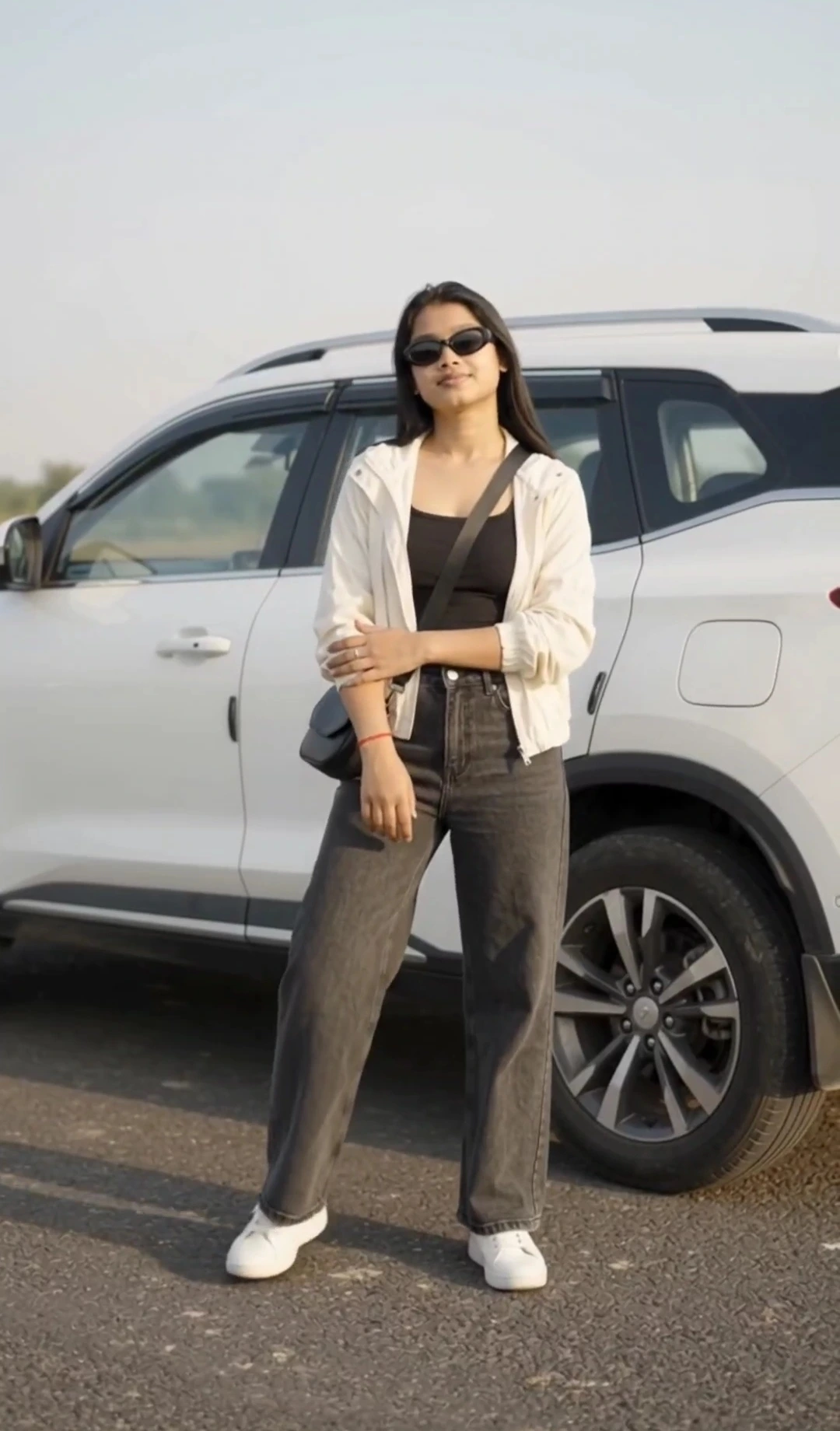
Flow AI Mirror Selfie Video Prompt with iPhone
Make a realistic 10-second mirror selfie video in Google Flow AI using your original photo as the identity reference. The video features a woman casually recording herself in a bedroom mirror with an iPhone, natural window light, realistic reflections, and subtle everyday movements.
The key detail is the inverted vertical phone position: the iPhone's rear camera housing faces the mirror while its screen faces the woman. She checks her framing, makes small wrist adjustments, shifts her weight naturally, and settles into a relaxed final pose. Three connected scenes use subtle match cuts and gentle framing changes to create the feel of a genuine smartphone recording rather than a staged fashion shoot.
The prompt emphasizes preserving the woman's original face, age, hairstyle, physique, outfit, and recognizable appearance. It also focuses on correct mirror geometry, natural hand placement, consistent phone orientation, and believable movement. After generating the video in Flow AI, you can use a suitable CapCut slow-motion template to give the reel a smoother, more stylish finish.
The key detail is the inverted vertical phone position: the iPhone's rear camera housing faces the mirror while its screen faces the woman. She checks her framing, makes small wrist adjustments, shifts her weight naturally, and settles into a relaxed final pose. Three connected scenes use subtle match cuts and gentle framing changes to create the feel of a genuine smartphone recording rather than a staged fashion shoot.
The prompt emphasizes preserving the woman's original face, age, hairstyle, physique, outfit, and recognizable appearance. It also focuses on correct mirror geometry, natural hand placement, consistent phone orientation, and believable movement. After generating the video in Flow AI, you can use a suitable CapCut slow-motion template to give the reel a smoother, more stylish finish.
📝 Prompt 1
# GOOGLE FLOW AI VIDEO PROMPT — REALISTIC IPHONE MIRROR SELFIE REEL

**VIDEO FORMAT:** 10 seconds, vertical 9:16, ultra-realistic smartphone footage, natural lifestyle aesthetic, authentic human movement, subtle cinematic slow motion, smooth match cuts, realistic mirror reflections.

## 1. ABSOLUTE IDENTITY AND ORIGINAL APPEARANCE LOCK — HIGHEST PRIORITY

Use the uploaded reference photograph as the exact identity reference for the woman. Reproduce the same recognizable real person throughout the entire video.

Preserve her original facial geometry, face shape, forehead, eyebrows, eyes, eye spacing, nose, cheeks, cheekbones, jawline, chin, lips, ears, skin tone, natural skin texture, and distinctive facial details.

Preserve her exact apparent age, original hairstyle, hairline, hair length, hair color, texture, volume, and natural parting.

Preserve her original physique, body size, height impression, shoulder width, torso, arms, hands, and natural body proportions.

Do not beautify, regenerate, replace, reshape, slim, enlarge, age, de-age, or idealize her face or body. No face swapping, identity drift, artificial skin smoothing, added makeup, skin whitening, or changes to her recognizable appearance.

Keep her original outfit unless a clothing change is explicitly requested. Do not change clothing, body shape, or personal appearance simply to make the video look more fashionable.

**The reference photograph controls the woman's identity. Cinematic quality must come from realistic filming, composition, lighting, and movement—not from changing her appearance.**

## 2. CRITICAL IPHONE ORIENTATION AND FRONT-SCREEN CAMERA LOGIC

The woman is recording a mirror-selfie video using her iPhone's **front-facing selfie camera**, while looking at the phone's main display.

She holds the phone vertically in portrait orientation, with the display facing her and the rear camera housing facing away from her, toward the mirror. Therefore, in the mirror reflection, the back of the iPhone is visible to the viewer, while the woman looks naturally at the screen on the opposite side of the phone.

**IMPORTANT PHONE-HOLDING DETAIL:** She holds the iPhone in a slightly inverted, upside-down physical orientation relative to its normal upright position, as if deliberately filming a creative mirror-selfie reel. Keep this inverted phone orientation consistent throughout the video. The phone must visibly appear upside down in her hand when judged against its physical design and camera housing. Do not silently rotate it back to the normal orientation.

The phone's front display faces the woman's eyes at all times. She uses the actual front-facing selfie camera, not the rear camera. Her eyes naturally glance at the display as she records herself.

The iPhone must have a believable, consistent physical design. Keep its frame, screen, rear camera lenses, buttons, thickness, and proportions stable. Do not invent extra cameras, duplicate the phone, switch between front and rear cameras, or create a floating or detached phone.

Her fingers wrap naturally around the phone's edges. Her grip must be physically possible, comfortable, and anatomically correct.

**Mirror-reflection rule:** Show the rear of the phone in the mirror because the screen faces the woman. Never show the phone's rear camera module facing the woman's face while simultaneously pretending that the front camera is recording. No contradictory camera direction, impossible reflections, or fake camera geometry.

## 3. SCENE 1 — NATURAL MIRROR SELFIE OPENING (0:00–0:03)

A realistic, casually filmed bedroom mirror selfie. The woman stands comfortably in front of a full-length mirror in a clean, lived-in modern bedroom. Soft daylight comes through a nearby window, creating believable shadows and natural skin tones.

She holds her iPhone in the specified inverted vertical orientation, with the main display facing her and the rear camera housing facing the mirror.

The composition shows her reflection from approximately the waist or hips upward, depending on the reference image and available mirror space. A small portion of her actual hand and arm may appear naturally around the phone, without creating a confusing duplicate person.

She checks her framing on the phone's front screen. She makes a tiny, natural wrist adjustment and settles into a comfortable stance. Her shoulders relax slightly while her gaze remains directed toward the phone display.

The opening must feel like a genuine moment captured during an ordinary mirror-selfie recording—not a staged fashion advertisement or a computer-generated scene.

**Camera treatment:** Begin with a steady, believable smartphone-style composition. Add only a very gentle push-in through natural reframing. Preserve straight mirror edges, realistic room perspective, and consistent reflections.

## 4. SCENE 2 — SUBTLE NATURAL MOVEMENT (0:03–0:06.5)

Use a seamless match cut to a slightly closer mirror composition while preserving the exact same woman, room, outfit, hairstyle, phone orientation, and lighting direction.

She gently shifts her weight from one leg to the other. Her upper body follows the shift naturally. She makes a small adjustment to the phone angle to improve the framing, without turning the phone's screen away from herself.

Her hair moves only slightly in response to her natural head and body movement. Do not force a hair flip, dramatic head turn, or artificial hand gesture. She may move a loose strand only if it can be done without distorting her original hairstyle or creating malformed fingers.

Keep the phone visibly inverted in the same consistent orientation. Its reflected position must follow her wrist movement accurately. The reflection, hands, shoulders, and phone must move together with physically correct timing.

**Cinematic treatment:** Introduce a very subtle change in framing, natural depth of field, and gentle background parallax. Keep the woman sharply recognizable. Use restrained motion blur only when justified by movement. No artificial light streaks, exaggerated lens flares, or distracting effects.

The scene should feel like one real recording with a smooth edit, not a sequence of unrelated AI-generated shots.

## 5. SCENE 3 — RELAXED FINAL MIRROR SHOT (0:06.5–0:10)

Continue with the same natural mirror-selfie activity.

She settles into a relaxed, comfortable pose. She makes a tiny adjustment to her posture and keeps watching the iPhone's front display. Her expression remains consistent with her natural appearance. A faint, relaxed smile is optional, but do not force a new facial expression or alter her facial features.

The phone remains in the same inverted vertical orientation. Its rear housing is visible in the mirror, while the display continues facing her.

End with a steady, well-composed reflection, natural window light, realistic skin texture, and an authentic casual-reel atmosphere. The final moment should look like a frame taken from a real smartphone video.

**Ending treatment:** Use a very gentle settling movement. Avoid an exaggerated camera pull-back, dramatic zoom, artificial glow, or conspicuous fade. If a transition is necessary, keep it extremely subtle and natural.

## 6. REALISM, MIRROR GEOMETRY AND PHYSICAL CONSISTENCY

The entire video must obey real-world optics and human movement.

* The woman's reflection must correspond precisely to her real position and movements.
* The phone must remain a single physical object with consistent dimensions and orientation.
* The front screen faces the woman; the rear camera housing faces the mirror.
* Keep the woman's gaze directed naturally toward the phone's display.
* Her wrists, fingers, elbows, shoulders, and posture must move naturally.
* Preserve realistic hand anatomy, finger placement, and contact with the phone.
* Maintain consistent mirror perspective, room layout, light direction, and shadow placement.
* Keep the phone, woman's reflection, and camera perspective physically coherent during every cut.
* No abrupt position changes, impossible reflections, floating objects, duplicated limbs, or unexplained changes in framing.

Use subtle continuity-preserving edits rather than dramatic transitions. If the model cannot produce a complex camera move without distorting the subject, prioritize a stable, realistic mirror shot.

## 7. VISUAL STYLE AND LIGHTING

Authentic iPhone mirror-selfie reel aesthetic.

Natural daylight, realistic exposure, soft shadows, balanced highlights, lifelike skin texture, accurate colors, and subtle depth of field.

Keep the room believable and uncluttered without making it look like an artificial luxury showroom. Preserve the ordinary, personal atmosphere of a real bedroom.

Use restrained cinematic polish only. The video should look beautiful because the framing, lighting, timing, and movement are good—not because of beauty filters, excessive blur, artificial skin, or dramatic visual effects.

Avoid excessive HDR, oversharpening, fake bokeh, strong bloom, exaggerated slow motion, and unrealistic cinematic color grading.

## 8. AUDIO

Use a soft Hindi romantic reel-style instrumental or another suitable, properly licensed instrumental background track.

Music only. No dialogue, singing by the woman, lip-sync, or spoken words. No artificial sound effects that distract from the natural atmosphere.

## 9. STRICT NEGATIVE CONSTRAINTS

No face changes. No identity drift. No age changes. No hairstyle changes. No body reshaping. No beauty filters. No skin whitening. No artificial makeup. No altered body proportions. No clothing changes unless explicitly requested.

No incorrect phone orientation. No normal-upright phone replacing the requested inverted phone. No rear-camera filming when the front-facing selfie camera is specified. No screen facing away from the woman. No contradictory phone reflections. No duplicated iPhone. No changing phone design. No extra lenses. No floating phone. No malformed hands. No extra fingers. No broken wrists. No mirror glitches. No duplicated reflections. No unnatural eye movement. No sudden facial-expression changes.

No unnecessary camera shake. No extreme slow motion. No excessive lens flares. No artificial light sweeps. No dramatic fashion poses. No captions, text overlays, logos, or watermarks.

## FINAL INSTRUCTION — REALISM OVER EFFECTS

Create a beautiful, believable 10-second mirror-selfie video of the exact same woman in the uploaded reference photograph.

She must hold the iPhone in the requested inverted vertical orientation, with its main display facing her and its rear camera housing facing the mirror. She must appear to record herself naturally using the front-facing selfie camera while looking at the screen.

Preserve her original face, age, hairstyle, physique, outfit, and recognizable identity in every frame. Make the result look like a genuine smartphone recording, using natural human movement, coherent mirror geometry, realistic lighting, subtle edits, and excellent visual continuity.

**When realism and cinematic effects conflict, always prioritize the original identity, correct phone orientation, physically accurate reflections, and natural movement.**
Use this prompt :
Google Flow AI
How to Use This Prompt
1. Open Google Flow AI and start a new video project.
2. Upload a clear, well-lit photo as the identity reference so the woman's original facial features and appearance are easier to maintain.
3. Copy and paste the complete mirror selfie video prompt into Flow AI. Keep the inverted iPhone orientation, front-screen viewing direction, three scenes, and identity-preservation instructions.
4. If available, select vertical 9:16 format and a 10-second duration. Generate the video and check the phone orientation, mirror reflections, hand movements, outfit, and facial consistency.
5. **For a better slow-motion reel:** Import the generated video into CapCut and try a suitable slow-motion or cinematic reel template. Choose one that matches the video's natural movements and adjust the timing if needed.
6. Preview the final video to ensure the slow motion looks smooth and the face, phone, and reflections remain natural.
2. Upload a clear, well-lit photo as the identity reference so the woman's original facial features and appearance are easier to maintain.
3. Copy and paste the complete mirror selfie video prompt into Flow AI. Keep the inverted iPhone orientation, front-screen viewing direction, three scenes, and identity-preservation instructions.
4. If available, select vertical 9:16 format and a 10-second duration. Generate the video and check the phone orientation, mirror reflections, hand movements, outfit, and facial consistency.
5. **For a better slow-motion reel:** Import the generated video into CapCut and try a suitable slow-motion or cinematic reel template. Choose one that matches the video's natural movements and adjust the timing if needed.
6. Preview the final video to ensure the slow motion looks smooth and the face, phone, and reflections remain natural.