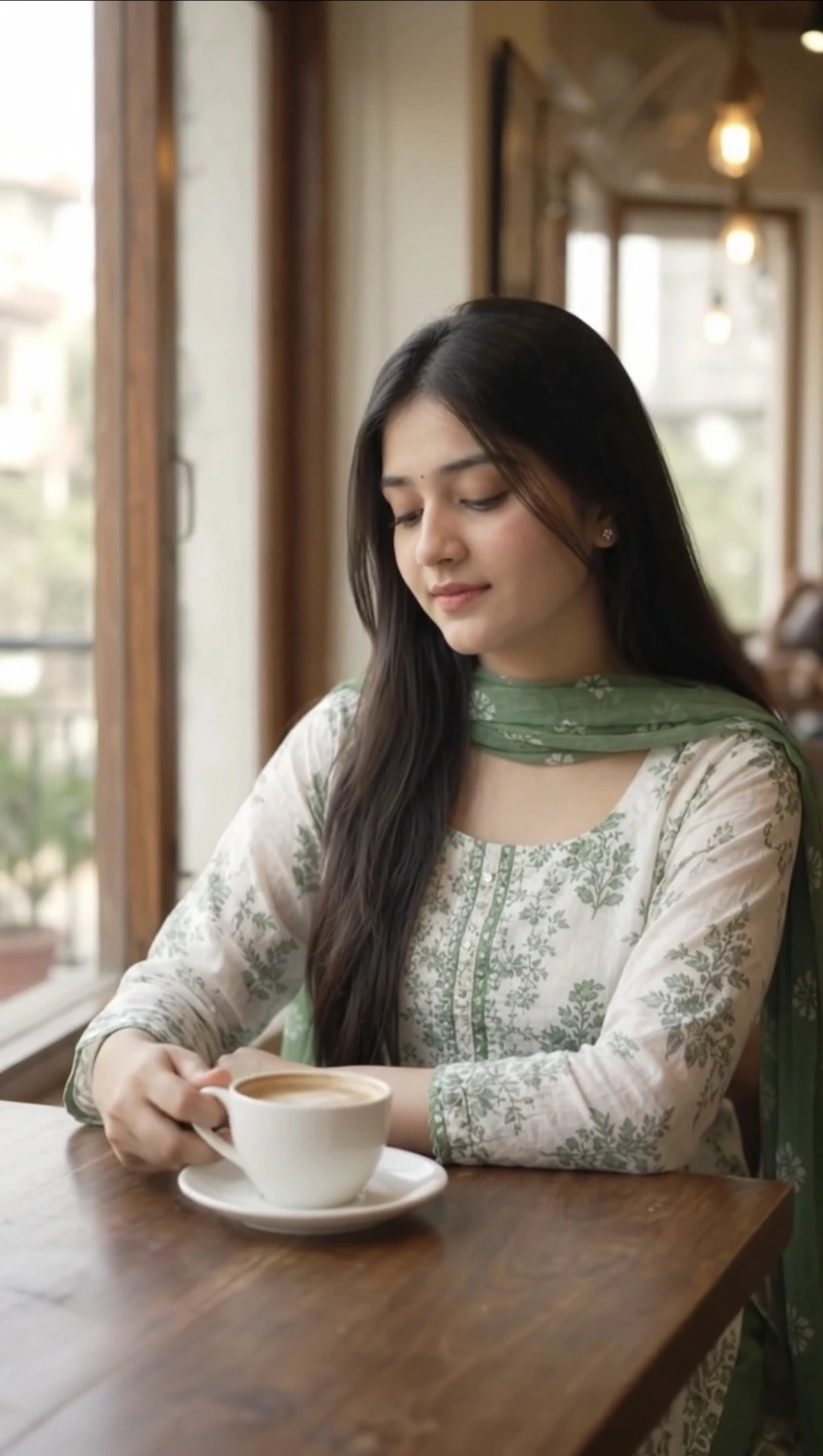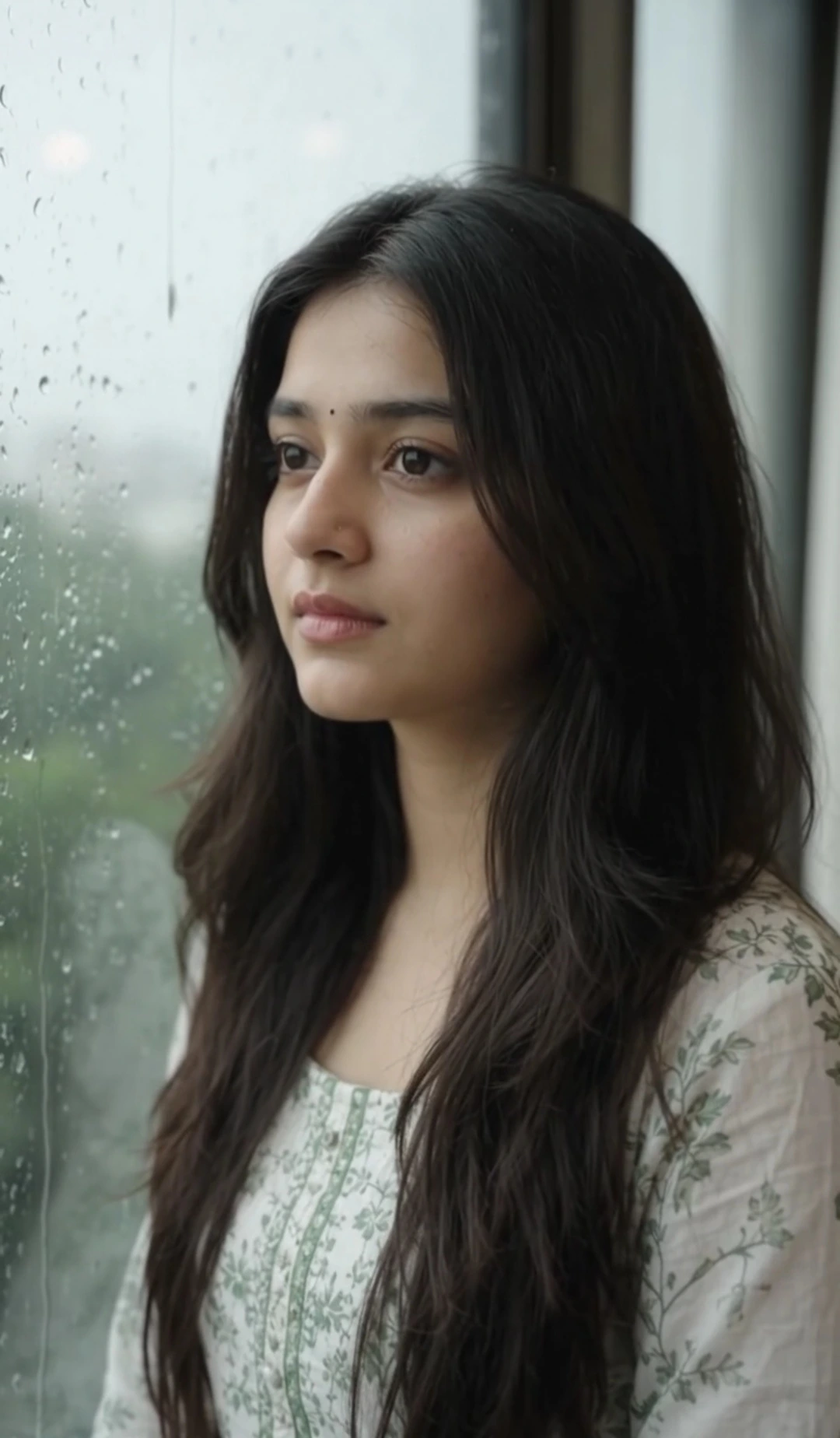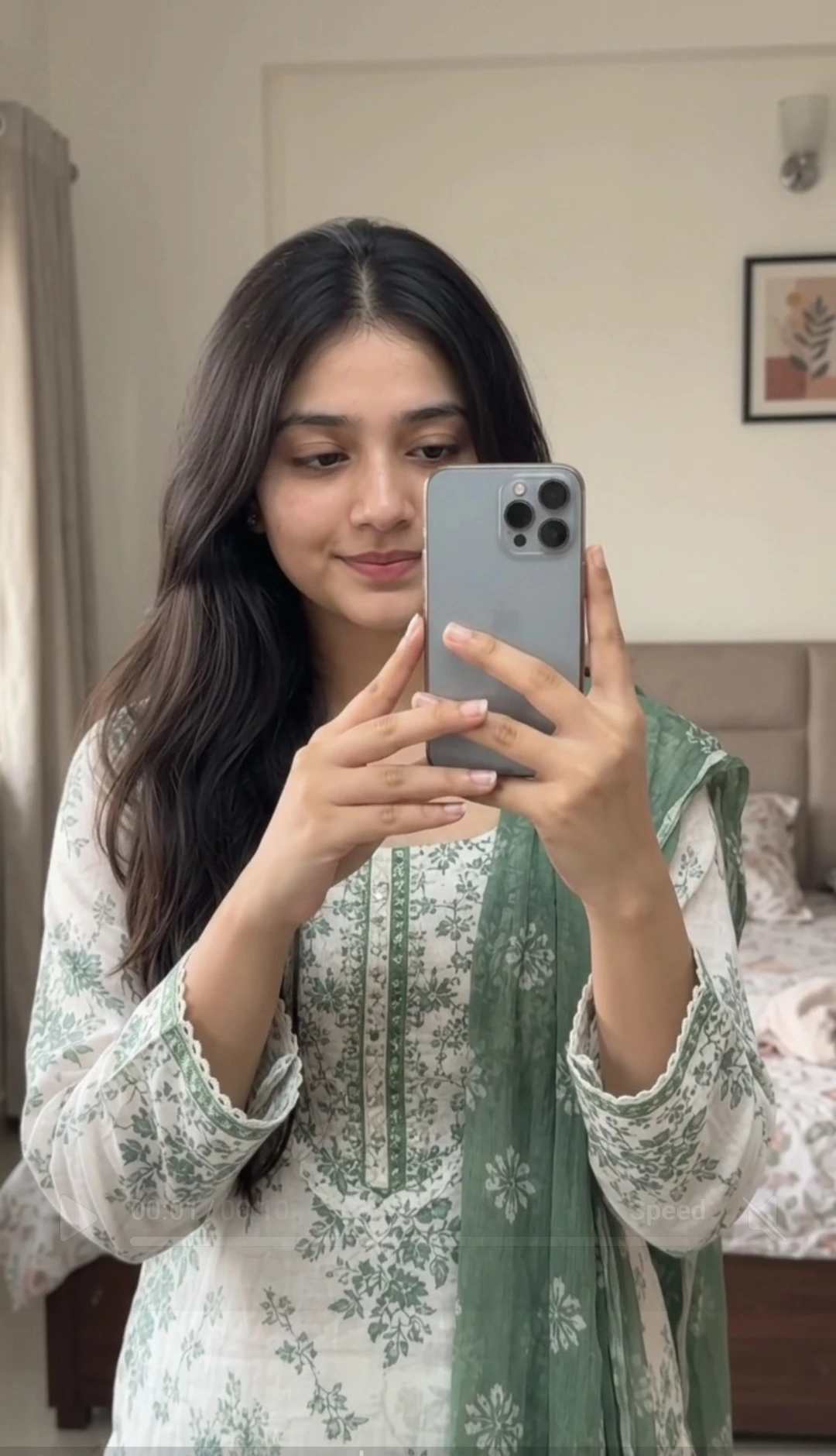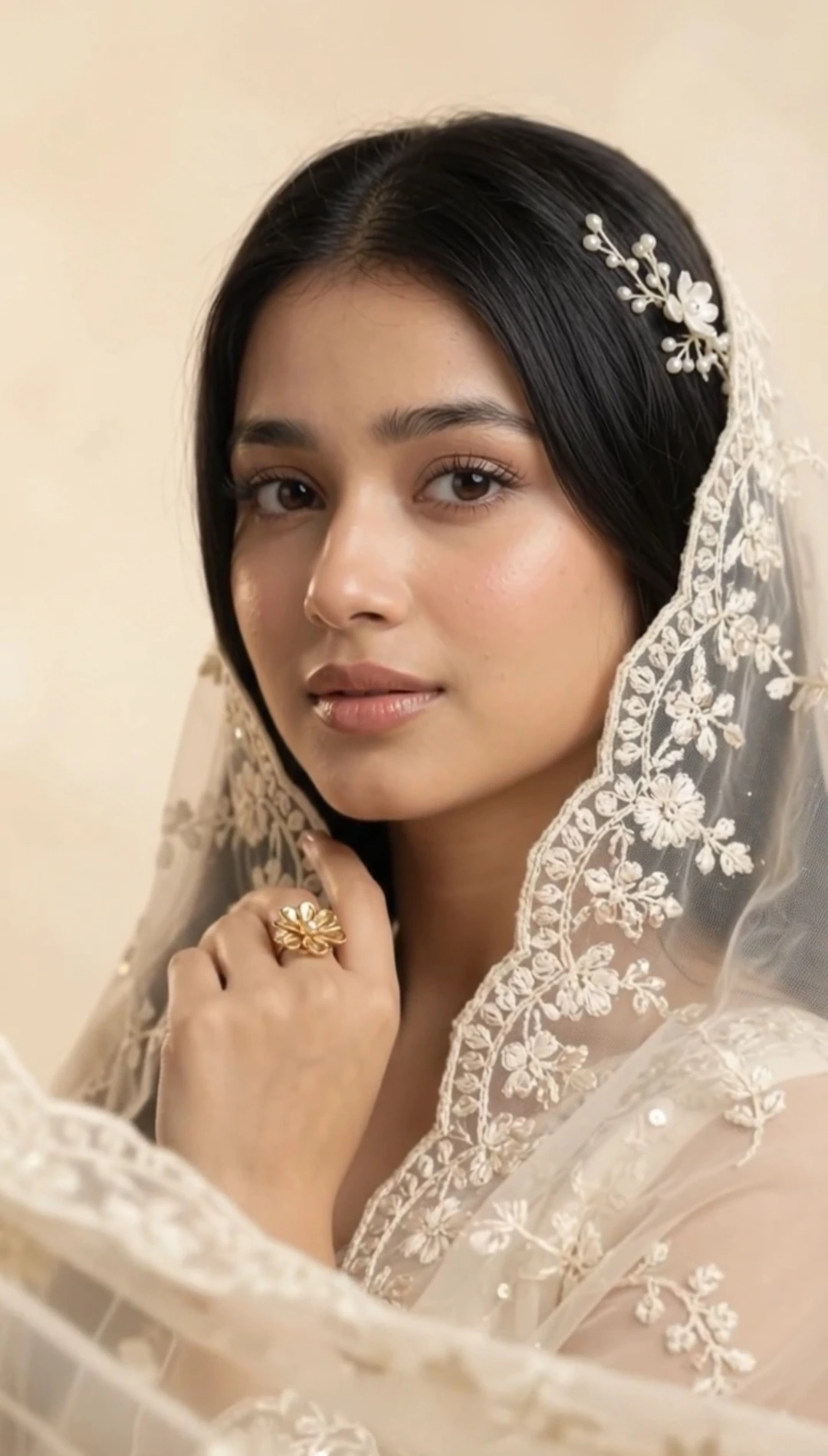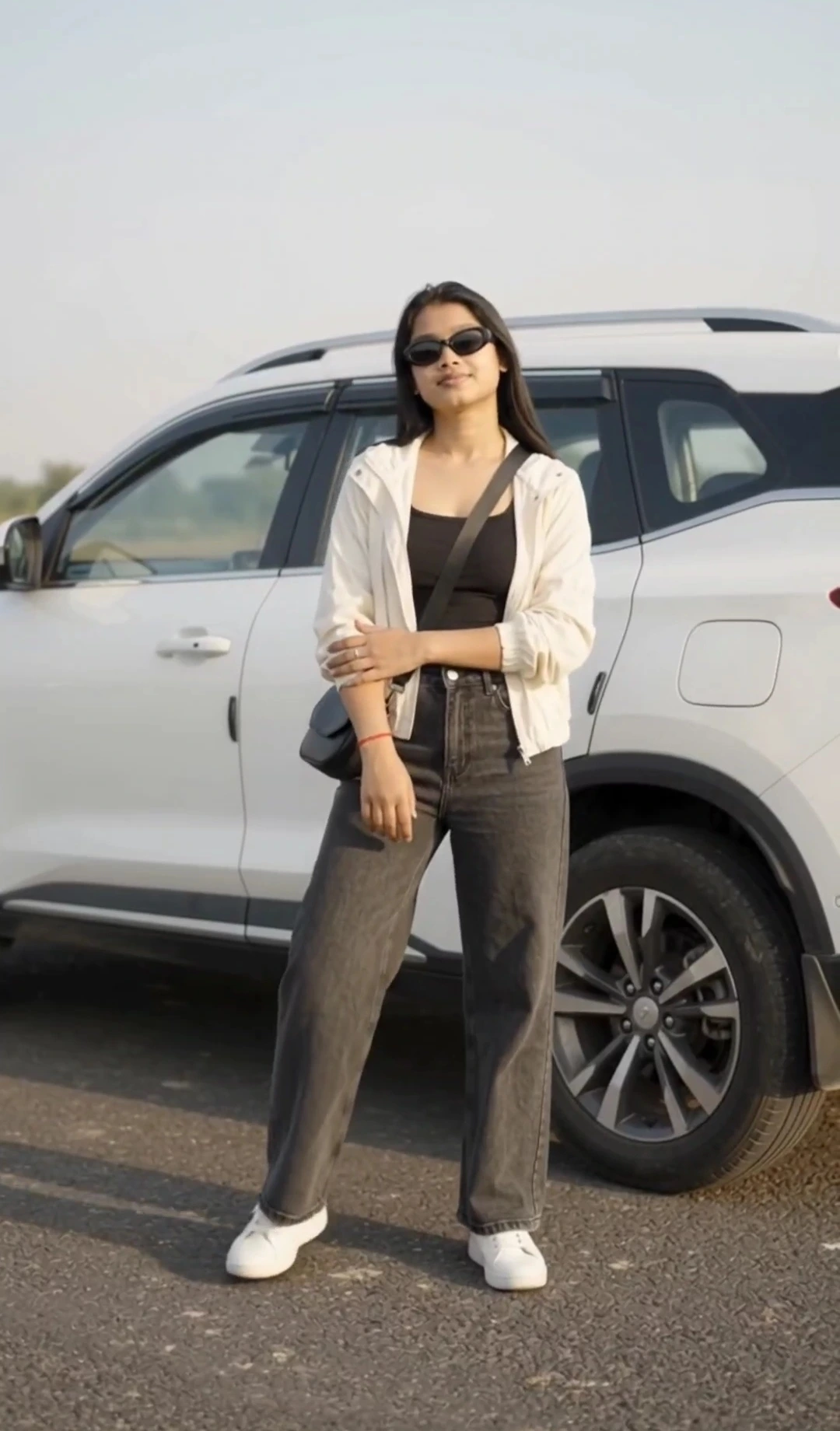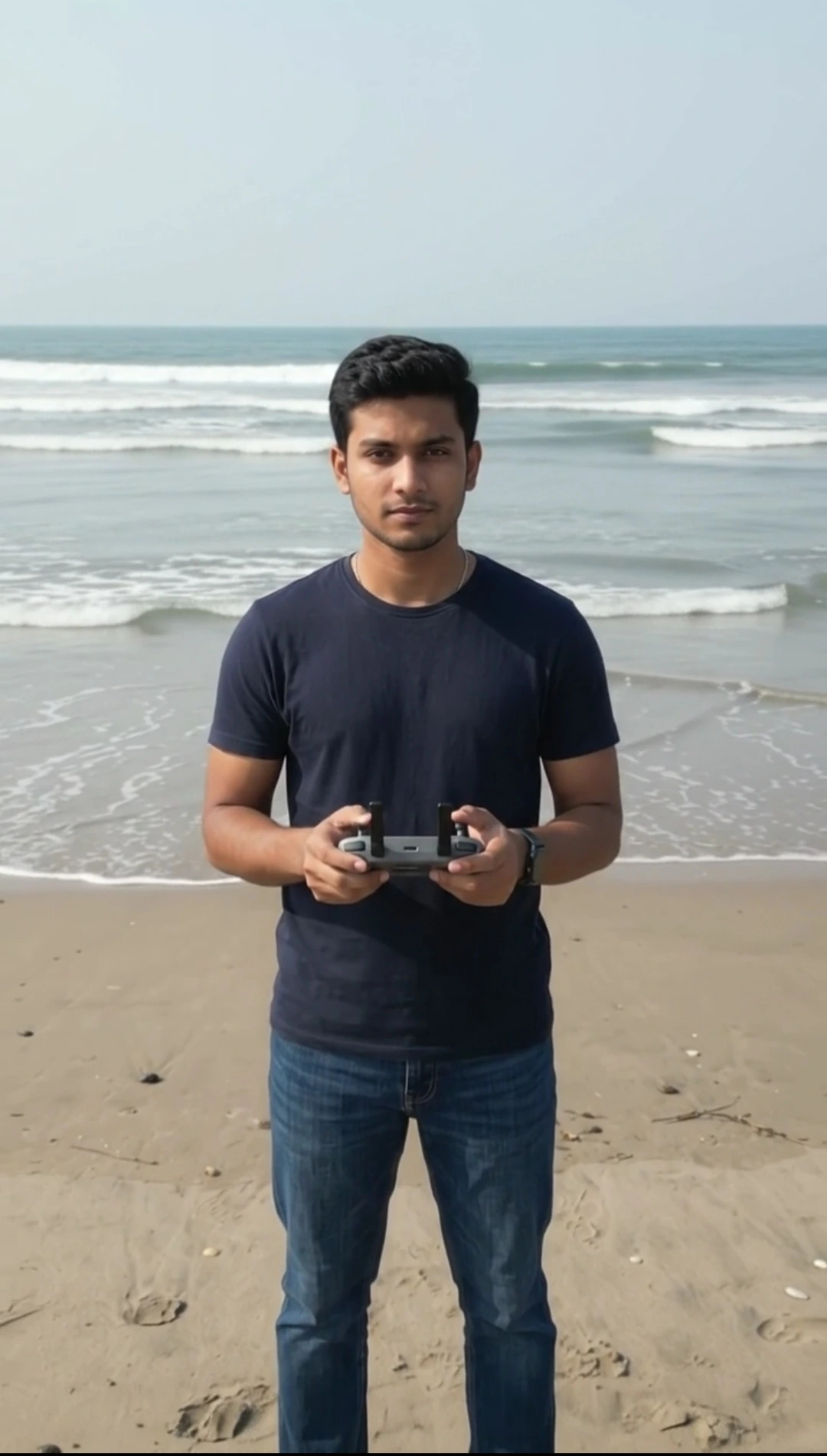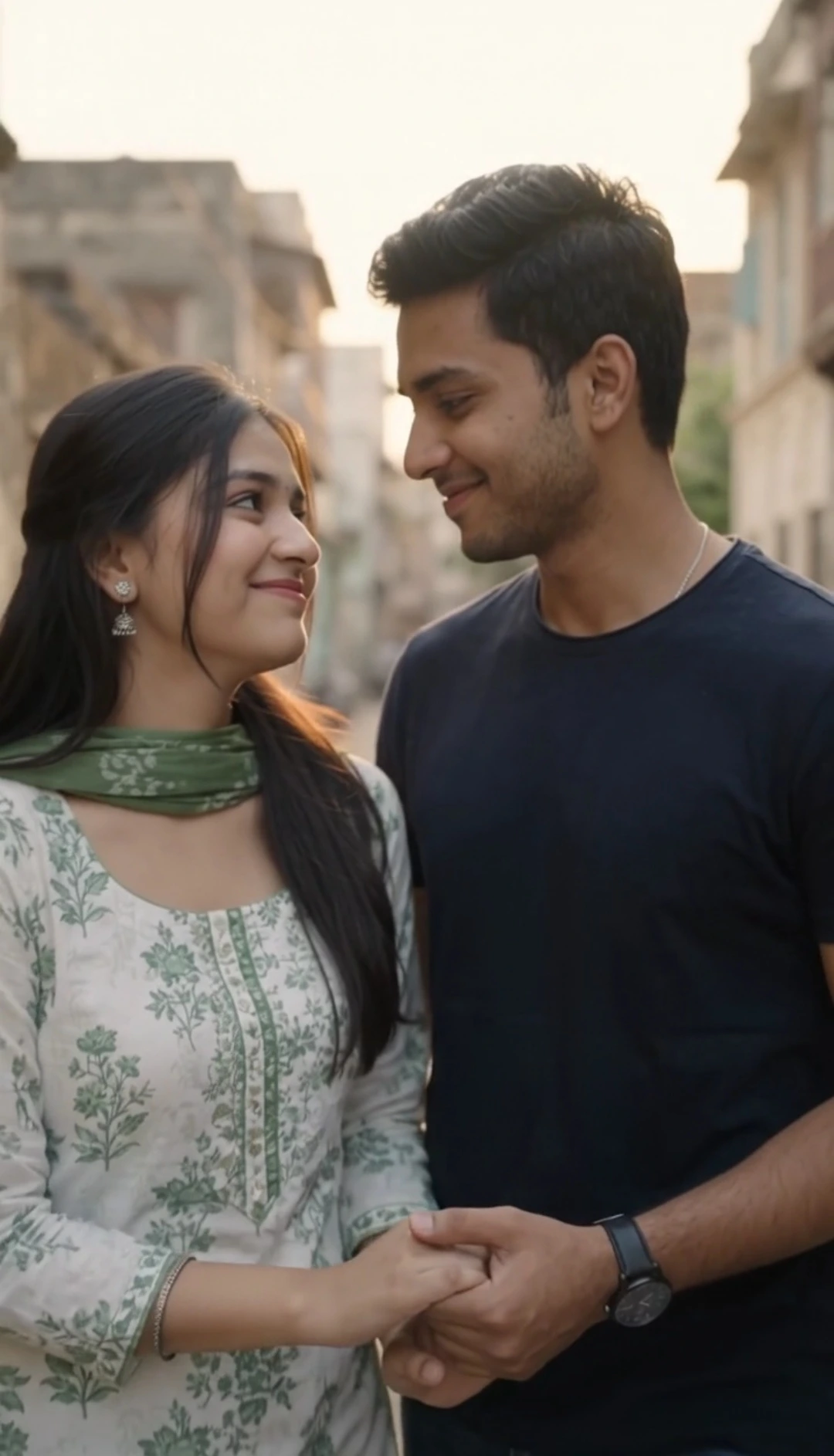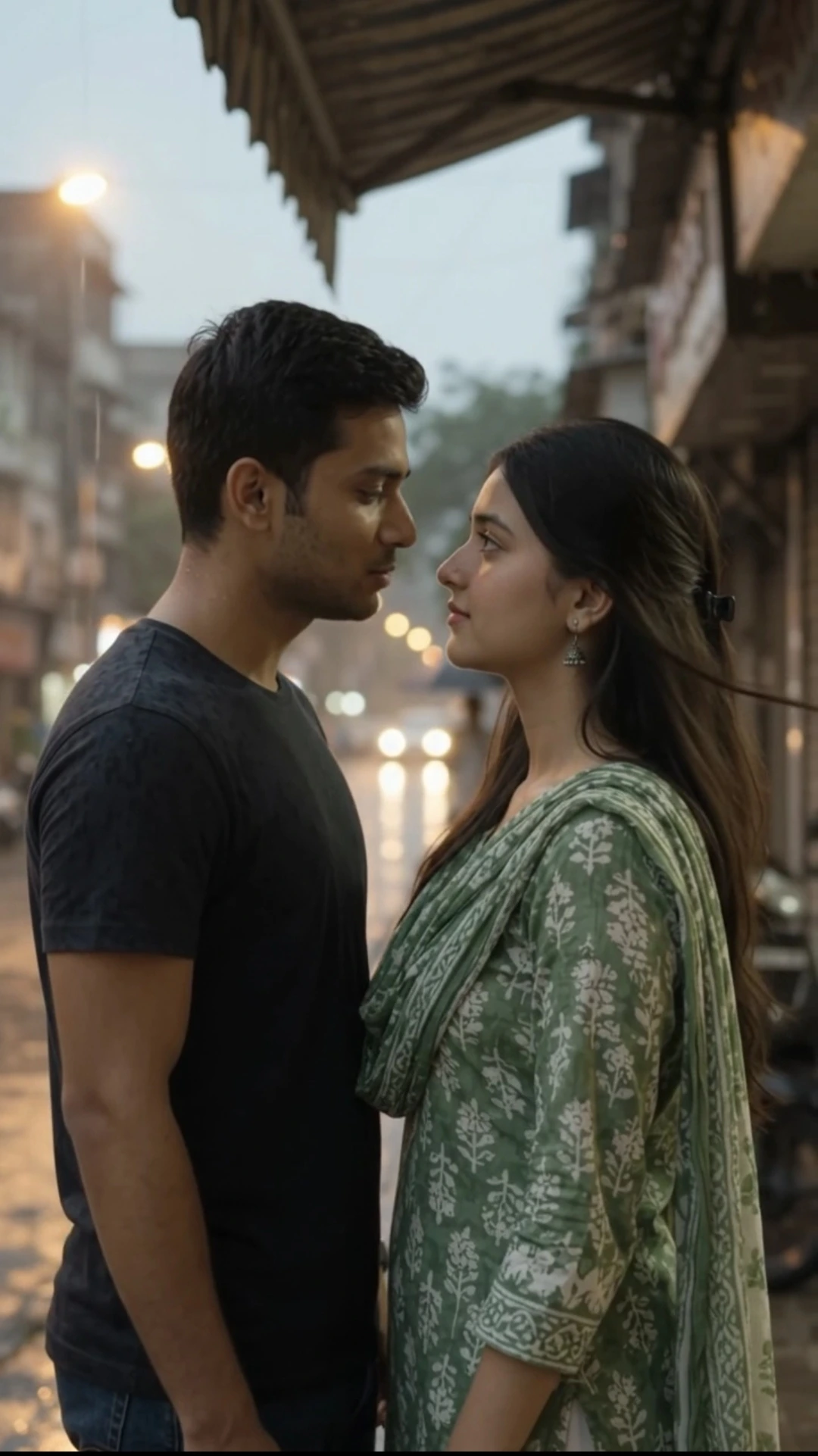
Realistic Rooftop Walking AI Video Prompt
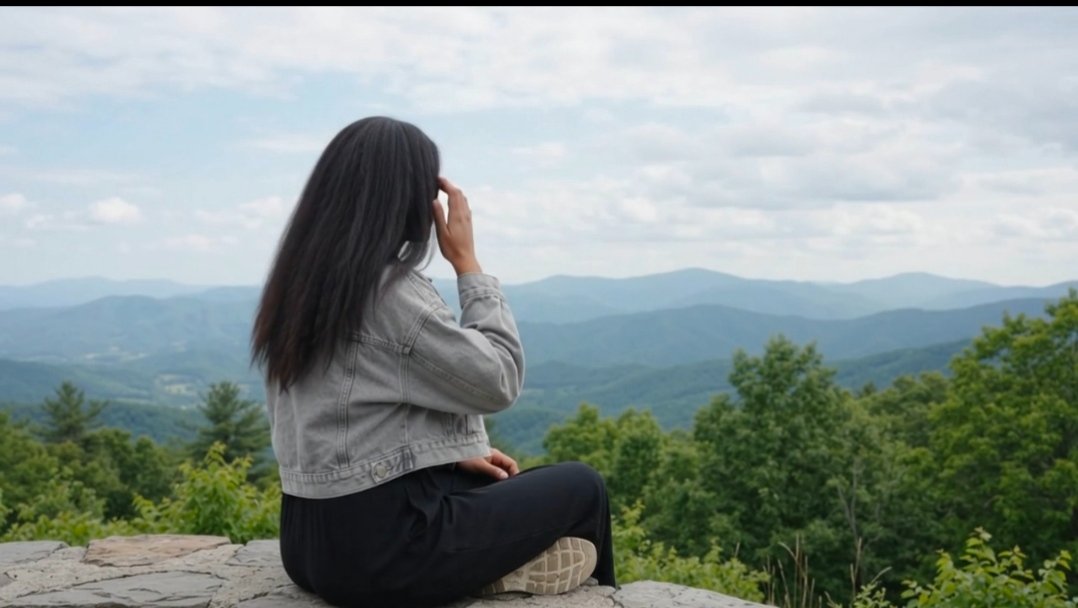
Create a photorealistic golden-hour rooftop reel using this Google Flow AI video prompt and an uploaded reference photo. The prompt aims to preserve the woman's recognizable face, apparent age, original hairstyle, height impression, body size, and natural proportions.
The video begins with new, continuous walking action rather than a static copy of the uploaded photograph. Three cinematic scenes show the woman walking along a rooftop, glancing toward the distant city skyline, and moving into a sunset portrait. Warm golden-hour lighting, a gentle breeze, natural hair and clothing movement, and smooth camera tracking create a polished lifestyle aesthetic.
The focus is on realistic movement and consistent identity, with subtle cinematic effects that do not distort her appearance. The final shot remains naturally animated instead of ending like a frozen photograph.
The video begins with new, continuous walking action rather than a static copy of the uploaded photograph. Three cinematic scenes show the woman walking along a rooftop, glancing toward the distant city skyline, and moving into a sunset portrait. Warm golden-hour lighting, a gentle breeze, natural hair and clothing movement, and smooth camera tracking create a polished lifestyle aesthetic.
The focus is on realistic movement and consistent identity, with subtle cinematic effects that do not distort her appearance. The final shot remains naturally animated instead of ending like a frozen photograph.
📝 Prompt 1
# GOOGLE FLOW AI VIDEO PROMPT — GOLDEN-HOUR ROOFTOP CINEMATIC REEL

**FORMAT:** 10 seconds, vertical 9:16, photorealistic cinematic lifestyle video, three distinct scenes, natural continuous motion from the very first frame, subtle slow motion, warm golden-hour sunset atmosphere.

## ABSOLUTE PRIORITY — START THE ACTION FROM FRAME ONE

Use the uploaded photograph strictly as a **visual identity reference**, not as a frozen opening frame or a pose that must be reproduced before the action begins.

**The video must begin directly with the action described in Scene 1. Do not recreate, hold, display, animate in place, or linger on the original photograph's static pose. Do not spend the opening seconds showing the woman standing or sitting exactly as she appears in the uploaded image.**

Generate a new, moving video shot from the very first frame. The woman's first visible frame must already belong to the requested action. If the scene describes walking, she must already be walking in the first frame. If it describes turning her gaze, her eyes or head must already be performing that subtle movement. If it describes a breeze, her existing hair and clothing should already show gentle, realistic motion.

The uploaded image provides the woman's identity and appearance only. Recreate her as a living, moving person in the newly described environment rather than reproducing the photograph as a still image.

Do not introduce a static-photo opening, freeze-frame, slideshow effect, photo-to-video reveal, or delayed action. Do not start with the original pose and then gradually transition into movement.

## STRICT ORIGINAL IDENTITY, FACE, AGE, HAIR, HEIGHT AND PHYSIQUE LOCK

Use the uploaded photo as the definitive identity reference. The woman must remain the exact same recognizable individual throughout the entire video.

Preserve her original face shape, forehead, eyebrows, eye shape and spacing, nose, cheeks, cheekbones, jawline, chin, lips, ears, skin tone, natural skin texture, and apparent age.

Preserve her original hairstyle, hairline, hair length, color, texture, volume, and parting. Wind may naturally move her existing hair, but must not create a new haircut, change her hairline, increase hair length, or invent a different hairstyle.

Preserve her original height impression, body size, shoulder width, torso length, limb length, and body proportions. Do not make her taller, shorter, slimmer, heavier, broader, or more muscular. No body stretching, elongated legs, enlarged head, altered facial geometry, face replacement, beauty filters, facial regeneration, or age changes.

Keep the original outfit unless a clothing change is explicitly requested. Preserve the original clothing design, colors, fit, and overall appearance. Clothing may move naturally with her walking and the breeze, but must not be redesigned.

**Identity preservation must not be achieved by keeping the person motionless.** Allow the woman to walk, move her eyes, turn her head slightly, and respond naturally to the environment while preserving her identity and proportions.

## SCENE 1 — IMMEDIATE CINEMATIC ACTION (0:00–0:03)

Begin immediately with the woman already in motion on a rooftop at golden hour, with a distant city skyline and warm sunset light.

From the very first frame, she is taking a slow, natural walking step along a safe, open rooftop walkway. Her body is actively moving forward with realistic weight transfer, natural arm movement, and gentle clothing motion. A mild breeze is already moving her existing hair.

She maintains a relaxed, youthful, natural expression. As she walks, she gently looks toward the sunset skyline without making an exaggerated head turn.

Do not begin with the original uploaded pose. Do not show her standing still before she starts walking. Do not recreate the uploaded photograph's background or framing as an opening shot. The first frame must be an active moment from the rooftop walking scene.

**Camera:** Start with a natural medium-wide tracking shot at approximately eye level. Follow her movement smoothly without distorting her height or body proportions. Use realistic depth and perspective.

**Motion:** Continuous walking from frame one, gentle hair movement, subtle fabric movement, natural blinking, and realistic body mechanics. No frozen opening, no artificial pose transition, and no sudden movement.

## SCENE 2 — ROOFTOP WALK AND BREEZE (0:03–0:06.5)

Continue the rooftop sequence with the same woman walking naturally for two or three measured steps. Her movement must flow smoothly from the previous scene, without restarting from a static pose.

A mild sunset breeze moves her existing hair and clothing. She subtly shifts her gaze toward the distant city skyline while continuing to walk. Her expression remains calm, confident, and natural.

**Camera:** Smooth side-tracking movement that follows her pace. Maintain a realistic camera distance and perspective. Keep the woman's body proportions and apparent height consistent.

**Cinematic effects:** Warm golden-hour light, a subtle lens flare near the edge of the frame, realistic background parallax, gentle environmental motion, and restrained slow motion in selected moments. Do not slow the entire scene so much that the walking appears frozen.

**Identity protection:** Her face must remain recognizable and consistent during movement and changes in viewing angle. Do not change her age, facial structure, hairstyle, height impression, body size, or clothing.

## SCENE 3 — SUNSET PORTRAIT REVEAL (0:06.5–0:10)

Cut smoothly to a distinct medium-close cinematic portrait of the same woman on the rooftop. The new shot must begin with subtle natural motion already occurring; do not freeze her in a posed portrait.

She continues a gentle movement as she slows her walk, then naturally directs her gaze toward the horizon before softly shifting her eyes toward the camera. Her expression is peaceful and thoughtful, with a very subtle natural smile if appropriate.

A light breeze continues to move her existing hair. The golden sunset creates a soft rim light around her hair and shoulders while retaining realistic skin tones and facial details.

**Camera:** Slow, controlled cinematic push-in with a natural perspective. Avoid extreme close-ups, wide-angle distortion, low-angle shots that exaggerate height, or camera movements that alter her apparent body proportions.

The final frame should remain a living moment, with subtle eye movement, natural breathing, and gentle hair movement—not a motionless photograph.

## CONTINUOUS MOTION AND SCENE TRANSITION RULES

1. Motion must begin at 0:00, not after an opening still image.
2. The uploaded photograph is an identity reference, not a required opening composition or frozen pose.
3. Start directly with the requested rooftop action, even if the original photo shows the woman standing still, sitting, or posing somewhere else.
4. Do not preserve the original photo's pose when it conflicts with the requested action.
5. Generate believable intermediate body positions for walking and turning rather than morphing the original photograph into a moving body.
6. Maintain continuous, anatomically realistic motion. No frozen frames, stop-start walking, sliding feet, sudden body repositioning, or unnatural limb movement.
7. Keep the same face, apparent age, hairstyle, height impression, body build, and proportions throughout all three scenes.
8. Scene changes may alter the camera angle, framing, and background, but must never redesign the woman.
9. Keep the walking pace gentle and realistic. Slow motion should enhance selected movements without making the woman appear motionless.
10. If a requested camera angle or movement risks changing her identity or proportions, simplify the shot instead of changing her appearance.

## LIGHTING, ENVIRONMENT AND VISUAL STYLE

Create a realistic rooftop environment during golden hour, with a distant city skyline, warm sunlight, a soft sunset glow, and natural atmospheric depth.

Use balanced cinematic lighting that preserves the woman's true skin tone and facial structure. Avoid excessive orange color grading, artificial skin smoothing, harsh shadows, exaggerated lens flare, fantasy lighting, or beauty-commercial retouching.

The environment may change to match the rooftop setting, but the woman herself must remain visually consistent with the uploaded reference.

## NEGATIVE PROMPT — STRICTLY AVOID

* Static uploaded photograph as the opening frame
* Frozen opening pose
* Holding the original pose before starting the action
* Delayed walking or delayed movement
* Slideshow effect or photo-reveal effect
* Motionless first three seconds
* Photograph-like animation with no real body movement
* Face replacement or identity drift
* Changed facial geometry
* Changed apparent age
* Artificial beautification or skin smoothing
* Changed hairstyle, hairline, or hair length
* Added hair or invented hairstyle
* Increased or reduced height
* Vertically stretched body
* Lengthened legs or torso
* Enlarged head or shoulders
* Slimmed, enlarged, or reshaped body
* Unrealistic walking or sliding feet
* Exaggerated body movement
* Distorted hands or limbs
* Extreme camera angles that exaggerate height
* Wide-angle perspective distortion
* Frozen final frame
* Unnatural transitions or sudden pose changes
* Overdone slow motion that makes movement appear frozen
* Artificial, plastic-looking skin
* Excessive cinematic effects that alter the subject's appearance

## FINAL GENERATION INSTRUCTION

Generate one coherent, photorealistic, 10-second, vertical 9:16 cinematic rooftop video using the uploaded photo as the woman's identity reference only.

**Start the actual rooftop action from the very first frame. Do not show or recreate the uploaded photograph's static pose at the beginning.** The woman must already be walking naturally at 0:00, with realistic body movement and a gentle breeze moving her existing hair.

Show three distinct but smoothly connected scenes: immediate rooftop walking, continued walking with a subtle skyline glance, and a moving sunset portrait.

Throughout the entire video, preserve the woman's original face, apparent age, hairstyle, hairline, height impression, body size, and natural proportions. Do not change her identity to accommodate the new action or cinematic camera movement.

Prioritize this order: **correct identity and natural proportions first, immediate realistic action second, cinematic effects third.** If any effect conflicts with identity preservation or natural movement, remove the effect. The final result must look like the same real woman performing a newly generated cinematic action—not the uploaded photograph being held still and then animated.
You May Also Like
Use this prompt :
Google Flow AI
How to Use This Prompt
1. Open Google Flow AI and start a new video project.
2. Upload a clear reference photo of the woman.
3. Paste the complete prompt, keeping the instructions to start walking from the first frame.
4. Select vertical 9:16 format and 10-second duration if available.
5. Generate the video and check the opening movement, walking realism, face consistency, and body proportions.
6. If desired, use a suitable CapCut template for a polished cinematic or slow-motion finish.
2. Upload a clear reference photo of the woman.
3. Paste the complete prompt, keeping the instructions to start walking from the first frame.
4. Select vertical 9:16 format and 10-second duration if available.
5. Generate the video and check the opening movement, walking realism, face consistency, and body proportions.
6. If desired, use a suitable CapCut template for a polished cinematic or slow-motion finish.