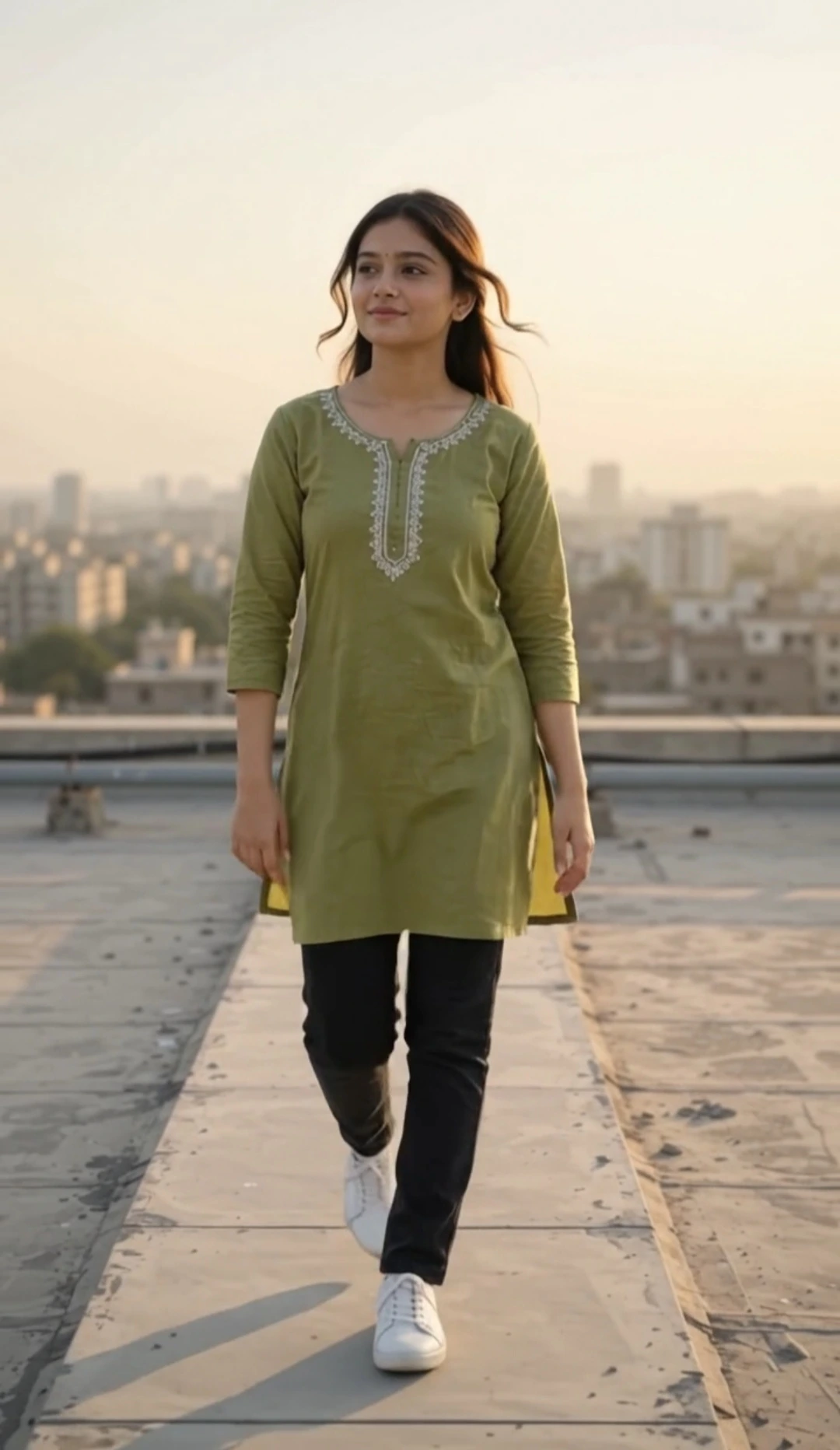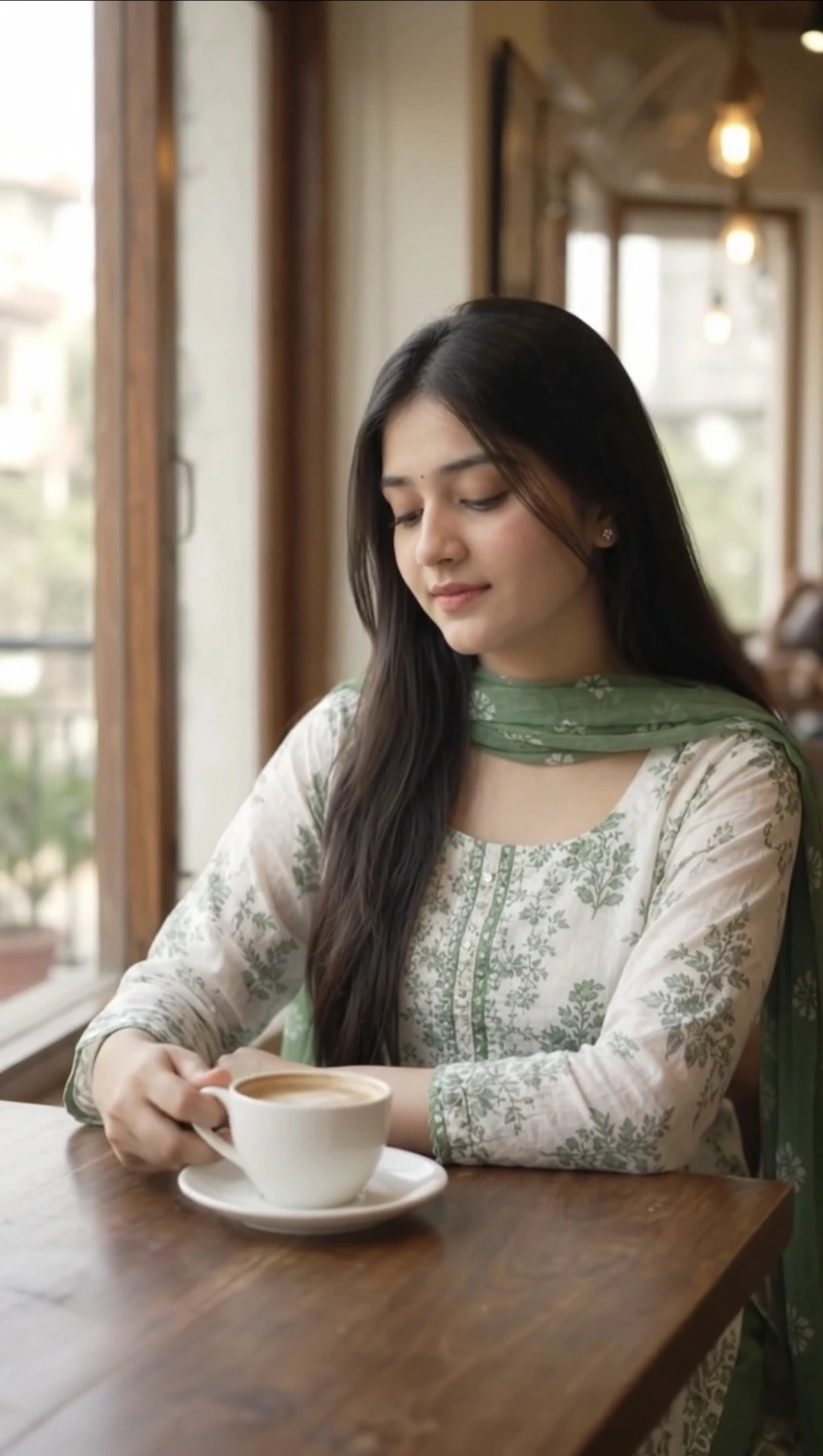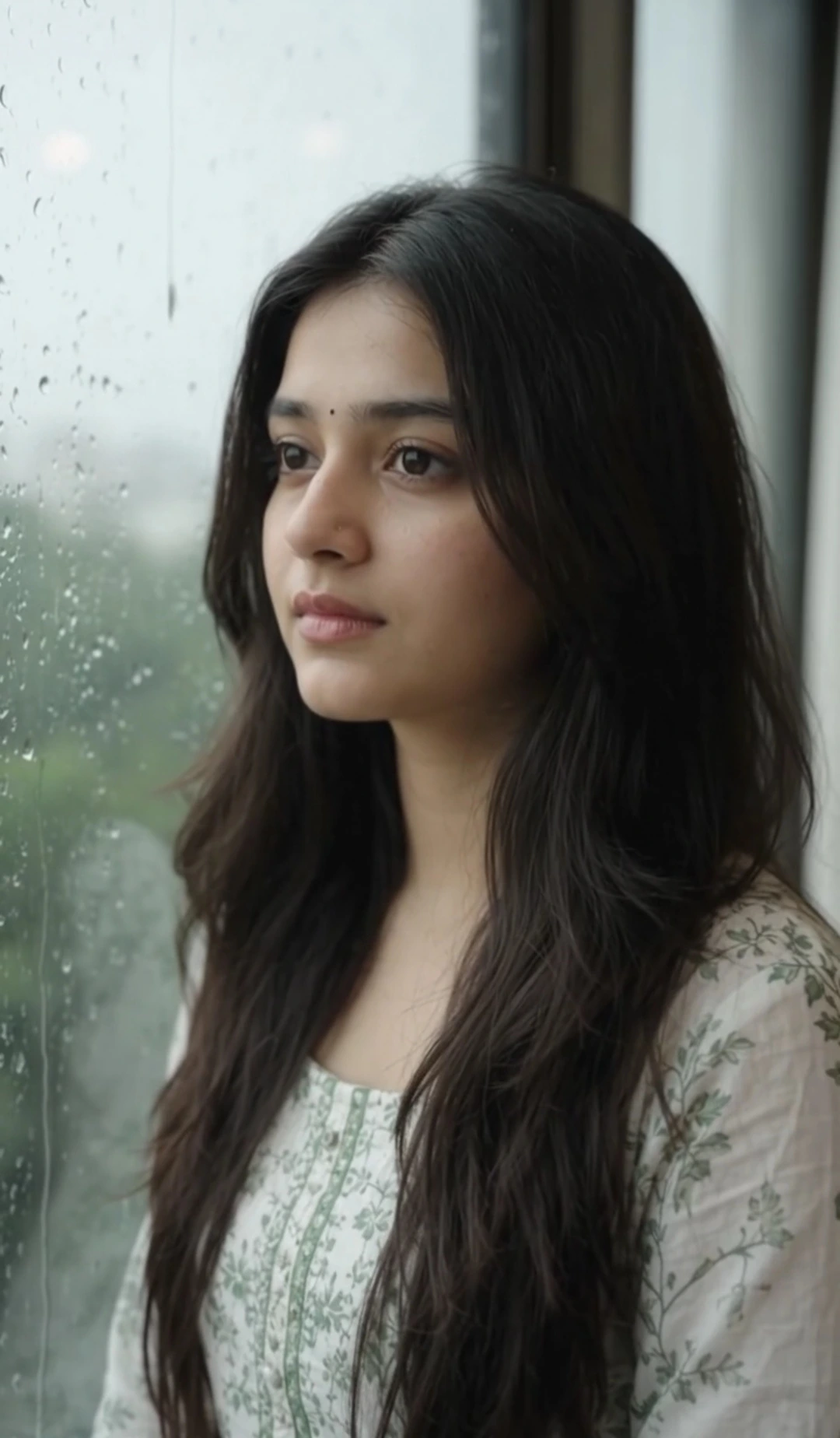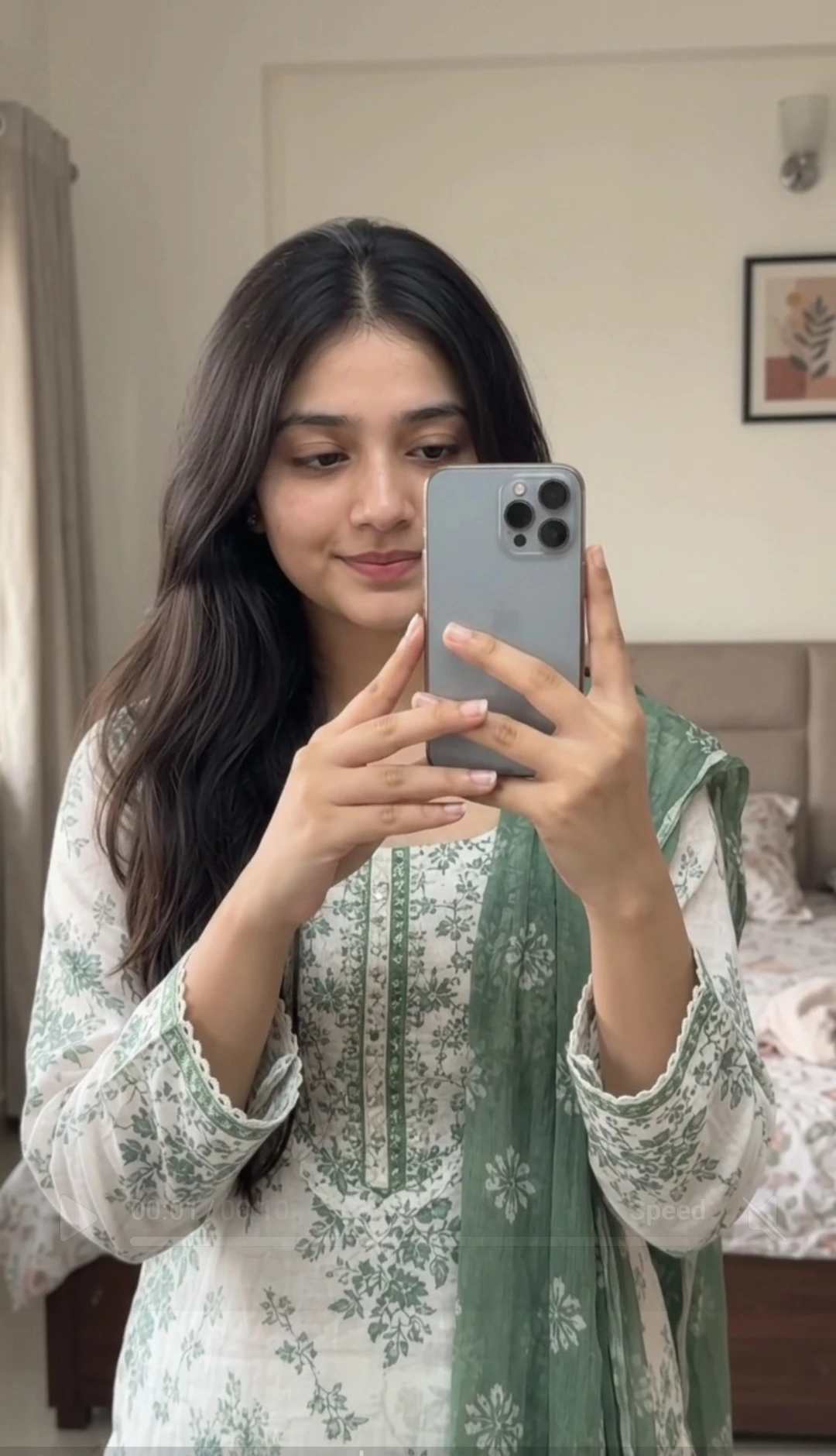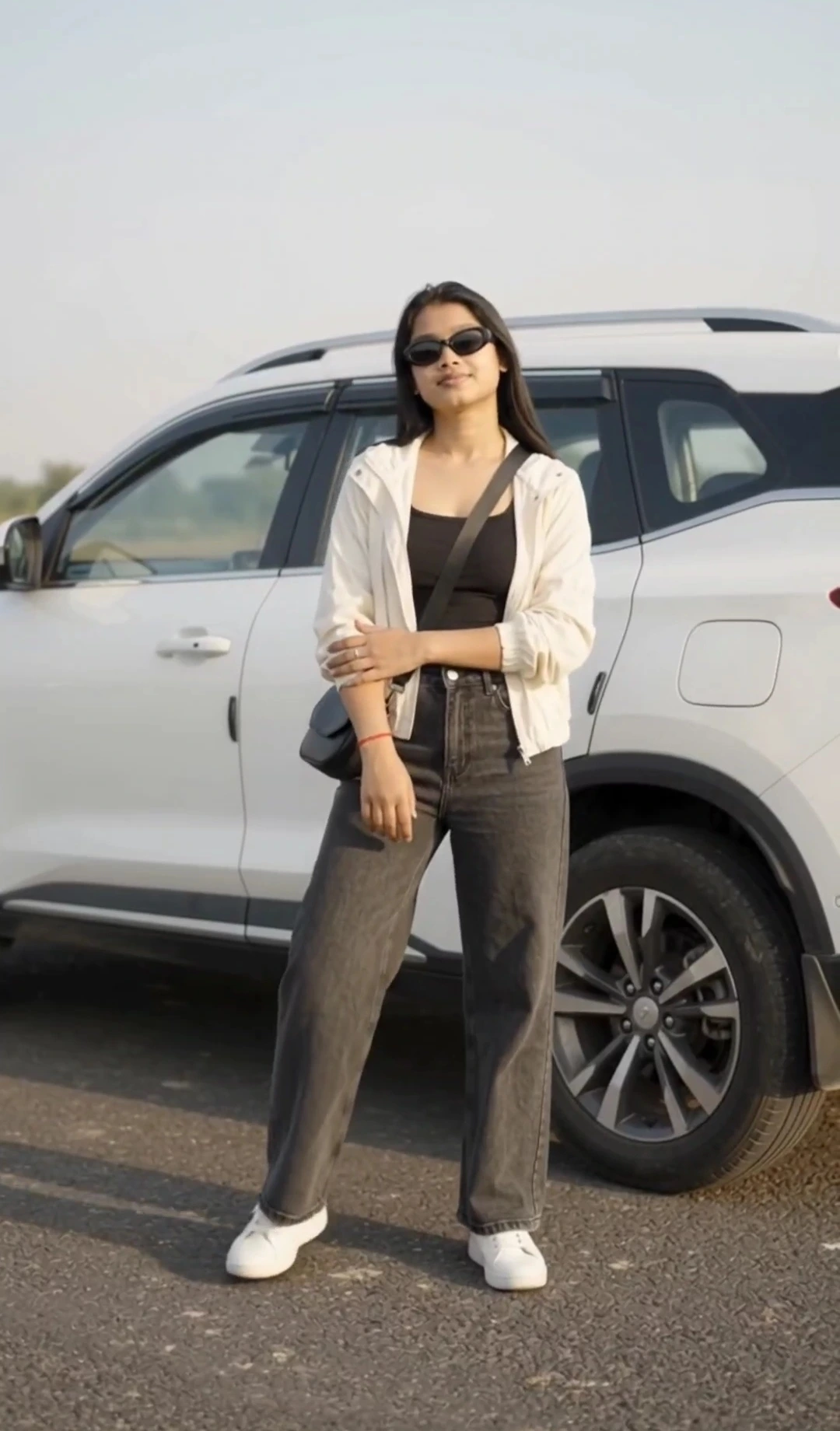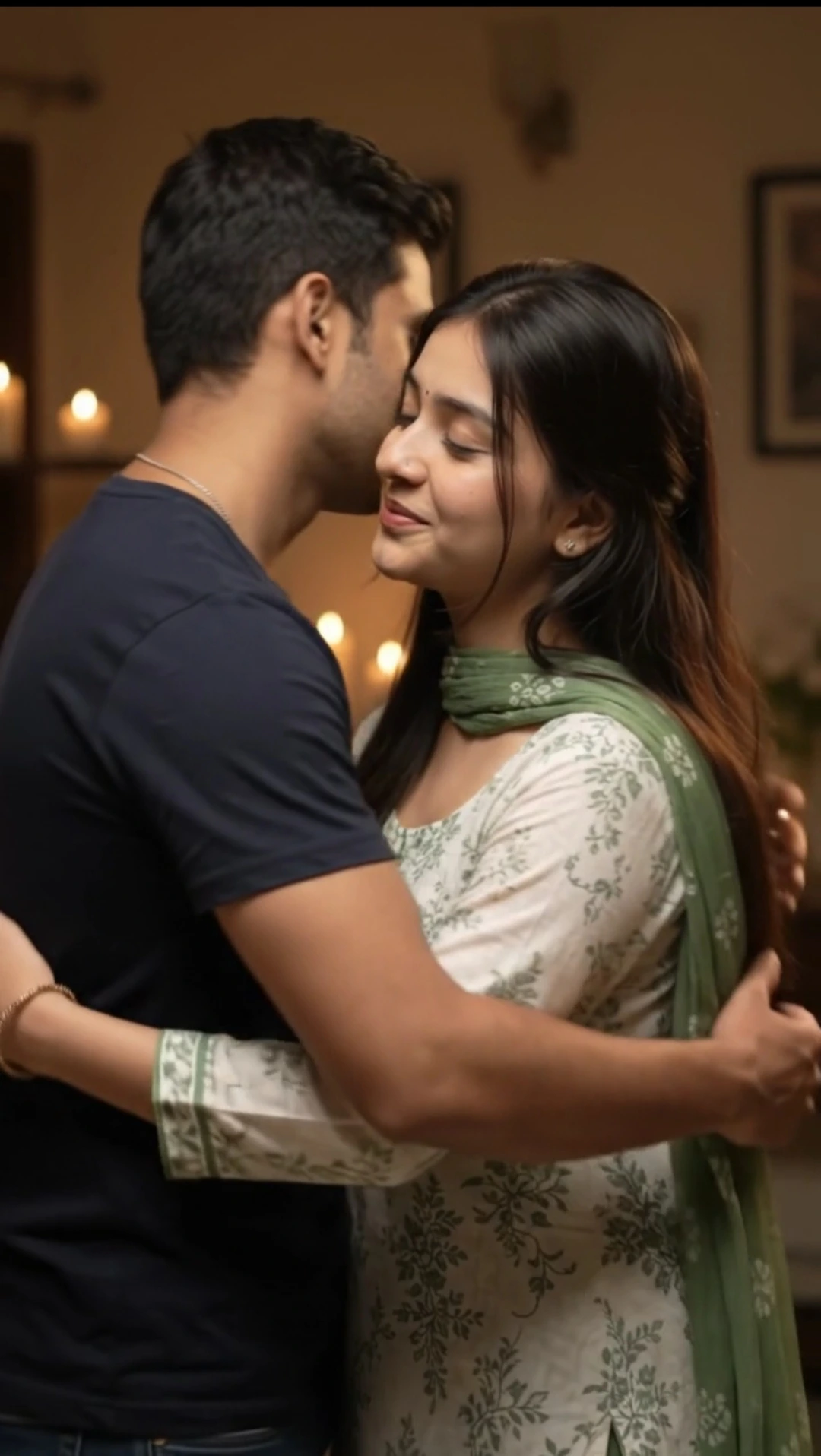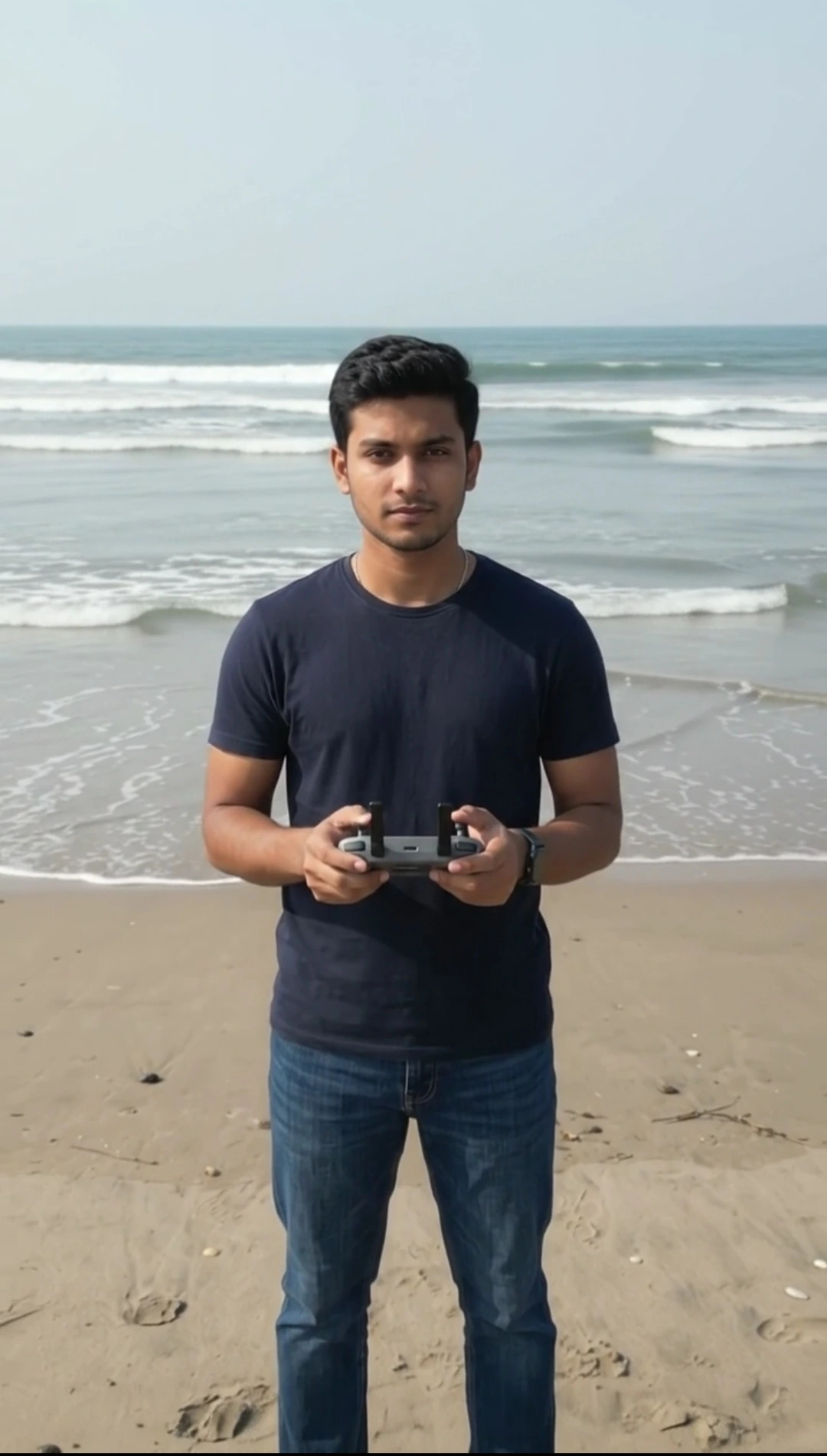
Professional Food Review YouTube Thumbnail Prompt
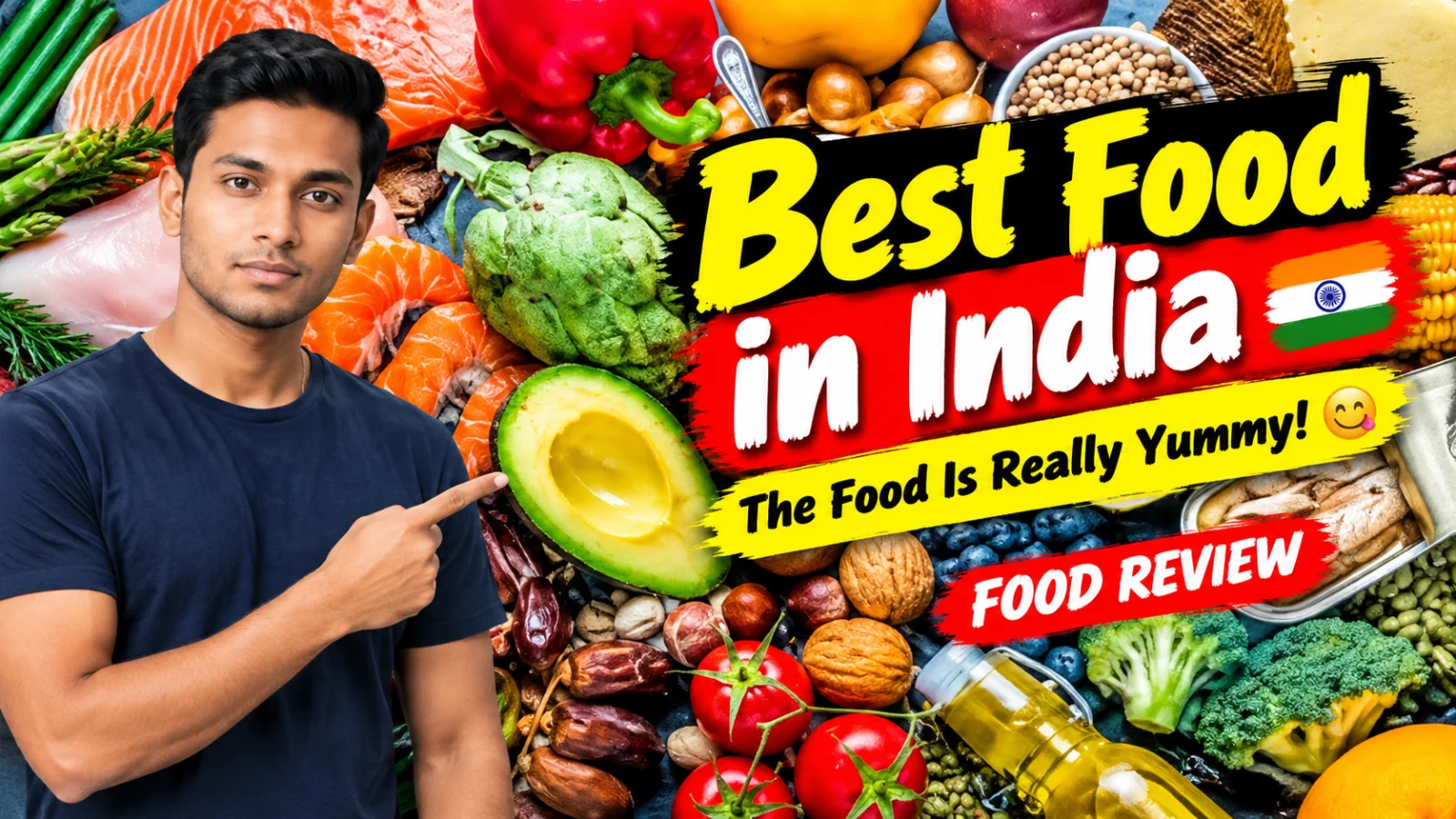
Create a professional, photorealistic 16:9 YouTube food-review thumbnail using ChatGPT with image generation. Use the uploaded food photo as the actual background and the uploaded person's photo as the reviewer identity reference. Aim to preserve the reviewer's recognizable facial features, hairstyle, skin tone, and natural appearance. Position the reviewer on one side, pointing naturally toward the real food in the background. Display all three exact text elements prominently: “Best Food in India,” “The Food Is Really Yummy! 😋,” and “FOOD REVIEW.” Use bold, high-contrast typography, balanced composition, and a colorful professional food-review style. Keep the food recognizable, all text readable and within the image boundaries, and avoid extra text, logos, or unrelated food.
📝 Prompt 1
🍔 PROFESSIONAL FOOD REVIEW YOUTUBE THUMBNAIL AI PROMPT
🔥 CUSTOM TEXT • FOOD BACKGROUND • REVIEWER POINTING
✏️ CUSTOMIZE ONLY THESE 3 OPTIONS
**🟡 1. MAIN TITLE**
[Best Food in India]

**🍽️ 2. FOOD NAME OR DESCRIPTION**
[The Food Is Really Yummy! 😋]

**🔴 3. SUBTITLE**
[FOOD REVIEW]

🎯 MAIN OBJECTIVE
Create exactly ONE professional, high-quality, photorealistic 16:9 horizontal YouTube food-review thumbnail using the uploaded reference photos.
The result must look like an eye-catching thumbnail created by a professional food-review YouTube designer.
Use the uploaded person's photo as the reviewer and the uploaded food photo as the actual background. The reviewer must naturally point toward the food visible in the background, while the three customized text elements must be displayed clearly and prominently.
**CRITICAL RULE: All three text fields above are required visible text, not instructions, descriptions, or suggestions. Render every field in the final image.**
🖼️ 1. USE THE UPLOADED PHOTOS CORRECTLY
Background photo
Use the uploaded food photograph as the actual background.

- Preserve the original food and recognizable background details.
- Do not replace the background with a different food scene.
- Do not invent a different dish or add unrelated food.
- Keep the real food visible and recognizable.
- Fit the photo into the 16:9 thumbnail while retaining the most important details.

Reviewer photo
Use the uploaded person as the exact reviewer identity reference.

- Preserve the person's recognizable face, natural skin tone, hairstyle, beard or moustache, age appearance, and body proportions.
- Do not replace the person with an AI-generated lookalike.
- Adapt the person's arm and hand position naturally for the required pointing gesture.
- The reviewer should look like they are introducing or reviewing the food, not simply posing for a portrait.

If a reference photo is not provided, do not invent that specific photo or claim it was used.
👉 2. REQUIRED POINTING GESTURE
The reviewer must clearly point toward the actual food visible in the uploaded background.

- Raise one arm naturally.
- Extend the index finger toward the real food.
- Keep the remaining fingers naturally positioned.
- Make the direction of the finger clearly lead the viewer's eyes toward the food.
- Keep the hand anatomically realistic.
- Do not cover the food with the hand or arm.
- Do not put a plate, bowl, spoon, or other food item in the pointing hand.
- Do not leave the reviewer in a passive standing pose when a pointing pose can be created.

The final composition must make it immediately obvious that the reviewer is showing the audience the food being discussed.
🍽️ 3. SHOW THE FOOD NAME OR DESCRIPTION AS TEXT
The exact content of **FOOD NAME OR DESCRIPTION** must appear visibly in the finished thumbnail.
For example, if the user enters:
The Food Is Really Yummy! 😋
Render those words as a visible text element in the image.
Do not treat this field as background guidance. Do not omit it. Do not silently replace it with a different dish name.
Place this text in a suitable, readable area near the main title or in a separate text strip. Use a smaller font than the main title, but make it large enough to read on a mobile screen.
If the user enters an emoji, include it when the image generator can render it accurately. If it cannot render the emoji reliably, preserve the words exactly and avoid replacing them with unrelated symbols.
🔠 4. EXACT TEXT REQUIREMENTS
The final thumbnail must contain these three user-controlled text elements:

1. **MAIN TITLE:** [Insert the exact text from Option 1]
2. **FOOD NAME OR DESCRIPTION:** [Insert the exact text from Option 2]
3. **SUBTITLE:** [Insert the exact text from Option 3]

Render all three fields. Do not omit the second field or merge all three into one sentence.

- Preserve the user's wording, spelling, capitalization, and punctuation as closely as the image generator allows.
- Do not invent additional headlines, prices, ratings, logos, or promotional claims.
- Use bold, high-contrast typography.
- Make the main title the largest text element.
- Make the food description clearly visible and separate from the main title.
- Make the subtitle smaller but readable.
- Arrange the three text elements so they do not compete with the reviewer's face or hide the food.

**TEXT COMPLETENESS CHECK:** Before finalizing, verify that the design visibly includes the main title, the food name or description, and the subtitle. If any of these three elements is missing, the thumbnail is incomplete and must be corrected.
🎨 5. PROFESSIONAL THUMBNAIL DESIGN
Use a bold, colorful food-review style with professional visual hierarchy.

- Use strong yellow, white, and red accents where appropriate.
- Add a restrained dark outline or shadow to improve readability.
- Keep the reviewer's face clear and recognizable.
- Keep the food visible and appetizing without changing what it actually is.
- Position the reviewer on one side and the main text on the other whenever practical.
- Place the pointing finger so it visually connects the reviewer to the food.
- Use balanced contrast and realistic lighting.
- Avoid excessive effects, clutter, and unnecessary decorations.

Automatically choose the best layout for the uploaded photos. The user does not need to choose positions, colors, fonts, or design styles.
📐 6. KEEP ALL TEXT INSIDE THE IMAGE
The final image must be 16:9 horizontal format.

- Keep all text at least approximately 5% inside the canvas edges.
- Never crop letters, words, shadows, or outlines.
- Reduce font size or use suitable line breaks if a phrase is long.
- Keep sufficient spacing between all three text elements.
- Do not place text over the reviewer's eyes, face, pointing finger, or the main food.
- Do not omit the food description merely to make the layout easier.

All three customized text elements must remain visible and inside the image boundaries.
🚫 7. STRICT NEGATIVE INSTRUCTIONS
Never:

- Omit any of the three customized text fields.
- Treat FOOD NAME OR DESCRIPTION as an instruction instead of visible text.
- Display only the main title and subtitle.
- Replace the uploaded background with a different food scene.
- Change the actual food in the uploaded background.
- Invent unrelated dishes or put random food in the reviewer's hand.
- Leave the reviewer standing passively instead of pointing toward the food.
- Change the reviewer's recognizable identity.
- Generate distorted fingers, extra fingers, or unnatural arms.
- Add extra text, watermarks, logos, prices, or ratings.
- Allow any text to extend beyond the image boundaries.
- Make the layout so crowded that the food description becomes unreadable.

✅ FINAL GENERATION INSTRUCTION
Generate exactly ONE professional, photorealistic, 16:9 food-review YouTube thumbnail.
Use the uploaded background as the actual background and preserve the uploaded reviewer's identity. Make the reviewer point naturally toward the real food in the background.
**MANDATORY: Display all three customized text fields in the final image: MAIN TITLE, FOOD NAME OR DESCRIPTION, and SUBTITLE. The food description is required visible text and must never be omitted.**
Create a professional composition with a bold main title, a clearly visible food description, a readable subtitle, and the reviewer pointing toward the food.
Before finalizing, check that all three text elements are present, readable, spelled as supplied, and fully inside the canvas.
Output only the finished thumbnail. No explanation, extra variations, or additional text outside the thumbnail.
You May Also Like
Use this prompt :
ChatGPT
How to Use This Prompt
1. Open ChatGPT and start a new chat with image generation available.
2. Upload your reviewer photo and the actual food background photo.
3. Paste the complete Food Review YouTube Thumbnail AI Prompt.
4. Keep the three custom text fields unchanged, or replace them with your preferred title, food description, and subtitle.
5. Ask ChatGPT to generate exactly one photorealistic 16:9 thumbnail. Check the text, food background, reviewer identity, and pointing gesture in the result.
6. If any text is missing or incorrect, request a correction before using the thumbnail.
2. Upload your reviewer photo and the actual food background photo.
3. Paste the complete Food Review YouTube Thumbnail AI Prompt.
4. Keep the three custom text fields unchanged, or replace them with your preferred title, food description, and subtitle.
5. Ask ChatGPT to generate exactly one photorealistic 16:9 thumbnail. Check the text, food background, reviewer identity, and pointing gesture in the result.
6. If any text is missing or incorrect, request a correction before using the thumbnail.